
Preferences
Privacy is important to us, so you have the option of disabling certain types of storage that may not be necessary for the basic functioning of the website. Blocking categories may impact your experience on the website. More information

Privacy is important to us, so you have the option of disabling certain types of storage that may not be necessary for the basic functioning of the website. Blocking categories may impact your experience on the website. More information








.webp)
.webp)










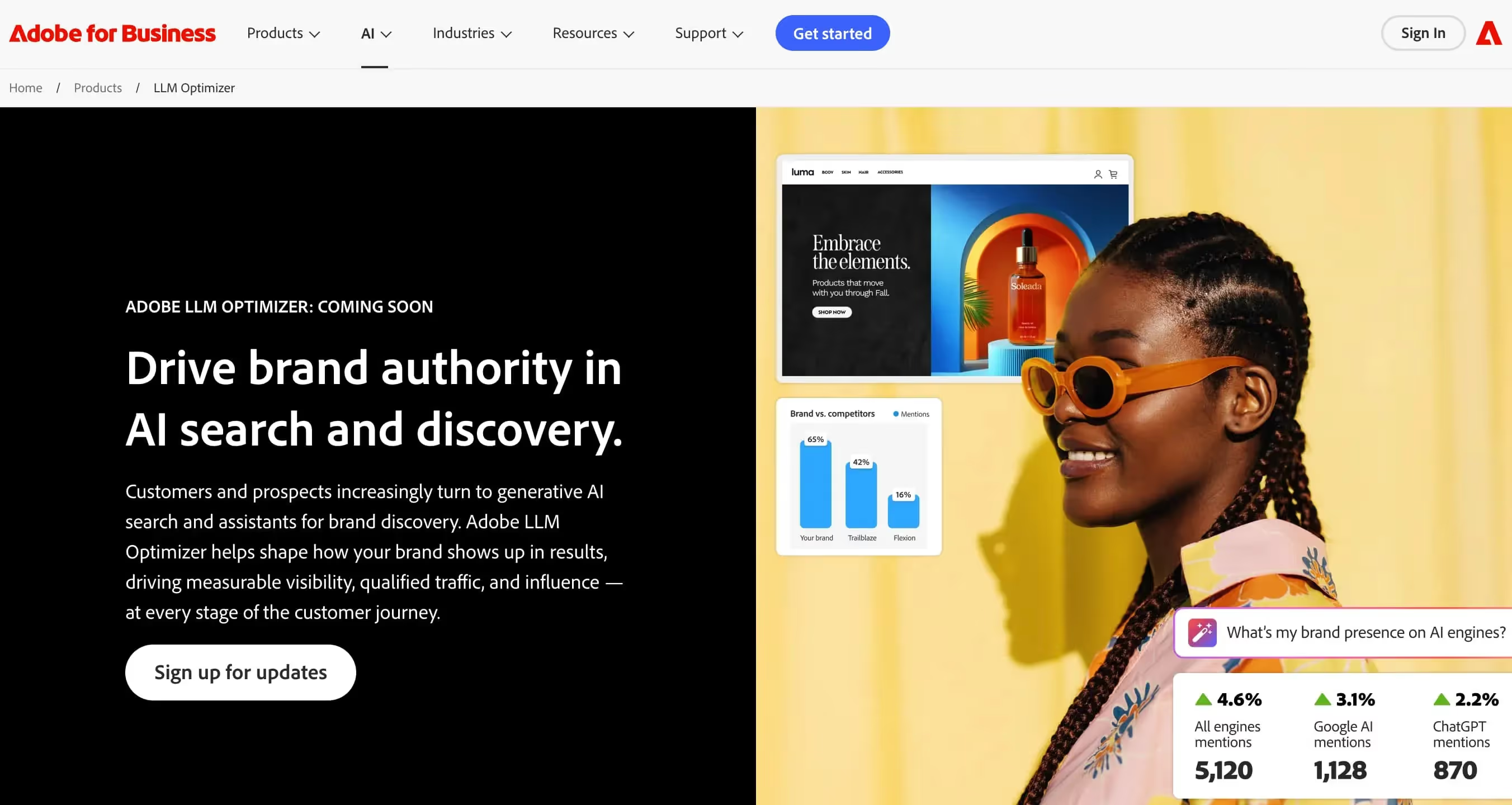
Adobe LLM Optimizer is an enterprise-grade LLM optimization solution by Adobe, designed to shape your brand's presence in AI-generated results and search assistants. It leverages Adobe's deep expertise in digital experience to help large organizations control how AI models represent their products and services.
For enterprises seeking tools comparable to AI mention tracking and keyword query fan-out, Adobe LLM Optimizer provides a trusted, scalable solution backed by one of the world's leading digital experience platforms.
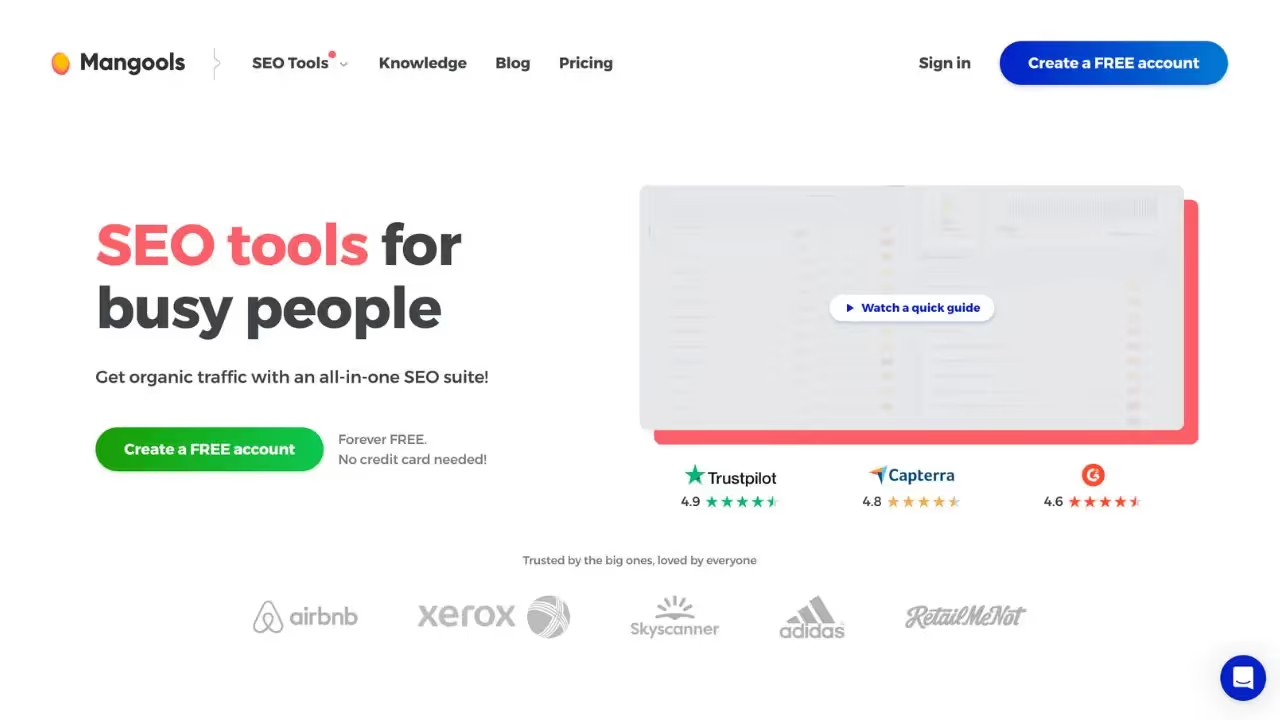
Mangools is an established SEO toolkit that now includes an AI Search Grader, measuring visibility and competitor performance on generative AI engines. It offers one of the most extensive feature sets available, including AI citation tracking, automated audits, SEO article generation, search intent analysis, and trending niche discovery.
For teams looking for keyword research alongside competitor analysis and content generation, Mangools provides a user-friendly interface with a free trial and affiliate program, bridging traditional SEO and AI search optimization.

Adobe LLM Optimizer is a tool that helps optimize interactions with generative language models. Its features include prompt management, generation parameter calibration, and evaluation of outputs to improve accuracy and compliance.
Yes, Adobe LLM Optimizer typically offers a free trial or limited access. To access advanced features, you must subscribe to a paid plan.
You can cancel via your account settings, in the Subscriptions or Billing section. Click 'cancel subscription' and your access will end at the next due date.
Mangools is an all-in-one SEO tools suite that brings together keyword research, SERP analysis, rank tracking and site audit. It includes modules such as KWFinder, SERPChecker, SERPWatcher and SiteProfiler, offering a smooth interface to optimize SEO.
Yes, Mangools offers a free trial that allows access to different modules. After this period, full access to features requires a paid subscription.
You can cancel from your account settings. Go to the Billing or Subscription section, click 'cancel subscription', and access will end at the end of the current period.























































.svg)
.svg)


