

Step 1: Go to your settings
In the main sidebar, open Settings.Step 2: Go to Billing
Select Subscription and billing in the settings menu.Step 3: Manage your subscription
On the Billing page, locate the section showing your current subscription (e.g. Essential). Click Manage my plan. If you manage multiple sites, select the plan for the relevant site.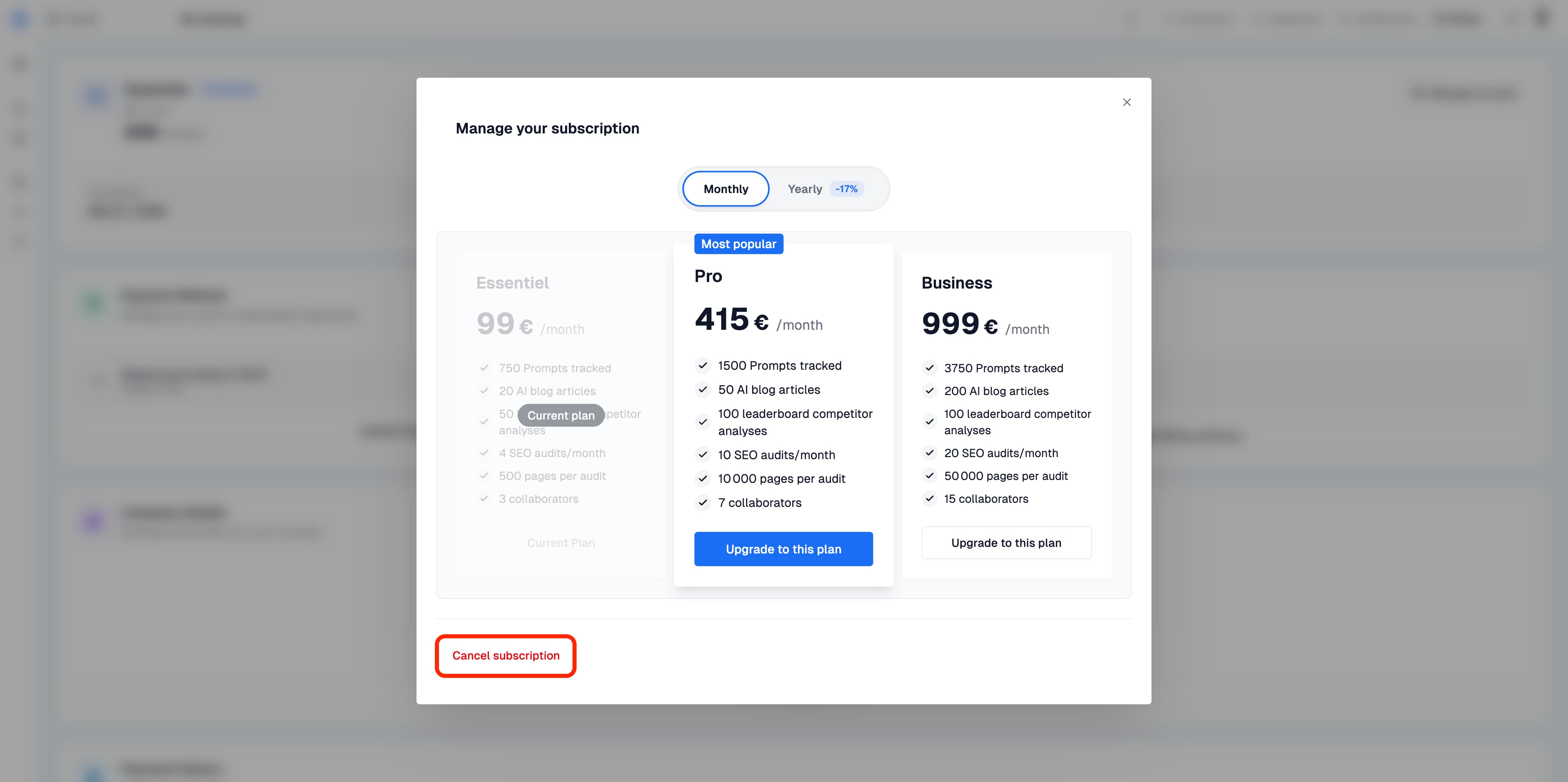
Step 4: Initiate the cancellation
In the plan management window, click Cancel subscription. The flow will offer you alternatives, including pausing. To continue with the cancellation, click Continue cancellation, then No, continue cancellation at the pause step. Continue through to the confirmation form if you wish to cancel.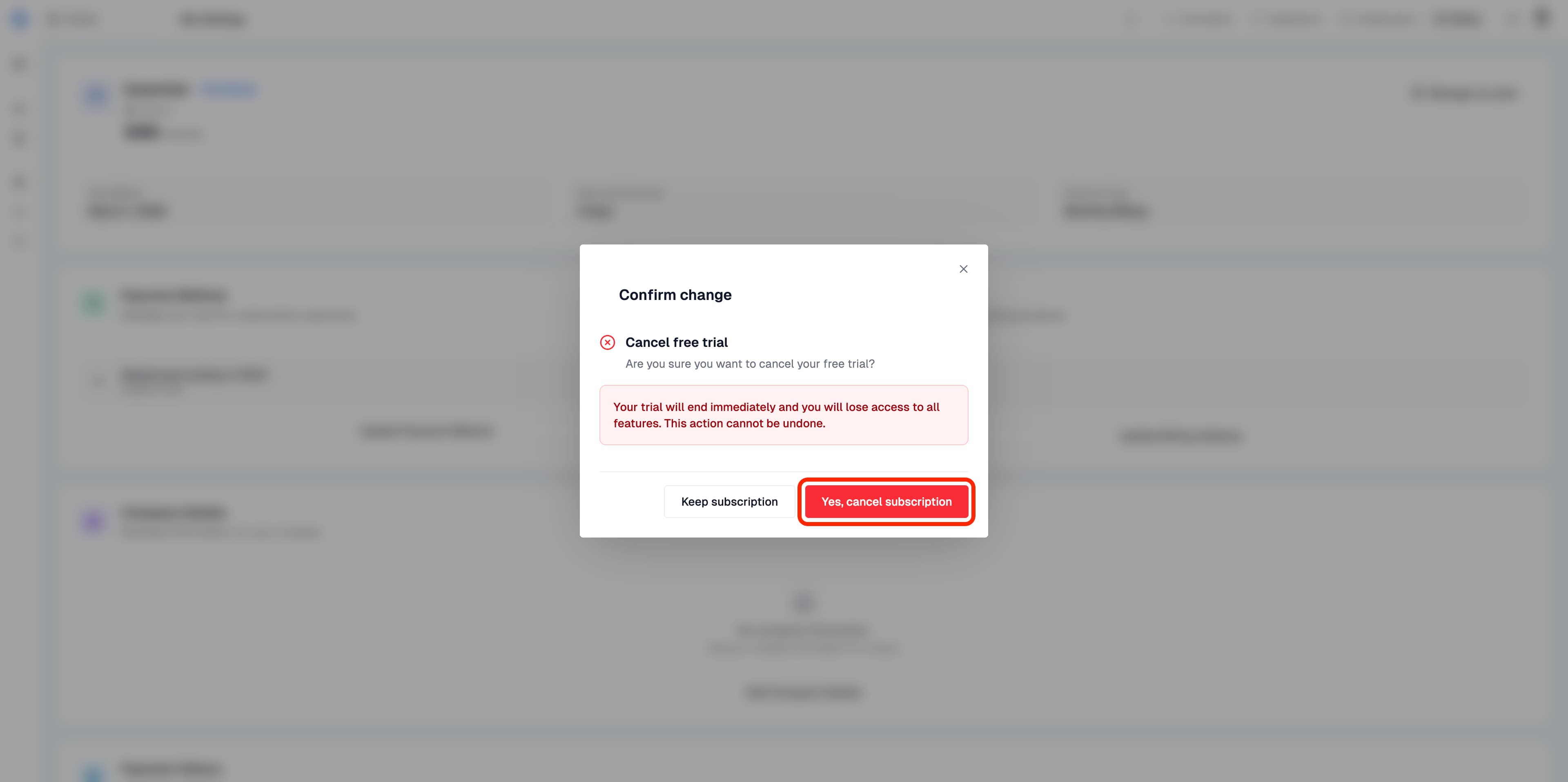
Step 5: Confirm the cancellation
In the final form:- Select the reason for your cancellation.
- Fill in your feedback in Tell us more.
- Click Confirm cancellation.
When does access end?
During the trial, a cancellation ends access immediately. For an active paid subscription, cancellation normally stops the renewal and access remains available until the end of the already-paid period. Check the end date displayed after confirmation. A cancellation made after the trial converts to a paid period does not automatically cancel an invoice that has already been issued. Check your billing history and contact support if you dispute a transaction.Pausing your subscription
You can pause your subscription instead of cancelling it if you want to temporarily stop using it.- Open Settings → Subscription and billing → Manage my plan.
- Click Cancel subscription, then proceed until the pause option is presented.
- Choose a duration of 30, 60, or 90 days.
- Click Pause, with the chosen duration displayed on the button.