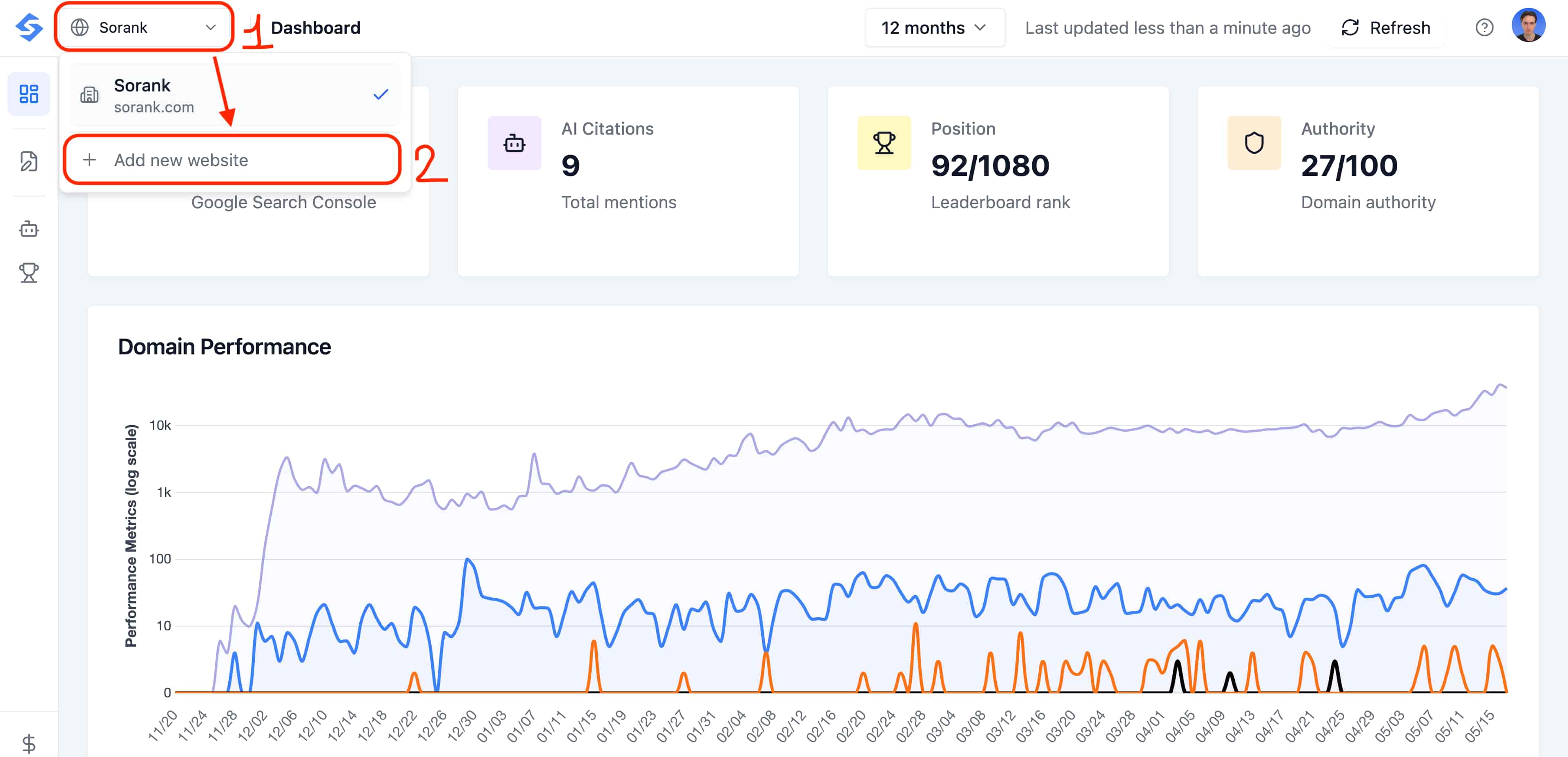
You can manage several websites from a single Sorank account using the same email address. There is no need to create a separate account for each domain.
From your dashboard, click the dropdown menu in the top-left corner of the header (next to your current website name). Then click + Add new website.A pop-up will open so you can choose your subscription for this new site. Once activated, the new website appears in the same dropdown, and you can switch between your sites at any time from the header.
Each website requires its own subscription: one subscription = one domain = one site. Adding a second website means activating a second plan, but everything stays centralized under the same email address and the same Sorank account, so you only have one login to manage all your projects.