
העדפות
הפרטיות חשובה לנו, ולכן יש לך אפשרות להשבית סוגים מסוימים של אחסון שייתכן שאינם נחוצים לתפקוד הבסיסי של האתר. חסימת קטגוריות עלולה להשפיע על חווית השימוש שלך באתר. מידע נוסף

הפרטיות חשובה לנו, ולכן יש לך אפשרות להשבית סוגים מסוימים של אחסון שייתכן שאינם נחוצים לתפקוד הבסיסי של האתר. חסימת קטגוריות עלולה להשפיע על חווית השימוש שלך באתר. מידע נוסף
הפכו את התוכן שלכם ב-Webiny לגלוי ל-Google ולחיפוש AI. עצבו content models, חשפו שדות נקיים דרך ה-GraphQL Manage ו-Read APIs, הוסיפו JSON-LD ו-llms.txt כדי ש-ChatGPT, Perplexity, Claude ו-Gemini יצטטו את הדפים ש-frontend שלכם מציג.
.webp)
.webp)





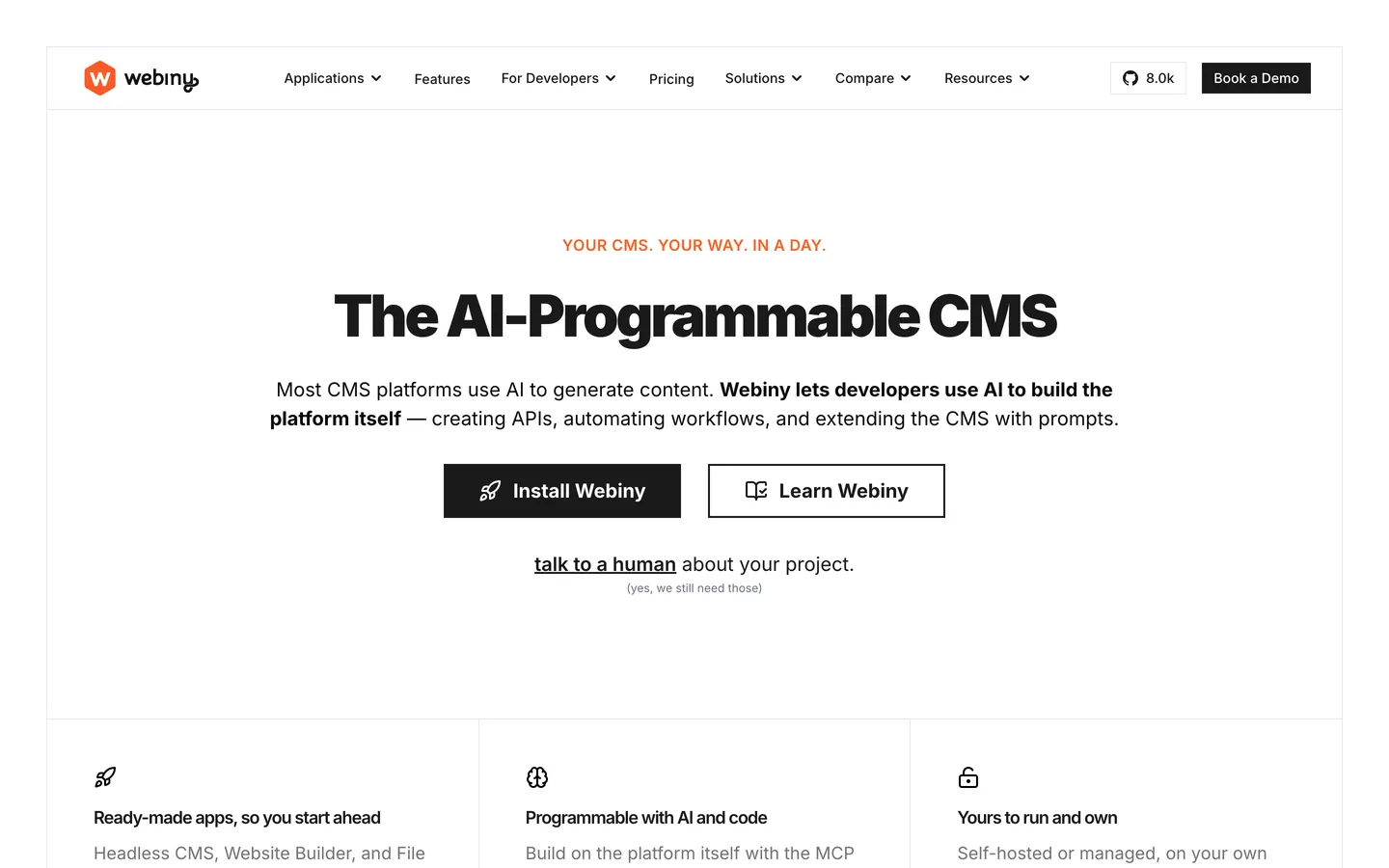


רוצים שהתוכן שאתם מנהלים ב-Webiny יופיע בתוך תשובות AI, ולא רק בתוצאות חיפוש קלאסיות? Webiny הוא headless CMS בקוד פתוח, serverless, הרץ על חשבון AWS שלכם: אתם מגדירים content models, ממלאים רשומות מובנות, ומגישים אותן דרך GraphQL Read API לכל frontend, בעוד ש-GraphQL Manage API מטפל בעריכה. עיצוב decoupled ו-API-first זה הוא בסיס חזק ל-generative engine optimization (GEO). התחילו עם geo seo audit בסיסי ועקבו אחר כל הישג ב-geo seo dashboard חי. המדריך הזה מראה כיצד לעצב, להציג ולתייג תוכן Webiny כך ש-Google ועוזרים כמו ChatGPT, Perplexity, Claude ו-Gemini יבינו, יסמכו ויצטטו את הדפים שלכם.
SEO קלאסי עדיין מניע תנועה, וכיום עוזרים מסכמים את הרשת ומציגים רשימה קצרה של מקורות מצוטטים. Generative Engine Optimization היא הפרקטיקה של להפוך לאחד המקורות הללו. Webiny מסייע כי התוכן חי כרשומות מובנות מאחורי GraphQL API, מנותק מההצגה: מאמר יחיד קיים פעם אחת ומזין את פני הרשת, האפליקציה והעוזרים. מכיוון שהוא רץ serverless על AWS Lambda ורשת אספקת תוכן, הדפים שפרסמתם יכולים להיות מהירים ומופצים גלובלית, מה שמתגמל הן סורקי חיפוש והן סוכני AI.
התחילו עם benchmark. שאלו את העוזרים המובילים את השאלות האמיתיות שהקהל שלכם שואל, ואז תעדו האם אתם מצוטטים, אילו URLs מופיעים ואיך המתחרים ממוסגרים. עקבו אחר ציטוטי מותג עם ai mention tracking, בחנו את ההפניות שאתם צוברים דרך ai cited backlinks, והריצו geo seo audit בסיסי כדי למפות את היישויות שכבר משויכות למותג שלכם.
ב-GEO, כוונת המשתמש מגיעה כ-prompts. אספו את הניסוח המדויק שאנשים משתמשים בצ'אט, בקול ובסוכנים, ואז קבצו לפי משימה: ללמוד, להשוות, ליישם ולפתור. הרחיבו כיסוי עם query fan-out tool ותעדפו נושאים עם keyword research. עבור כל קבוצה, בחרו דף קנוני אחד להיות מצוטט, והפכו אותו לתמציתי, בר-ציטוט ונתמך בראיות מפורשות.
התייחסו ל-content models של Webiny כאל עמוד השדרה של היישויות שלכם. השתמשו ב-model builder כדי להגדיר Articles, Guides, Products, FAQs, Authors ו-Glossary, ותנו לכל אחד שדות מוקלדים: title, slug, summary, rich text body, image, published date, author reference ו-tags. מפו את השדות הללו למאפייני schema.org כמו name, description, image, datePublished, author ו-sameAs. שדות reference מקשרים מאמר למחבר ולנושא שלו, מה ששומר את היישויות שלכם עקביות על פני כל הפנים וכל locale ש-Webiny מגיש.
Webiny מספק תוכן דרך GraphQL Read API; ה-frontend שלכם מציג אותו. בחרו server-side rendering או static generation, למשל עם Next.js או Gatsby, כך שהדפים שאתם רוצים שיצוטטו יחזירו HTML מלא בבקשה הראשונה, ללא client-side hydration. שלחו queries ל-Read API, הציגו titles, headings ו-body ב-markup סמנטי, וודאו שהטקסט המלא מופיע ב-source הגולמי של הדף. Webiny גם משוגר עם Page Builder לדפי נחיתה, שאותם תוכלו לשמור בני-סריקה עם הצגה נקייה.
הוסיפו שדות model עבור ה-SEO title, meta description ו-canonical URL, ואז הציגו אותם ב-head של ה-frontend. שמרו על URLs נקיים ונושאי מילת מפתח דרך ה-routing שלכם. יישמו כללי meta robots כדי לשמור דפים דקים או כפולים מחוץ לאינדקס, וקבעו תגי Open Graph ו-Twitter מאותם שדות כך שתצוגות הרשתות החברתיות יתאימו לכוונת הדף ולתוכן העיקרי. מכיוון שהערכים חיים ברשומות מובנות, הם נשארים עקביים בכל render.
הפיקו JSON-LD ב-frontend שלכם משדות Webiny. השתמשו ב-Article בשילוב WebPage ו-BreadcrumbList לדפי תוכן, Product עם offers לדפי מוצר, HowTo למדריכים ו-FAQPage לבלוקים של שאלות. הוסיפו בלוק Organization כלל-אתרי עם logo, contactPoint, foundingDate וקישורי sameAs לפרופילים המאומתים שלכם. מכיוון שהנתונים מגיעים ישירות משדות מוקלדים דרך GraphQL, הנתונים המובנים שלכם נשארים מדויקים ומלאים בכל דף.
פתחו כל מאמר בסיכום של שני משפטים שפותר את השאילתה, ואז הרחיבו עם מתאר בר-סריקה. הוסיפו בלוקים מפורשים של שאלה ותשובה שמשקפים prompts אמיתיים, ושמרו כל תשובה בין 50 ל-120 מילים. עבור תהליכים, פרטו materials, steps ו-time בפורמט HowTo. האיצו את הפקת הטיוטות הבנות-ציטוט הללו עם blog article generator, ואז עדנו כל רשומה בעורך Webiny.
הפיקו sitemap.xml מהרשומות שפרסמתם ושלחו אותו ב-Google Search Console. ב-robots.txt, אפשרו את הנתיבים המכילים תוכן בר-ציטוט ואסרו רעש. הוסיפו קובץ llms.txt ב-root כדי לאותת על כללי סריקה מועדפים לסוכני AI, ה-URLs בעדיפות שאתם רוצים שיצוטטו ותנאי השימוש החוזר שלכם. מכיוון ש-Webiny חושף GraphQL API, אתם יכולים לבנות את הקבצים הללו אוטומטית מאותם נתונים שמניעים את הדפים שלכם.
בנו hubs נושאיים המקבצים דפים קשורים ומגדירים את התשובות הקנוניות שלכם. השתמשו ב-breadcrumbs כדי לבטא היררכיה והוסיפו קישורים תוך-שורתיים הקשריים עם anchors תיאוריים, שהואצו עם topical cluster generator. שדות reference של Webiny הופכים את הקשרים הללו למפורשים במודל הנתונים שלכם. אם חלקים אחרים ב-stack רצים במקום אחר, יישמו את אותם עקרונות על אחים headless כמו strapi, hygraph ו-contentful.
GEO עדיין נשען על סמכות. השיגו ציטוטים מפרסומים אמינים, מחקר מקורי והקהילות שהקהל שלכם סומך עליהן. פרסמו תחת מחברים מזוהים בשם עם ביוגרפיות אמיתיות המאוחסנות כ-model של Authors, הראו אישורים ושמרו על דף About שמצהיר מי אתם ולמה אתם אמינים, מה שמחזק E-E-A-T. עקבו אחר התקדמות עם domain authority tracker וחקרו את סיקור המתחרים עם seo competitor spy.
Webiny חושף GraphQL Manage API ציבורי היוצר ומפרסם רשומות תוכן, כך ש-Sorank מתחבר דרך גשר webhook של Make.com: כל מאמר ש-Sorank מפיק נשלח לתרחיש Make.com, ו-Make מפרסם אותו ל-Webiny באמצעות מודול HTTP גנרי הקורא ל-mutations של createEntry ו-publishEntry של ה-content model שלכם. אין אפליקציית Make.com ייעודית, וה-webhook יחד עם ה-HTTP הגנרי הופכים את הפרסום לאוטומטי מקצה לקצה. מפו את שדות Sorank ל-model שלכם, אמתו עם API key, והפיקו טיוטות מותאמות במהירות עם blog article generator.
עקבו אחר אילו prompts מפעילים את המותג שלכם, אילו דפים מצוטטים והיכן המתחרים זוכים בתשובה. השוו עמדות עם keyword research, צפו במעמד שלכם ב-geo leaderboard, וייחסו המרות מעוזרים עם דפי נחיתה מתויגים ו-UTMs ייחודיים.
Webiny נותן לכם תוכן מובנה, serverless, API-first; GEO נותן לכם את האסטרטגיה להיות מצוטטים. כאשר ה-content models שלכם נושאים שדות מוקלדים, ה-frontend שלכם פולט HTML מלא, והדפים שלכם נושאים JSON-LD ותשובות בנות-ציטוט, העוזרים מצטטים אתכם בביטחון. עצבו models נקיים, הציגו server-side, הוסיפו JSON-LD ופרסמו דרך ה-GraphQL API, ואז תנו ל-Sorank להניע audits, תוכן וקישורים.

Webiny מבצע היטב עבור GEO מכיוון שהוא headless CMS בקוד פתוח, serverless: התוכן חי כרשומות מובנות מאחורי GraphQL Read API ומוגש לכל frontend. הציגו את התוכן server-side או כדפים סטטיים עם framework כמו Next.js כך שיחזיר HTML מלא לסורקים בבקשה הראשונה, ומכיוון ש-Webiny רץ על AWS Lambda ורשת אספקת תוכן, הדפים הללו נשארים מהירים ומופצים גלובלית. מפו שדות למאפייני schema.org, הפיקו מהם JSON-LD, והשתמשו בשדות reference כדי לקשר מאמרים, מחברים ונושאים. הוסיפו canonical URLs נקיים, sitemap מופק וקובץ llms.txt כך שעוזרים כמו ChatGPT, Perplexity, Claude ו-Gemini יוכלו להגיע ולצטט את הדפים שלכם.
כתבו תוכן answer-first הממופה ל-prompts אמיתיים. פתחו כל רשומה בסיכום של שני משפטים, אחר כך מתאר בר-סריקה, ושמרו פסקאות מתחת ל-120 מילים. השתמשו בהיררכיית כותרות מחמירה, בלוקי FAQ מפורשים עם תשובות של 50 עד 120 מילים ומקטע facts ברור. עגנו כל טענה למקור והפיקו JSON-LD (Article, FAQPage, HowTo, Organization) משדות Webiny שלכם דרך GraphQL Read API ב-frontend. בנו hubs שמקשרים דפים קשורים עם anchors תיאוריים, ממודלים כשדות reference, מה שמאותת על עומק נושאי שהמודלים מזהים כסמכותי ומצטטים.
Webiny חושף GraphQL Manage API ציבורי היוצר ומפרסם רשומות תוכן, כך ש-Sorank מתחבר דרך גשר webhook של Make.com ולא דרך מחבר native. כל מאמר ש-Sorank מפיק נשלח לתרחיש Make.com, ו-Make מפרסם אותו ל-Webiny עם מודול HTTP גנרי הקורא ל-mutations של createEntry ו-publishEntry של ה-content model שלכם. אין אפליקציית Make.com ייעודית, וה-webhook יחד עם ה-HTTP הגנרי הופכים את הפרסום לאוטומטי מקצה לקצה. מפו שדות Sorank ל-model שלכם ואמתו עם API key קודם. מעבר לפרסום, Sorank מריץ GEO ו-SEO audits, עוקב אחר אזכורי AI ב-ChatGPT, Perplexity ו-Gemini, מנטר מתחרים ומציע אופטימיזציות מ-dashboard אחד.










.svg)
.svg)


