
העדפות
הפרטיות חשובה לנו, ולכן יש לך אפשרות להשבית סוגים מסוימים של אחסון שייתכן שאינם נחוצים לתפקוד הבסיסי של האתר. חסימת קטגוריות עלולה להשפיע על חווית השימוש שלך באתר. מידע נוסף

הפרטיות חשובה לנו, ולכן יש לך אפשרות להשבית סוגים מסוימים של אחסון שייתכן שאינם נחוצים לתפקוד הבסיסי של האתר. חסימת קטגוריות עלולה להשפיע על חווית השימוש שלך באתר. מידע נוסף
Make your Craft CMS site visible to Google and AI search. Use sections, fields, cached Twig templates, JSON-LD, and llms.txt so ChatGPT, Perplexity, Claude, and Gemini cite your pages.
.webp)
.webp)





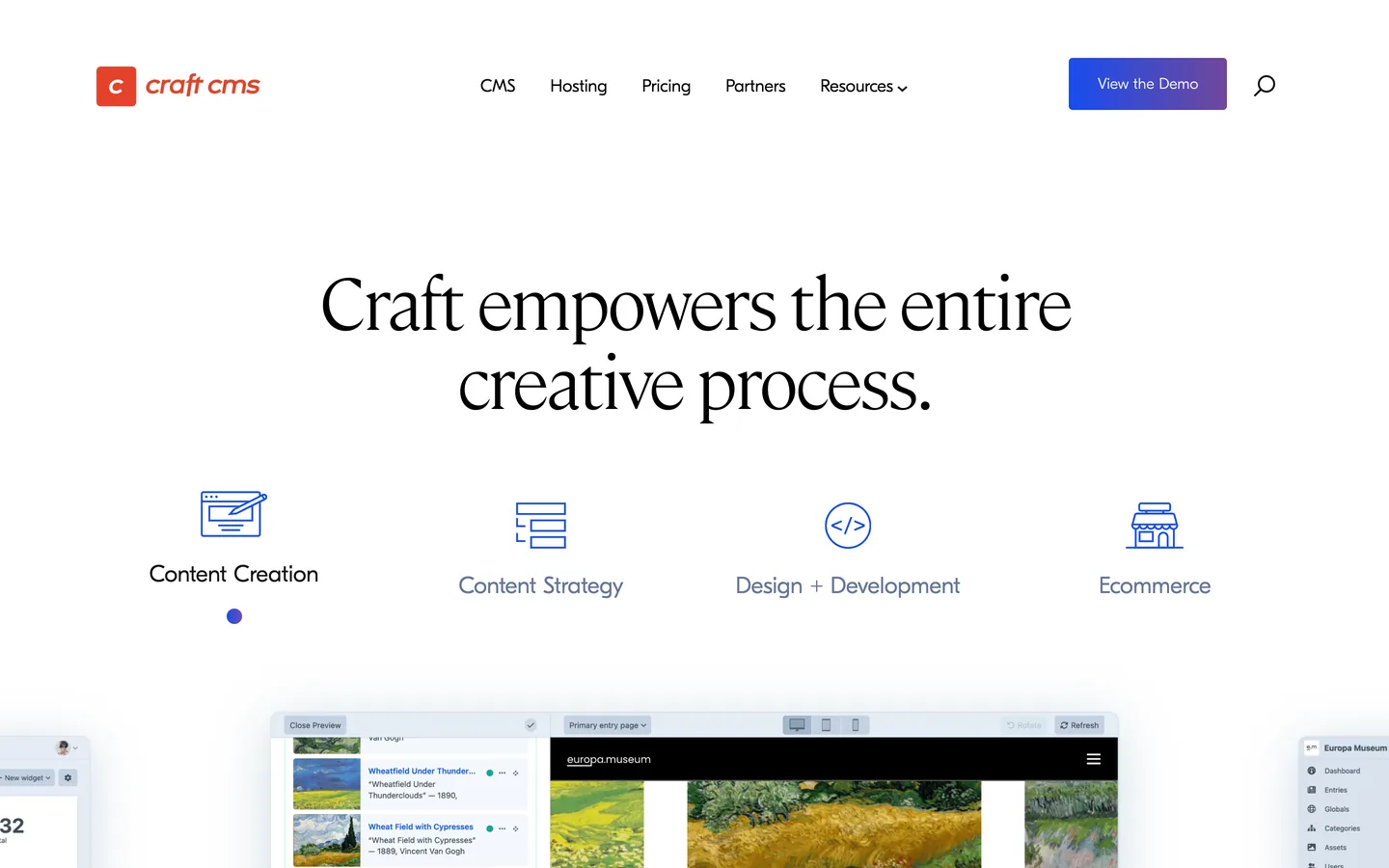


Want your Craft CMS site to show up inside AI answers, not only in the classic ten blue links? Craft CMS is a premium PHP CMS by Pixel and Tonic, favored by design agencies, where editors model content as sections and entries with custom fields and render it through Twig templates, and that disciplined structure makes it an excellent base for generative engine optimization (GEO). Start with a baseline geo seo audit and let every improvement compound inside a living geo seo dashboard. This guide explains how to model, render, and annotate Craft CMS so Google and assistants like ChatGPT, Perplexity, Claude, and Gemini understand, trust, and cite your pages.
Visibility now splits in two: the ranked links you already chase, and the short roster of sources that ChatGPT, Perplexity, Claude, and Gemini cite when they answer a question. Generative Engine Optimization is the work of joining that roster. Craft CMS fits the brief because content is organized into sections with typed custom fields, categories, and relations, so each entry behaves like a clean, structured record instead of a freeform page. When you surface that structure in your Twig templates, models read your brand, products, and authors as distinct entities.
Measure before you build. Pose the real questions your audience asks to the leading assistants, then record whether your entries appear, which URLs they cite, and how competitors are described. Follow brand citations with ai mention tracking, study the references you already collect through ai cited backlinks, and run a detailed geo seo audit to map the entities (your studio, people, services) already linked to your domain. This benchmark shows which sections and entries you should prioritize first.
In GEO, intent arrives as complete prompts, not clipped keywords. Collect the exact wording people use in chat and voice, then group it by task: learn, compare, choose, and fix. Broaden coverage with the query fan-out tool and rank the topics with keyword research. For each group, designate one canonical Craft CMS entry as the page you want cited, then make it concise, quotable, and supported by explicit evidence so a model can pull a passage without bending its meaning across different phrasings of the same question.
Lean on Craft's native building blocks as your entity backbone. Create sections such as Articles, Guides, Services, Team, FAQs, and Glossary, give each one purpose-built custom fields, and classify entries with category and tag groups. Map those fields to schema.org properties like name, description, image, datePublished, author, about, and sameAs. Because every entry inherits the same field layout, your canonical names and facts stay uniform across the site, and Matrix fields let editors build rich, consistent bodies. That repeatable depth, joined by relation fields between related entries, is the topical authority answer engines look for.
Craft renders pages server-side through Twig templates, so write lean templates that output semantic HTML with minimal clutter. Turn on template caching with the cache tag and serve assets through a CDN with sensible far-future headers. If you prefer a decoupled build, Craft's GraphQL API or Element API can feed a framework like Next.js, Nuxt, or Astro with server rendering. Either way, fast, well-structured pages raise crawl coverage and how often assistants quote you.
Add the SEOmatic plugin or SEO fields so every entry emits a precise title, a clear meta description, and Open Graph tags that match the body. Build clean, entity-rich URLs through your section URI formats, and print canonical tags to fold duplicates and paginated views into one address. Apply meta robots to keep thin category archives and filtered listings out of the index. Honest, consistent metadata keeps your embeddings aligned so assistants read a single coherent meaning per page, which makes your content safer for them to quote verbatim.
On Craft CMS, JSON-LD lives in your Twig templates, or SEOmatic can generate it for you. Print a script block in your layout or entry template and populate it with field variables, so each entry outputs structured data built from its own data. Use Article with WebPage and BreadcrumbList for content, Product with offers on commerce entries, HowTo for tutorials, and FAQPage for question blocks. Add a site-wide Organization graph with logo, contactPoint, and sameAs links to verified profiles. Structured data lets assistants confirm facts and tie your entries to recognized entities.
Create explicit question and answer blocks that mirror real prompts, and consider a dedicated FAQ section or a Matrix block so editors reproduce the pattern every time. Keep each answer between 50 and 120 words, link to the relevant internal entry, and cite one authoritative outbound source. For procedures, lay out materials, ordered steps, and the time required in HowTo form. These compact formats strip out ambiguity and make it simple for an assistant to quote your Craft CMS pages while keeping the original meaning intact across summaries.
Generate an XML sitemap with SEOmatic or a dedicated template route, then submit it in Google Search Console. In robots.txt, allow the paths that hold citable content and disallow the control panel, account, and search routes that add noise. Publish an llms.txt file at your domain root that states preferred crawl rules for AI agents, your priority URLs, and your reuse terms. This file is increasingly honored and signals clear provenance to the language models that summarize and cite web sources.
Build topic hubs that gather related entries and define your canonical answers, and use your navigation and a breadcrumb partial to express a clean hierarchy. Add contextual inline links with descriptive anchors, and connect every entry to its parent hub and to sibling topics. Accelerate the mapping with a topical cluster generator. If other parts of your stack run elsewhere, apply the same playbook on statamic, expressionengine, webflow, and shopify.
GEO still runs on authority. Earn citations from credible publications, primary research, and the design and development communities that orbit Craft projects. Publish under named experts, surface reviewer credentials in an author field, and keep detailed bio pages and an About page that strengthen E-E-A-T. Track your standing over time with a domain authority tracker, and display a clear last-updated date on strategic entries so both Google and assistants read your content as current, accurate, and well maintained.
Craft CMS exposes a public API: its GraphQL API supports mutations that create entries, though it has no dedicated Make app. So Sorank connects through a Make.com webhook bridge, where each article it generates is sent to a Make.com scenario, and Make publishes it to Craft CMS using Make.com's generic HTTP module to call that GraphQL mutation. There is no native Sorank connector yet, and the webhook plus Make route automates publishing end to end. Draft optimized articles fast with the blog article generator, then push them live on a schedule. Validate the create-content call on your live site first, and fall back to Sorank's self-hosted blog if your configuration restricts it.
Track which prompts trigger your brand, which entries get cited, and where competitors take the slot. Benchmark yourself with seo competitor spy, watch your position on a geo leaderboard, and attribute assistant-driven visits with tagged landing pages and unique UTMs. Review the data after each new schema, content cluster, and link campaign, and repeat the loop monthly so GEO becomes a measurable, compounding growth engine for your Craft CMS site.
Craft CMS gives you a clean, field-driven content model and full control over your Twig output; GEO gives you the strategy to put it in front of answer engines. When your entries expose clear entities, precise metadata, and reliable evidence, assistants cite you with confidence. Set up structured sections, fast cached templates, JSON-LD, and citable answers, then let Sorank drive the audits, content, and links. With this foundation, your brand becomes the source that models prefer to cite in 2026 and beyond.

Craft CMS is an excellent GEO foundation because content is modeled as sections and entries with typed custom fields, categories, and relations, so your topics, people, and services read as clean entities. Render fast, semantic HTML from lean Twig templates with template and data caching, then add the SEOmatic plugin for precise titles, descriptions, and Open Graph tags. Emit JSON-LD from your templates, build clean URLs through section URI formats, generate an XML sitemap, and publish an llms.txt file. With that setup, ChatGPT, Perplexity, Claude, and Gemini can reach, parse, and cite your content reliably.
Write answer-first entries mapped to real prompts. Open each page with a two-sentence summary, follow with a scannable outline, and keep paragraphs under 120 words. Hold a strict heading hierarchy (H2 over H3), add explicit FAQ blocks with 50 to 120 word answers, and anchor every claim to a source. Emit JSON-LD (Article, FAQPage, HowTo, Organization) from your Twig templates or SEOmatic, and link internally so hubs connect to related entries. A dedicated FAQ section or Matrix block lets editors reproduce the pattern at scale, signaling the topical depth that models recognize as authoritative.
Craft CMS exposes a public GraphQL API with mutations that create entries, with no dedicated Make.com app, so Sorank connects through a Make.com webhook bridge rather than a native connector. Each article Sorank generates is sent to a Make.com scenario through a webhook, and Make publishes it to Craft CMS using Make.com's generic HTTP module to call the GraphQL mutation. Beyond publishing, Sorank runs GEO and SEO audits tailored to your site, tracks AI mentions across ChatGPT, Perplexity, and Gemini, monitors competitors, and suggests content optimizations from one dashboard, so you analyze, optimize, and improve your visibility in a single platform. Validate the create-content call on your live site first, and fall back to Sorank's self-hosted blog if your configuration restricts it.










.svg)
.svg)


