
Preferences
Privacy is important to us, so you have the option of disabling certain types of storage that may not be necessary for the basic functioning of the website. Blocking categories may impact your experience on the website. More information

Privacy is important to us, so you have the option of disabling certain types of storage that may not be necessary for the basic functioning of the website. Blocking categories may impact your experience on the website. More information








.webp)
.webp)










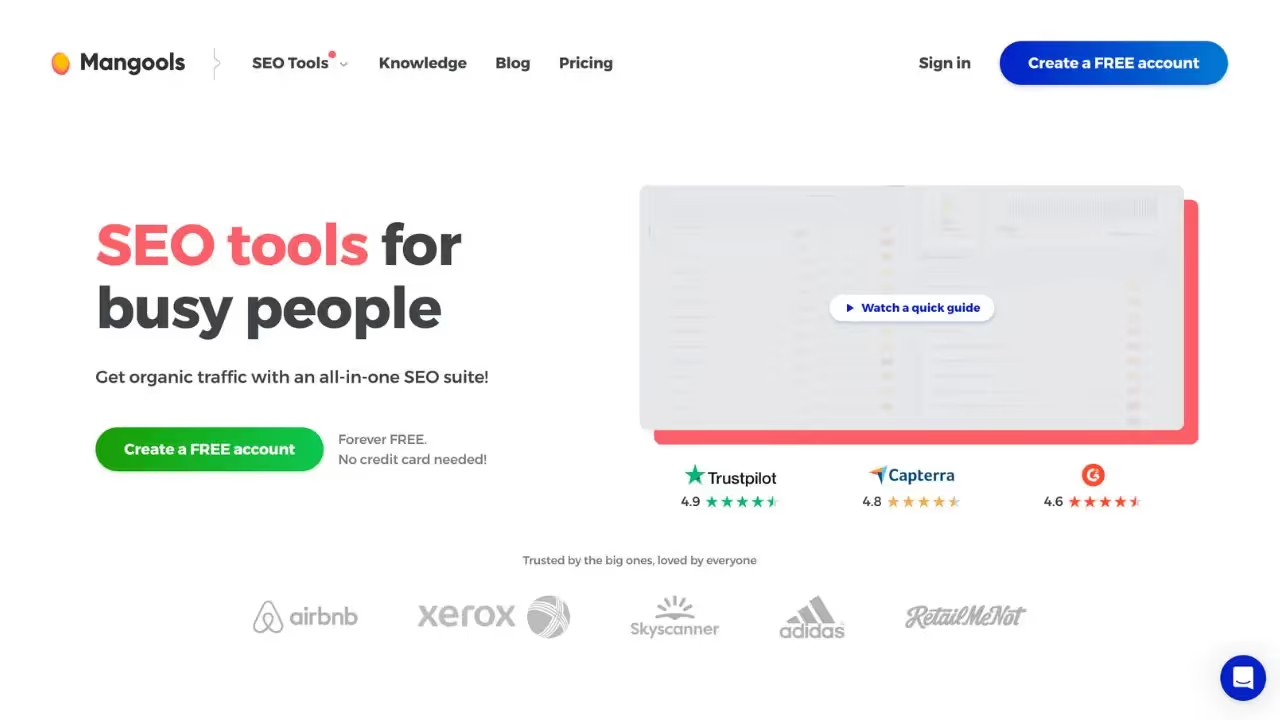
Mangools is an established SEO toolkit that now includes an AI Search Grader, measuring visibility and competitor performance on generative AI engines. It offers one of the most extensive feature sets available, including AI citation tracking, automated audits, SEO article generation, search intent analysis, and trending niche discovery.
For teams looking for keyword research alongside competitor analysis and content generation, Mangools provides a user-friendly interface with a free trial and affiliate program, bridging traditional SEO and AI search optimization.
SEO2LLM is a content optimization platform for language models designed for SEO and content teams that want to adapt their strategy to generative search engines. It offers tools for content analysis, restructuring for LLMs, and optimization recommendations aimed specifically at being cited by AI models.
If you are looking for a solution that combines article generation, GEO/SEO audits, and topical cluster generation, SEO2LLM offers a pioneering approach to optimization built specifically for language models. The platform is ideal for teams that want to actively position their content as a reference source for AI systems.

Mangools is an all-in-one SEO tools suite that brings together keyword research, SERP analysis, rank tracking and site audit. It includes modules such as KWFinder, SERPChecker, SERPWatcher and SiteProfiler, offering a smooth interface to optimize SEO.
Yes, Mangools offers a free trial that allows access to different modules. After this period, full access to features requires a paid subscription.
You can cancel from your account settings. Go to the Billing or Subscription section, click 'cancel subscription', and access will end at the end of the current period.
SEO2LLM is a tool that helps users track and analyze AI-related mentions. It offers features such as real-time mention tracking, detailed analytics reports, and customizable alerts.
Yes, SEO2LLM offers a free version with limited features. To access the advanced options and the full history, you need to move to a paid subscription.
You can cancel your subscription directly from your account settings. Go to the Billing section, click "cancel subscription," and your access will end on the next renewal date.



























































.svg)
.svg)


