Preferences
Privacy is important to us, so you have the option of disabling certain types of storage that may not be necessary for the basic functioning of the website. Blocking categories may impact your experience on the website. More information

Privacy is important to us, so you have the option of disabling certain types of storage that may not be necessary for the basic functioning of the website. Blocking categories may impact your experience on the website. More information

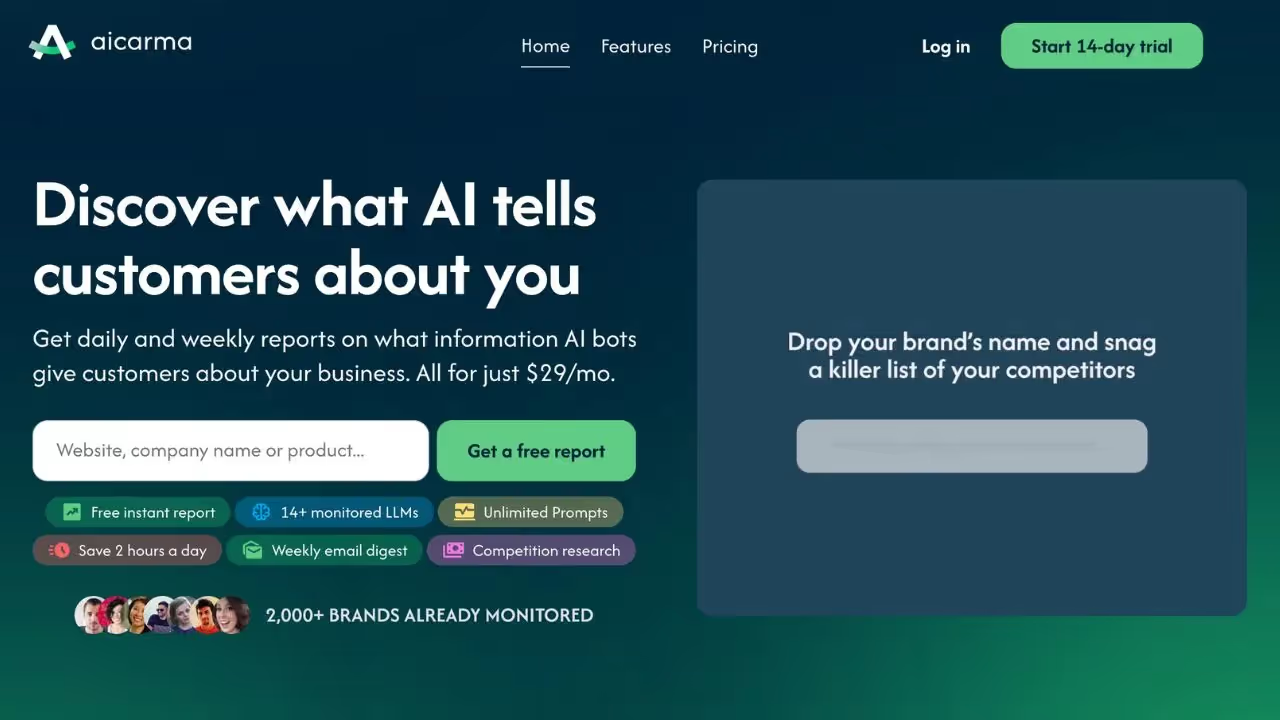












AICarma is an AI-powered SEO platform that transforms how teams understand and act on search results through analyses, recommendations, and action plans based on generative AI models. It offers AI citation tracking, visibility scoring, and cited source detection for comprehensive monitoring.
For teams needing GEO/SEO audit reports and AI mention tracking, AICarma delivers a unified dashboard with a free trial available, making it accessible for businesses of all sizes exploring AI search optimization.
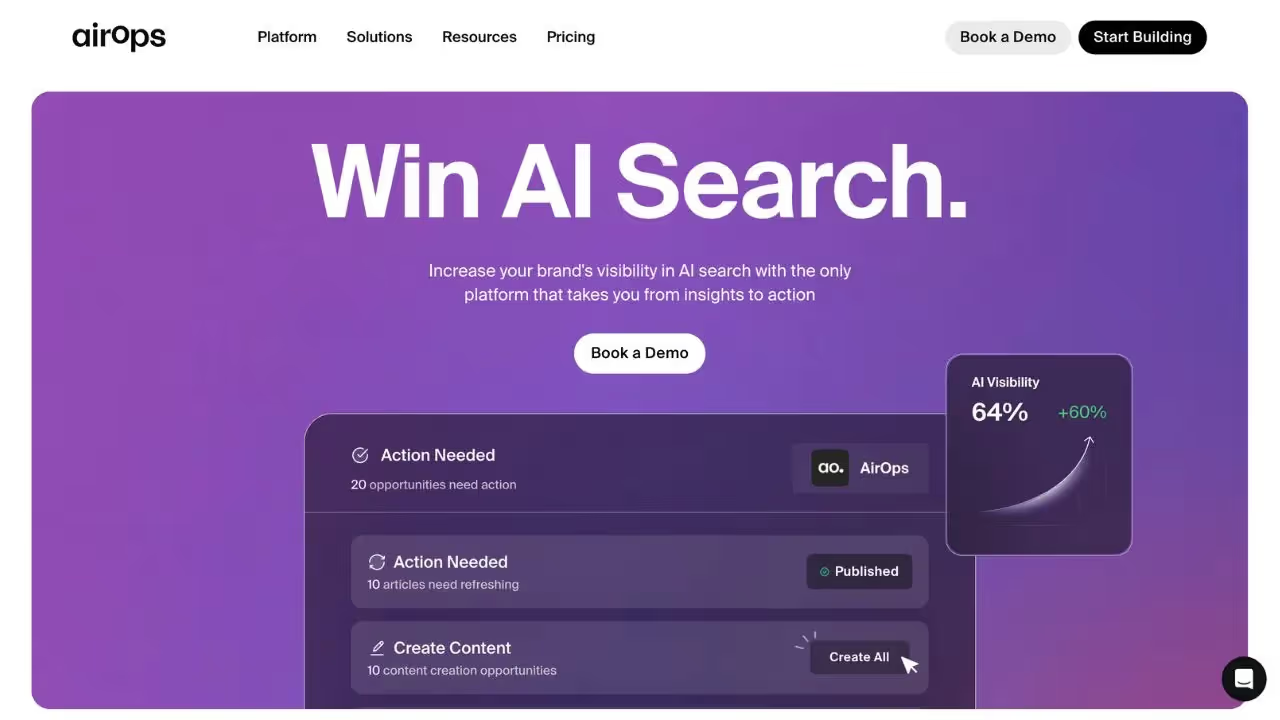
AirOps is a full-stack AI-powered SEO platform that turns data into lasting visibility through optimized content and automated workflows. It combines AI citation tracking, SEO article generation, and a unified dashboard to deliver a complete content optimization and monitoring solution.
For teams that need AI-powered article generation alongside a GEO/SEO dashboard and keyword research, AirOps provides an integrated workspace with a free trial and affiliate program available.

AICarma is a tool designed to measure and optimize your brand's visibility in AI responses (ChatGPT, Claude, Gemini and others). It offers features such as multi-LLM tracking, performance reports and alerts on variations in mentions, as well as recommendations to adjust your pages and prompts to improve your AI presence.
Yes, AICarma offers a free trial with limited features. To access advanced options and ongoing usage, you need to subscribe to a paid subscription.
You can cancel your subscription directly from your account settings. Go to the Billing section, click on 'cancel the subscription', and your access will end at the next due date.
AirOps is an SEO-oriented content orchestration and sentiment-analysis platform that tracks AI mentions and helps transform this data into marketing actions via centralized dashboards and workflows.
Yes, AirOps offers a free version with basic features. To unlock advanced options, you need to switch to a paid subscription.
You can cancel your subscription directly from your account settings. Go to the Billing section, click on “cancel subscription”, and your access will end at the next renewal.
THEY TRIED SORANK BEFORE YOU
 “I tested Sorank on a real client site and it's insane. It does everything an agency would bill you $1500 a month for. It's going into production on that client now.”
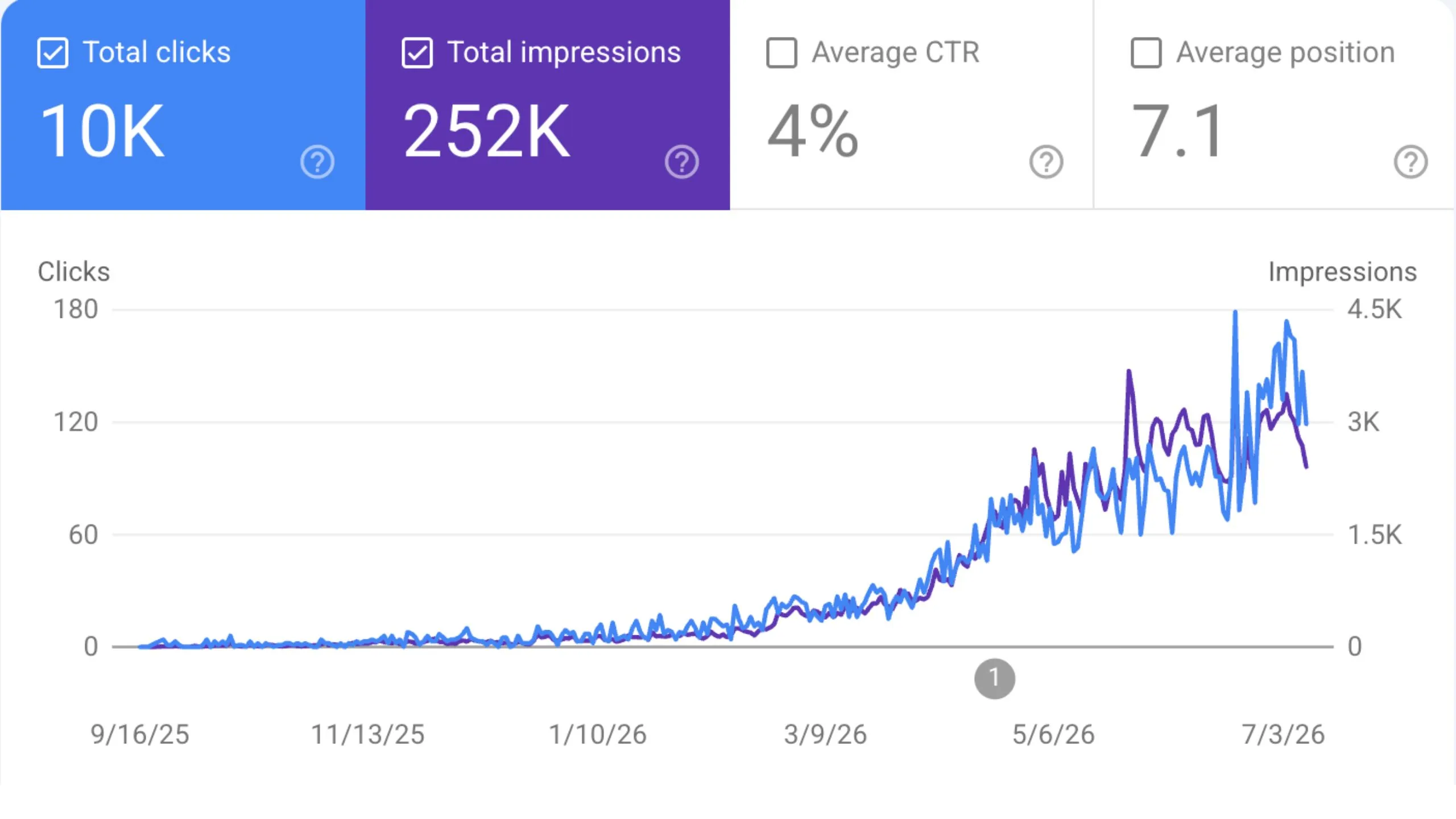
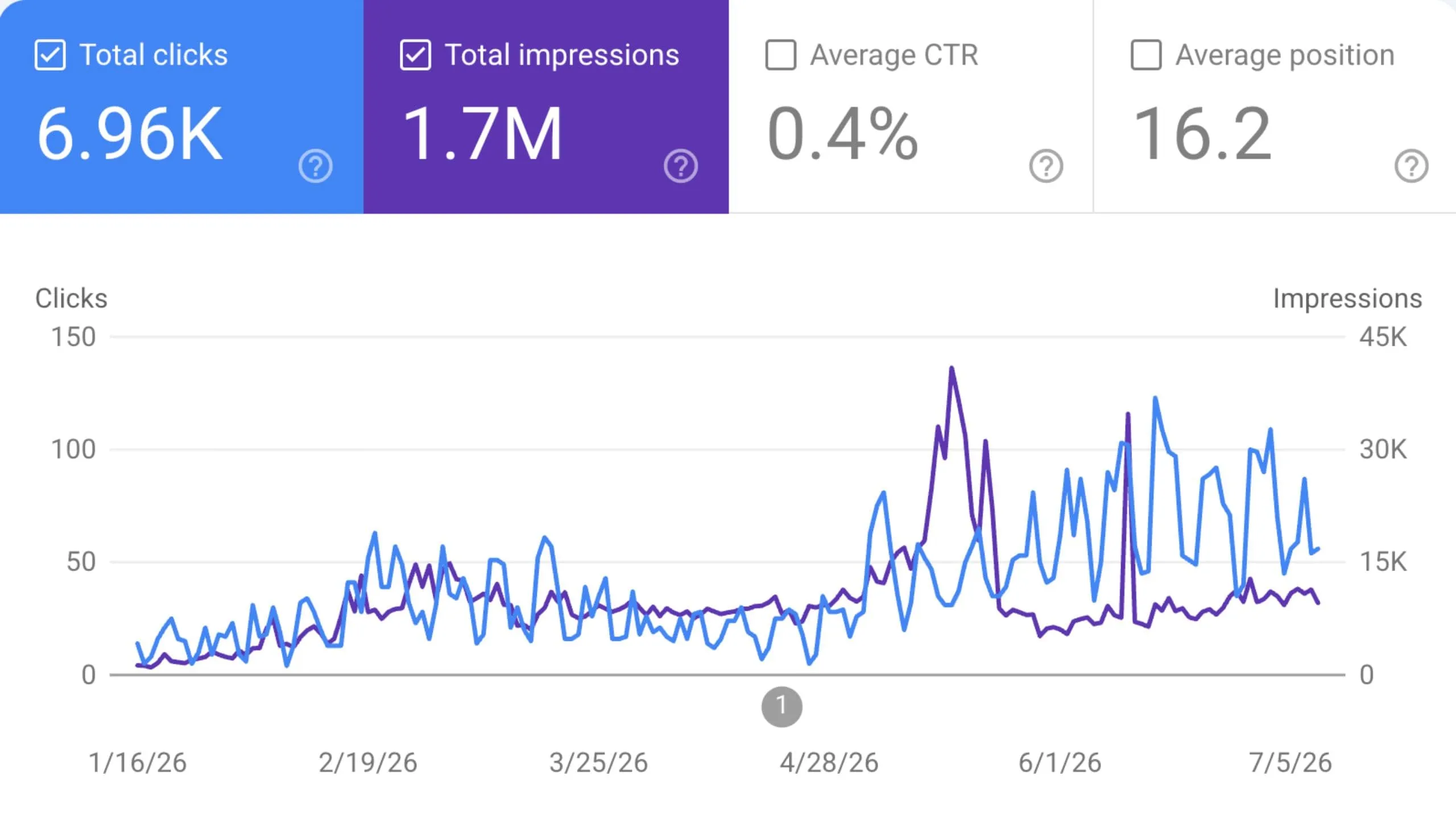
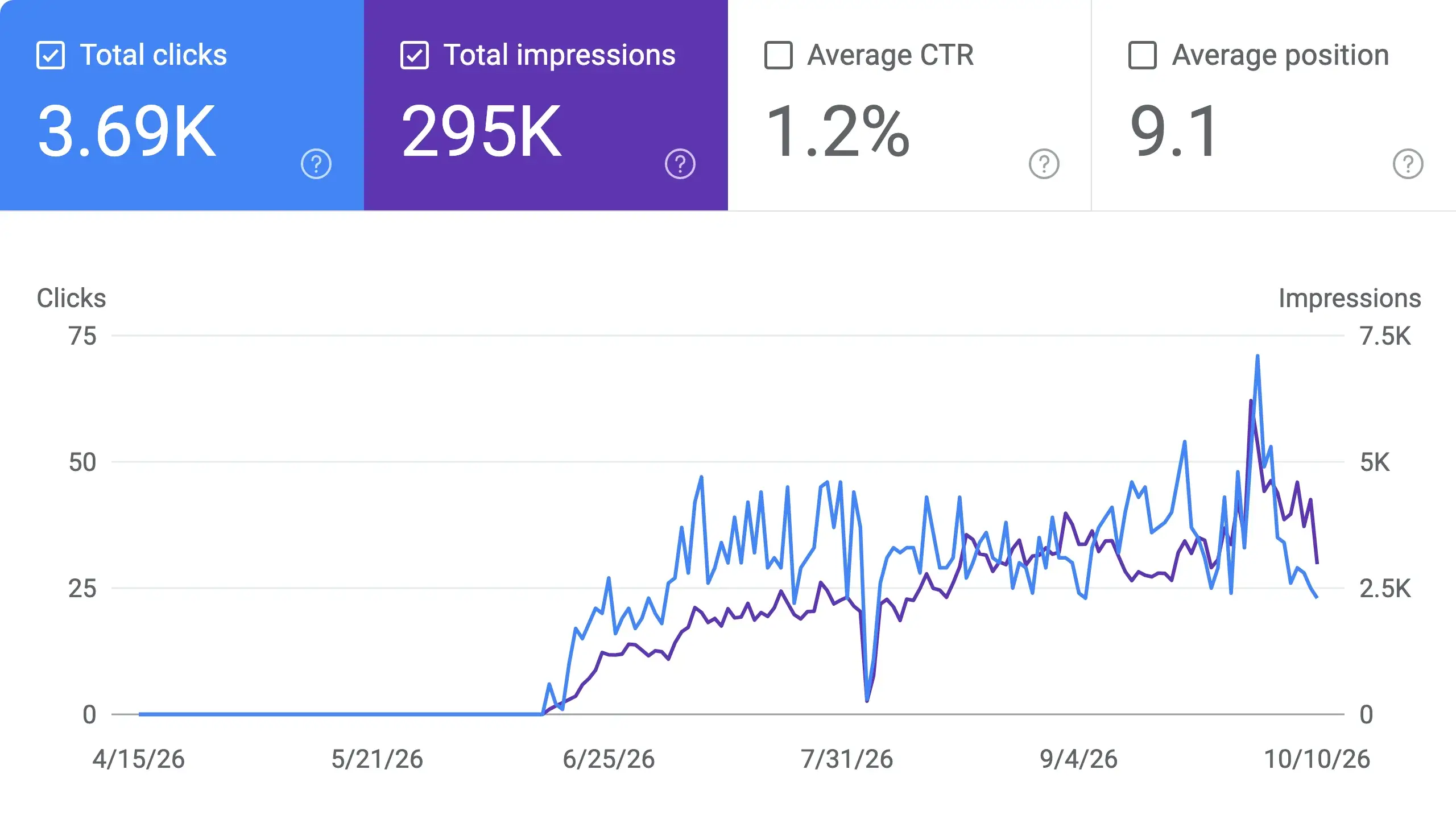
 Guillaume Guersanguersanguillaume.com“We are an Ads agency and we wanted to get our SEO back on track once and for all. Sorank gave us a clear view of our site, helped us prioritize optimizations, and properly structure our content. The tool is easy to use, well designed for a team, and very practical for centralizing tracking without having to juggle multiple platforms. A very solid foundation to start fresh with our SEO.”
 Gaspard MadouiAds Agency
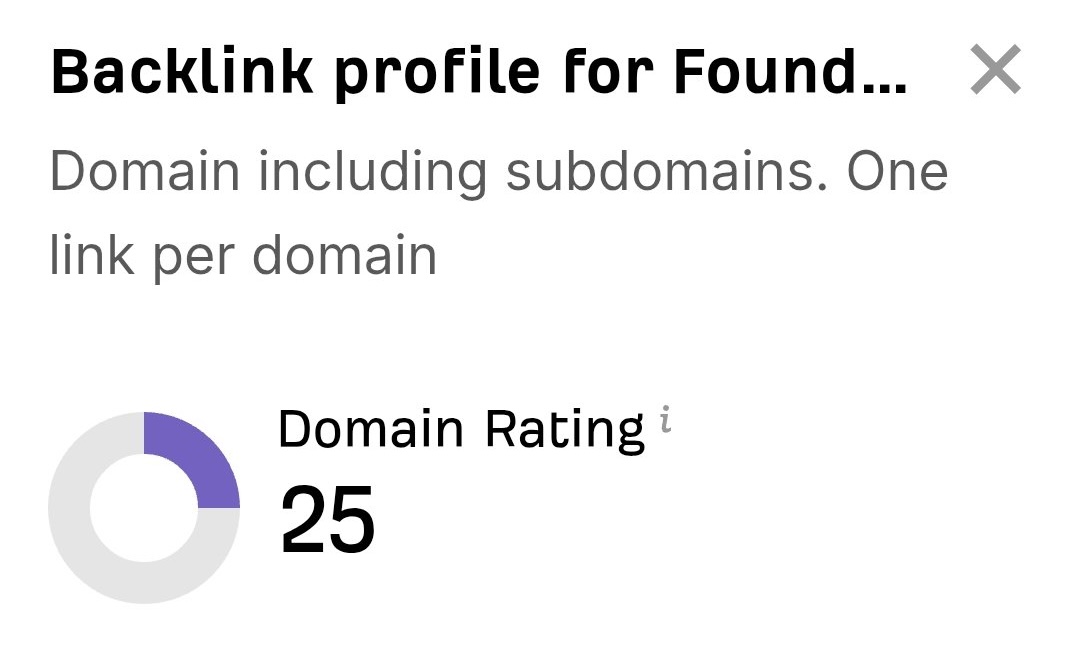 “I just let the Sorank software do its thing, and now my DR is 25 and my page is ranking higher.”
 Lucas FlandrePodcast Host“I specialized in GEO thanks to Sorank. The GEO Leaderboard allows me to show my clients their position vs competitors on ChatGPT. It’s a real commercial differentiator.”
 MélanieSEO Freelance“Great service, works well for our website and helps us understand how to improve it to rank better on Google and elsewhere. Congrats, keep going, I recommend it.”
 Hugo T.E-commerce merchant