העדפות

הפרטיות חשובה לנו, ולכן יש לך אפשרות להשבית סוגים מסוימים של אחסון שייתכן שאינם נחוצים לתפקוד הבסיסי של האתר. חסימת קטגוריות עלולה להשפיע על חווית השימוש שלך באתר. מידע נוסף

קבל את כל קובצי ה-Cookie

How to Make Your Hostinger Website Builder Site SEO and GEO Friendly for Google and AI Search

Learn how to optimize your Hostinger Website Builder site for Google and AI-powered search engines like ChatGPT and Perplexity. Step-by-step GEO and SEO guide.

Man with dark hair and beard wearing a light brown shirt speaks in front of a microphone on a podcast or recording setup.Portrait of a man with short dark hair wearing a white shirt and dark jacket, looking directly at the camera with a neutral expression.Man with short dark hair, beard, and clear glasses wearing a black t-shirt with a white circular logo, standing in front of a stone wall.Celio fabianoSmiling young woman with long brown hair wearing a red top and necklace, outdoors in a tree-filled background.photo de profil du client Xavier Breull
Solid yellow five-pointed star icon on transparent background.Solid yellow five-pointed star icon on transparent background.Solid yellow five-pointed star icon on transparent background.Solid yellow five-pointed star icon on transparent background.Solid yellow five-pointed star icon on transparent background.
+2,000 משתמשים
Hostinger Website Builder
סורנק לוגו SEO IA
Sorank works with Hostinger Website Builder websites.
Hostinger Website Builder
תיבו בסון-מגדלן, מייסד סורנק

אודות המחבר

תיבו בסון-מגדלן

מייסד סורנק, עם למעלה מ-5 שנות ניסיון ב-SEO, חובב GEO.

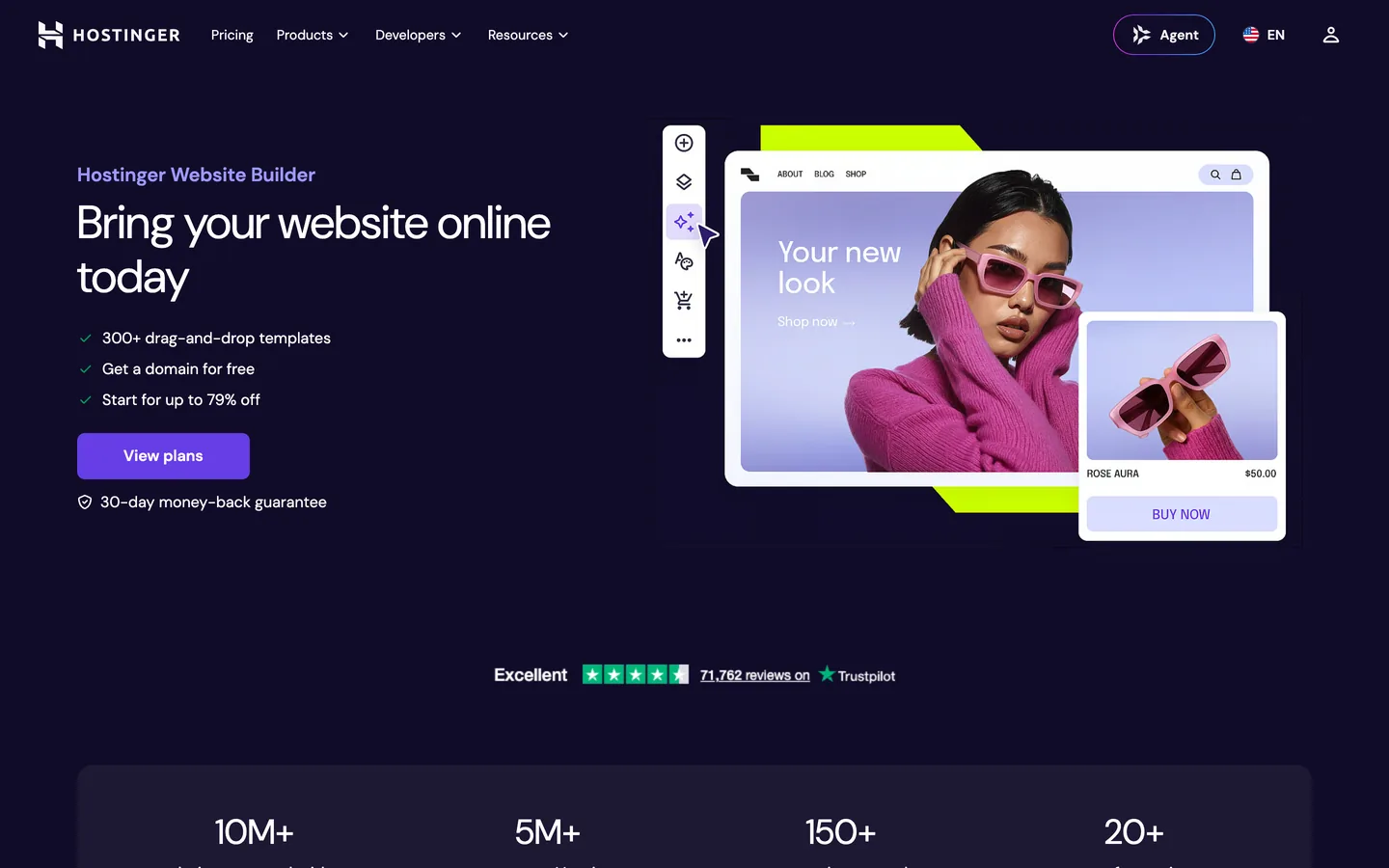
Hostinger Website Builder and the Challenge of AI-Powered Search

Hostinger Website Builder is an AI-assisted site creation tool that lets anyone build a professional website in minutes, with automatic design suggestions, a drag-and-drop editor, and integrated hosting. As generative search engines like ChatGPT, Perplexity, Claude, and Gemini increasingly answer users' questions directly, your site needs to satisfy both traditional ranking signals and the structured, authoritative content patterns that AI models cite. This guide shows you how to meet both standards.

What GEO Means for a Hostinger Website Builder Site

Generative Engine Optimization (GEO) is the practice of structuring your content so that AI answer engines can extract, trust, and cite it. For a Hostinger Website Builder site, the key pillars are:

  • Clear, answer-first writing that responds to a specific question in the first two sentences of each section.
  • Structured data (JSON-LD) that tells AI crawlers exactly what your page is about, who publishes it, and what it answers.
  • Consistent entity signals: your brand name, location, services, and expertise repeated across your site and third-party sources.
  • Authoritative internal linking that guides crawlers through your content hierarchy.

Technical SEO Foundations in Hostinger Website Builder

Hostinger Website Builder generates clean HTML and provides built-in fields for page titles and meta descriptions. Use every field deliberately:

  • Page title: lead with your primary keyword, keep it under 60 characters, and match it to the exact question a user or AI would type.
  • Meta description: write a concise, direct answer (under 155 characters) that could stand alone as a cited snippet in a generative search result.
  • Heading hierarchy: use a single H1 per page that states the page topic clearly, then H2 and H3 for subtopics. Each heading should read as a self-contained question or statement.
  • Image alt text: describe every image in plain language; AI models read alt text when indexing visual content.
  • Page speed: Hostinger's infrastructure delivers fast load times; keep image sizes optimized and avoid heavy third-party scripts that slow the initial render.

Creating Content That AI Engines Cite

AI models favor content that is specific, factual, and structured. For a Hostinger Website Builder site, apply these practices:

  • Answer questions directly: start each section with the answer, then provide supporting details. Do not bury the conclusion at the end of a paragraph.
  • Use numbered lists and tables: structured formats are easier for AI parsers to extract and attribute.
  • Add statistics and dates: precise figures (with sources) increase the probability that an AI engine will cite your content as authoritative.
  • Write at a clear reading level: avoid jargon; plain language is processed more reliably by language models.
  • Publish regularly: fresh content signals that your site is an active, maintained source of information.

Structured Data (JSON-LD) for Hostinger Website Builder

Hostinger Website Builder allows you to add custom HTML and scripts through its settings panel. Use that capability to embed JSON-LD structured data on every important page. Recommended schema types:

  • WebPage or Article: identifies the page type, author, publisher, and date.
  • Organization: defines your brand, logo, and contact information as a coherent entity.
  • FAQPage: marks up your FAQ sections so AI engines can surface your answers directly in conversational results.
  • BreadcrumbList: tells crawlers how your pages relate to each other hierarchically.

Place each JSON-LD block in the <head> section of the relevant page using Hostinger Website Builder's custom code settings.

How Sorank Manages SEO and GEO Content for Hostinger Website Builder Sites

Hostinger's public API covers hosting management (domains, DNS, server configuration) but does not expose a blog or page creation endpoint. This means it is not possible to push articles directly into a Hostinger Website Builder blog via API. Sorank handles this with a self-hosted blog model: Sorank publishes and hosts your SEO and GEO articles on a dedicated blog (deployed on your own subdomain or in a subfolder of your domain) that you link from your Hostinger Website Builder site. Every article is fully interlinked with your main site, preserving your domain authority and providing a seamless experience for visitors and crawlers alike.

This approach gives Hostinger Website Builder users access to the same automated, AI-optimized content production that other platforms receive, with the published articles indexed under your domain and attributed to your brand.

Tracking Your AI Visibility

Publishing optimized content is only the first step. Sorank tracks how often your brand appears in AI-generated answers across ChatGPT, Perplexity, Claude, and Gemini, and measures changes over time. Use the AI mention tracking dashboard to see which queries trigger citations of your site, and the GEO/SEO audit tool to identify content gaps that prevent your pages from appearing in generative results.

Internal Linking Strategy for Hostinger Website Builder

Internal links distribute authority across your site and help AI crawlers understand your content structure. For a Hostinger Website Builder site:

  • Link every new blog article to at least two other relevant pages on your domain.
  • Use descriptive anchor text that reflects the topic of the destination page, not generic phrases like 'click here'.
  • Create a hub page for each major topic area and link to it from every related article.
  • Check that your navigation menus link to your most important pages so crawlers always find them.

Pair this with the SEO content brief generator to plan articles that fill gaps in your internal linking map.

Comparing Hostinger Website Builder with Other Platforms

Hostinger Website Builder occupies the same accessible, beginner-friendly space as GoDaddy Website Builder and Durable. Users who want more design control often graduate to Framer or Webflow, while those who prefer the simplest possible setup sometimes choose Site123. Sorank works with all of these platforms, adjusting its content delivery method to fit each one's API capabilities.

שאלות נפוצות

Can Sorank publish articles directly to a Hostinger Website Builder blog?

Hostinger's public API covers hosting management but does not include a blog content endpoint. Sorank publishes articles on a self-hosted blog under your domain and links it to your Hostinger Website Builder site, keeping all content indexed under your brand.

Does Hostinger Website Builder support custom JSON-LD structured data?

Yes. Hostinger Website Builder allows custom HTML and script blocks through its settings panel, so you can add JSON-LD structured data to any page without touching server configuration.

What is the fastest way to improve AI search visibility for a Hostinger Website Builder site?

Start with a GEO/SEO audit to identify content gaps, then publish structured, answer-first articles on a self-hosted blog linked to your main site. Add FAQPage and Article schema to every page to maximize citation probability in AI-generated answers.