
التفضيلات
خصوصيتك مهمة بالنسبة لنا، لذلك لديك خيار تعطيل أنواع معينة من التخزين التي قد لا تكون ضرورية للوظائف الأساسية للموقع. قد يؤثر حظر الفئات على تجربتك في الموقع. مزيد من المعلومات

خصوصيتك مهمة بالنسبة لنا، لذلك لديك خيار تعطيل أنواع معينة من التخزين التي قد لا تكون ضرورية للوظائف الأساسية للموقع. قد يؤثر حظر الفئات على تجربتك في الموقع. مزيد من المعلومات
تعلم كيفية تحسين موقع Hostinger Website Builder الخاص بك لـ Google ومحركات البحث المدعومة بالذكاء الاصطناعي مثل ChatGPT وPerplexity. دليل GEO وSEO خطوة بخطوة.
.webp)
.webp)





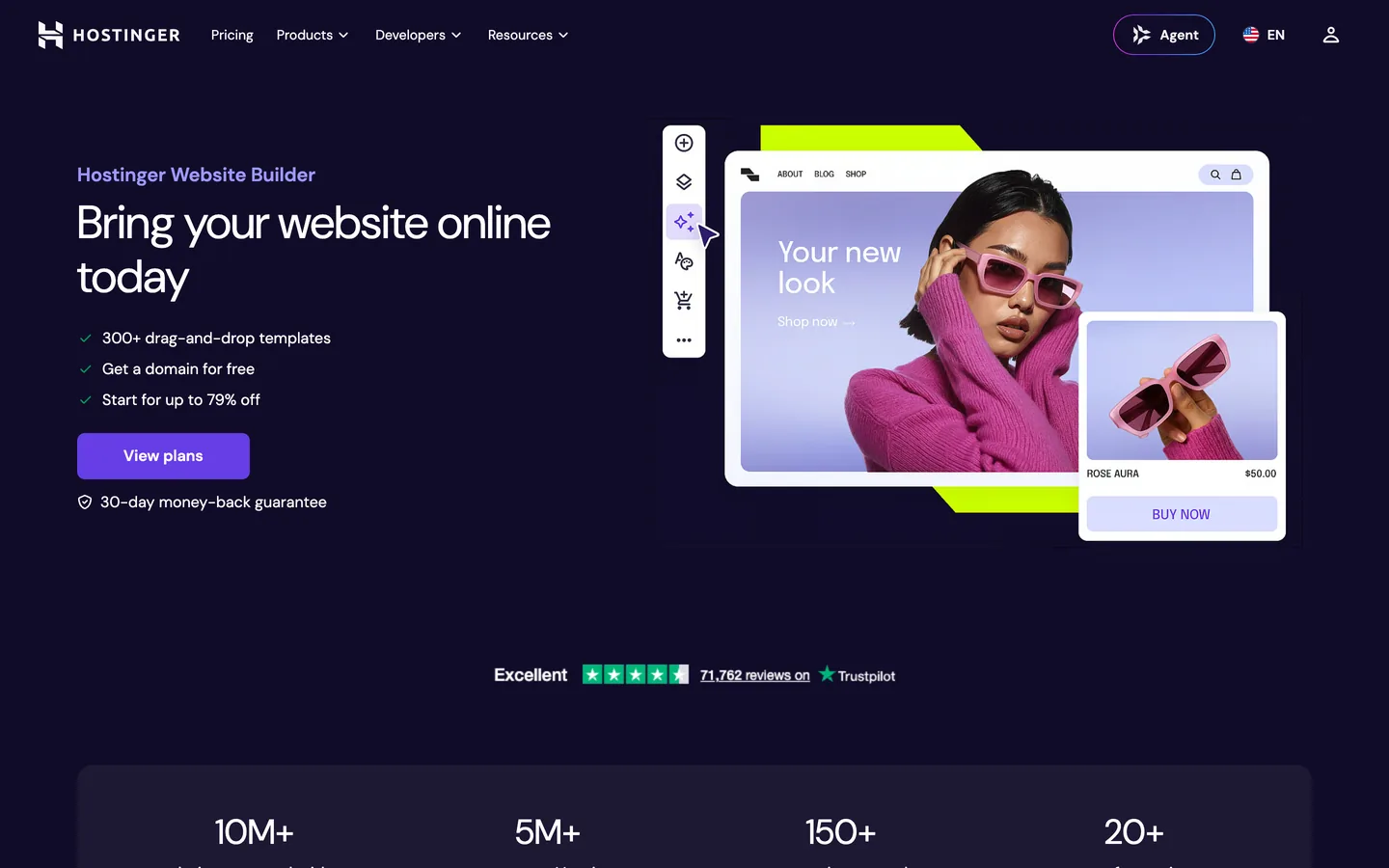



Hostinger Website Builder هي أداة إنشاء مواقع بمساعدة الذكاء الاصطناعي تتيح لأي شخص بناء موقع احترافي في دقائق، مع اقتراحات تصميم تلقائية، محرر السحب والإفلات، والاستضافة المدمجة. مع تزايد الإجابة المباشرة على أسئلة المستخدمين من قبل محركات البحث التوليدية مثل ChatGPT وPerplexity وClaude وGemini، يحتاج موقعك إلى تلبية كل من إشارات الترتيب التقليدية وأنماط المحتوى المهيكل والموثوق التي تستشهد بها نماذج الذكاء الاصطناعي. يوضح لك هذا الدليل كيفية تلبية كلا المعيارين.
تحسين المحرك التوليدي (GEO) هو ممارسة هيكلة محتواك حتى تتمكن محركات إجابة الذكاء الاصطناعي من استخراجه والثقة به والاستشهاد به. لموقع Hostinger Website Builder، الركائز الرئيسية هي:
يولد Hostinger Website Builder HTML نظيفاً ويوفر حقولاً مدمجة لعناوين الصفحات وأوصاف meta. استخدم كل حقل عمداً:
تفضل نماذج الذكاء الاصطناعي المحتوى المحدد والوقائعي والمهيكل. لموقع Hostinger Website Builder، طبق هذه الممارسات:
يتيح لك Hostinger Website Builder إضافة HTML مخصص وبرامج نصية من خلال لوحة الإعدادات الخاصة به. استخدم تلك القدرة لتضمين بيانات JSON-LD المهيكلة على كل صفحة مهمة. أنواع schema الموصى بها:
ضع كل كتلة JSON-LD في قسم <head> من الصفحة ذات الصلة باستخدام إعدادات الكود المخصصة لـ Hostinger Website Builder.
تغطي واجهة برمجة تطبيقات Hostinger العامة إدارة الاستضافة (النطاقات، DNS، تكوين الخادم) ولكنها لا تكشف عن نقطة نهاية لإنشاء مدونة أو صفحة. هذا يعني أنه ليس من الممكن دفع المقالات مباشرة إلى مدونة Hostinger Website Builder عبر API. يتعامل Sorank مع هذا بنموذج مدونة ذاتية الاستضافة: ينشر Sorank ويستضيف مقالات SEO وGEO الخاصة بك على مدونة مخصصة (منتشرة على نطاقك الفرعي الخاص أو في مجلد فرعي من نطاقك) والتي تربطها من موقع Hostinger Website Builder الخاص بك. كل مقال مترابط بالكامل داخلياً مع موقعك الرئيسي، مما يحافظ على سلطة نطاقك ويوفر تجربة سلسة للزوار والزواحف على حد سواء.
يمنح هذا النهج مستخدمي Hostinger Website Builder الوصول إلى نفس إنتاج المحتوى التلقائي والمحسّن للذكاء الاصطناعي الذي تتلقاه المنصات الأخرى، مع فهرسة المقالات المنشورة تحت نطاقك وإسنادها إلى علامتك التجارية.
نشر محتوى محسّن هو الخطوة الأولى فقط. يتتبع Sorank عدد المرات التي تظهر فيها علامتك التجارية في الإجابات التي تولدها الذكاء الاصطناعي عبر ChatGPT وPerplexity وClaude وGemini، ويقيس التغييرات بمرور الوقت. استخدم لوحة تحكم AI mention tracking لرؤية الاستفسارات التي تطلق استشهادات من موقعك، وأداة GEO/SEO audit لتحديد فجوات المحتوى التي تمنع صفحاتك من الظهور في النتائج التوليدية.
توزع الروابط الداخلية السلطة عبر موقعك وتساعد زواحف الذكاء الاصطناعي على فهم بنية محتواك. لموقع Hostinger Website Builder:
أقرن هذا مع مولد ملخص محتوى SEO لتخطيط المقالات التي تملأ الفجوات في خريطة الروابط الداخلية الخاصة بك.
يحتل Hostinger Website Builder نفس المساحة سهلة الوصول والملائمة للمبتدئين مثل GoDaddy Website Builder وDurable. غالباً ما ينتقل المستخدمون الذين يرغبون في مزيد من التحكم في التصميم إلى Framer أو Webflow، بينما يختار أحياناً أولئك الذين يفضلون أبسط إعداد ممكن Site123. يعمل Sorank مع كل هذه المنصات، ويعدل طريقة تسليم المحتوى الخاصة به لتناسب قدرات API لكل منها.

تغطي واجهة برمجة تطبيقات Hostinger العامة إدارة الاستضافة ولكنها لا تتضمن نقطة نهاية لمحتوى المدونة. ينشر Sorank المقالات على مدونة ذاتية الاستضافة تحت نطاقك ويربطها بموقع Hostinger Website Builder الخاص بك، مع الحفاظ على جميع المحتوى مفهرساً تحت علامتك التجارية.
نعم. يسمح Hostinger Website Builder بكتل HTML والبرامج النصية المخصصة من خلال لوحة الإعدادات الخاصة به، حتى تتمكن من إضافة بيانات JSON-LD المهيكلة إلى أي صفحة دون لمس تكوين الخادم.
ابدأ بتدقيق GEO/SEO لتحديد فجوات المحتوى، ثم انشر مقالات مهيكلة وبأولوية الإجابة على مدونة ذاتية الاستضافة مرتبطة بموقعك الرئيسي. أضف schema FAQPage وArticle إلى كل صفحة لتعظيم احتمال الاستشهاد في الإجابات التي تولدها الذكاء الاصطناعي.









.svg)
.svg)


