
التفضيلات
خصوصيتك مهمة بالنسبة لنا، لذلك لديك خيار تعطيل أنواع معينة من التخزين التي قد لا تكون ضرورية للوظائف الأساسية للموقع. قد يؤثر حظر الفئات على تجربتك في الموقع. مزيد من المعلومات

خصوصيتك مهمة بالنسبة لنا، لذلك لديك خيار تعطيل أنواع معينة من التخزين التي قد لا تكون ضرورية للوظائف الأساسية للموقع. قد يؤثر حظر الفئات على تجربتك في الموقع. مزيد من المعلومات
تعلم كيفية تحسين موقع GoDaddy Website Builder الخاص بك لمحرك Google ومحركات البحث المدعومة بالذكاء الاصطناعي مثل ChatGPT و Perplexity. دليل GEO و SEO خطوة بخطوة.
.webp)
.webp)





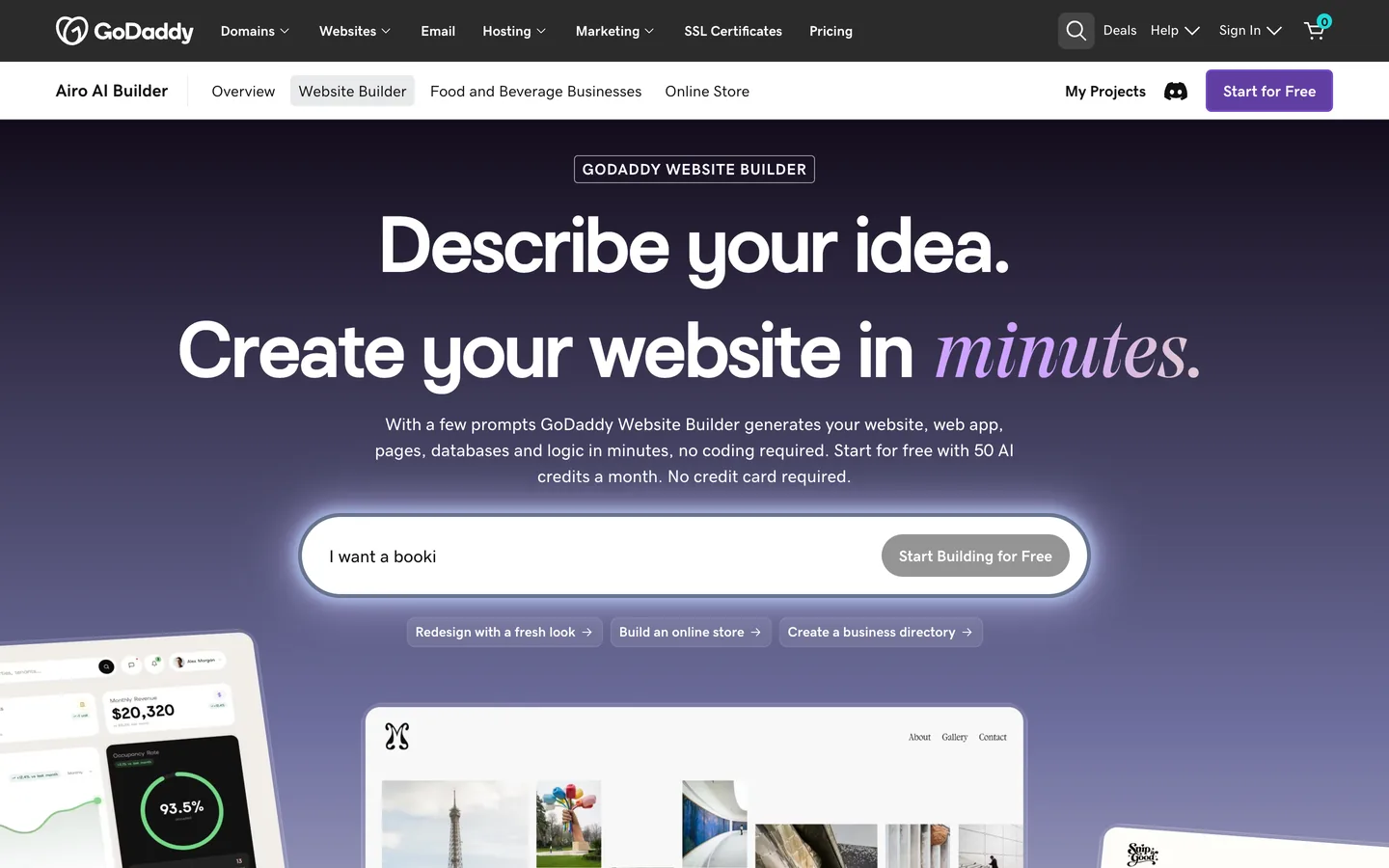



يُعدّ GoDaddy Website Builder من أكثر أدوات إنشاء المواقع استخداماً في العالم، ويقدم عملية إعداد موجهة وأدوات تسويق مدمجة وإدارة متكاملة للنطاق والاستضافة. ومع تزايد قيام محركات البحث التوليدية مثل ChatGPT و Perplexity و Claude و Gemini بعرض إجابات من مصادر ويب موثوقة بدلاً من مجرد سرد الروابط، يحتاج موقع GoDaddy Website Builder الخاص بك إلى تلبية مجموعتين من المعايير: إشارات تصنيف Google الكلاسيكية وأنماط المحتوى المنظمة والموثوقة التي تستشهد بها نماذج الذكاء الاصطناعي. يغطي هذا الدليل كليهما.
Generative Engine Optimization (GEO) هو ممارسة هيكلة المحتوى الخاص بك بحيث تتمكن محركات إجابات الذكاء الاصطناعي من استخراجه والوثوق به والاستشهاد به. بالنسبة لموقع GoDaddy Website Builder، الركائز الرئيسية هي:
يوفر GoDaddy Website Builder إعدادات SEO مدمجة لعناوين الصفحات وأوصاف التعريف والنص البديل للصور. طبّق كل منها بعناية:
تعطي نماذج الذكاء الاصطناعي الأولوية للمحتوى المحدد والوقائعي والمنسق للاستخراج السهل. لموقع GoDaddy Website Builder:
يتيح لك GoDaddy Website Builder إدراج HTML مخصص عبر إعدادات الموقع. استخدم هذه الميزة لإضافة بيانات JSON-LD المنظمة لكل صفحة مهمة. أنواع المخططات الرئيسية للتنفيذ:
أضف كل كتلة JSON-LD عبر إعدادات الكود المخصص أو قسم head في GoDaddy Website Builder لضمان وجودها في كل تحميل صفحة.
يوفر واجهة برمجة التطبيقات العامة لـ GoDaddy وصولاً جزئياً لإدارة النطاق والحساب لكنها لا تتضمن نقطة نهاية لإنشاء أو تحديث منشورات المدونة في GoDaddy Website Builder. هذا يعني أن النشر التلقائي للمحتوى مباشرة إلى مدونة GoDaddy Website Builder غير متوفر عبر API. تعالج Sorank هذا بنهج مدونة مستضافة ذاتياً: تنشر Sorank وتستضيف مقالات SEO و GEO الخاصة بك على مدونة مخصصة منشورة على نطاق فرعي أو مجلد فرعي خاص بك، والذي تربطه من موقع GoDaddy Website Builder الخاص بك. جميع المقالات مترابطة مع موقعك الرئيسي، محافظة على سلطة النطاق ومقدمة تجربة تصفح متصلة للزوار وزواحف البحث.
يتلقى مستخدمو GoDaddy Website Builder نفس خط أنابيب المحتوى المُحسّن بالذكاء الاصطناعي والمُحدّث باستمرار مثل المستخدمين على منصات أخرى، مع فهرسة كل مقال تحت نطاقهم الخاص.
معرفة أن محتواك مُنشر ليست نفس معرفة أنه مُستشهد به. تتبع Sorank عدد مرات ظهور اسم علامتك التجارية والصفحات الرئيسية في الإجابات المُولّدة بالذكاء الاصطناعي عبر ChatGPT و Perplexity و Claude و Gemini، وتقيس التغيير أسبوعاً بعد أسبوع. استخدم لوحة تتبع إشارات الذكاء الاصطناعي لمراقبة الاستفسارات التي تشير إلى موقعك، وأداة تدقيق GEO/SEO للعثور على فجوات المحتوى التي تمنع صفحاتك حالياً من الاستشهاد بها.
هيكل الربط الداخلي القوي يضخّم سلطة كل مقال منشور. لموقع GoDaddy Website Builder:
استخدم أداة موجز محتوى SEO لتحديد الموضوعات التي يجب تغطيتها لاحقاً وكيفية ربطها بهيكل المحتوى الحالي.
يستهدف GoDaddy Website Builder أصحاب الأعمال الذين يريدون إعداداً مباشراً مع أدوات تسويق مدمجة، بشكل مشابه لـ Hostinger Website Builder و Jimdo. غالباً ما تنتقل الشركات التي تحتاج إلى مرونة تصميم أكبر إلى Squarespace أو Webflow، بينما يختار الباحثون عن أبسط بداية ممكنة أحياناً Site123 أو Strikingly. تتصل Sorank بجميع هذه المنصات وتكيف نموذج تسليم المحتوى الخاص بها ليتناسب مع القيود التقنية لكل منها.

لا تكشف واجهة برمجة التطبيقات العامة لـ GoDaddy عن نقطة نهاية لمحتوى المدونة لـ GoDaddy Website Builder. تنشر Sorank المقالات على مدونة مستضافة ذاتياً تحت نطاقك وتربطها بموقع GoDaddy Website Builder الخاص بك، محافظة على فهرسة كل المحتوى تحت علامتك التجارية.
نعم. يتيح GoDaddy Website Builder HTML مخصصاً عبر إعدادات الموقع، بحيث يمكنك إضافة كتل بيانات JSON-LD منظمة لأي صفحة دون تعديل تكوين الخادم.
شغّل تدقيق GEO/SEO لتحديد فجوات المحتوى التي تمنع صفحاتك من الاستشهاد بها في الإجابات المُولّدة بالذكاء الاصطناعي. ثم انشر مقالات منظمة تبدأ بالإجابة على مدونة مستضافة ذاتياً مرتبطة بموقعك الرئيسي، مع مخطط FAQPage و Article على كل صفحة.









.svg)
.svg)


