
التفضيلات
خصوصيتك مهمة بالنسبة لنا، لذلك لديك خيار تعطيل أنواع معينة من التخزين التي قد لا تكون ضرورية للوظائف الأساسية للموقع. قد يؤثر حظر الفئات على تجربتك في الموقع. مزيد من المعلومات

خصوصيتك مهمة بالنسبة لنا، لذلك لديك خيار تعطيل أنواع معينة من التخزين التي قد لا تكون ضرورية للوظائف الأساسية للموقع. قد يؤثر حظر الفئات على تجربتك في الموقع. مزيد من المعلومات
اجعل موقع Payload CMS مرئيًا لـ Google والبحث بالذكاء الاصطناعي. استخدم collections والحقول وواجهة Next.js و JSON-LD و llms.txt حتى يستشهد ChatGPT و Perplexity و Claude و Gemini بصفحاتك.
.webp)
.webp)





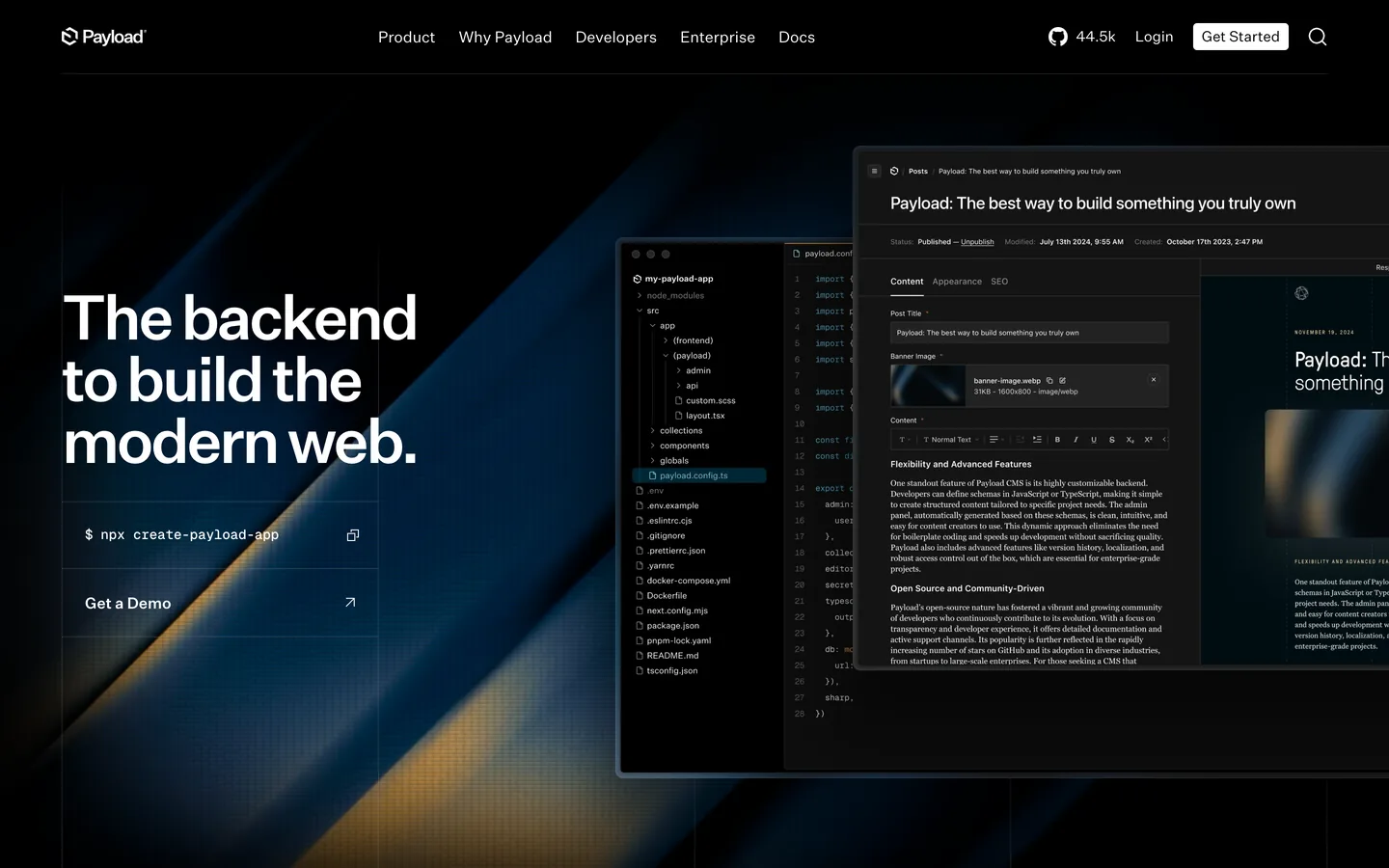



هل تريد أن يظهر موقع Payload CMS الخاص بك داخل إجابات AI، وليس فقط في الروابط الزرقاء العشرة الكلاسيكية؟ Payload CMS هو CMS headless مبني على TypeScript يتم تثبيته بجانب تطبيقك، حيث يعمل المحررون مع collections و globals معرفة كحقول مكتوبة، ويقرأ المطورون ويكتبون المحتوى عبر REST و GraphQL و Local API من جانب الخادم، وهي نواة قائمة على المخطط تجعله أساسًا قويًا لـ generative engine optimization (GEO). ابدأ بـ geo seo audit أساسي ودع كل مكسب يتراكم داخل geo seo dashboard حي. يوضح هذا الدليل كيفية نمذجة Payload وعرضه وشرحه حتى يفهم Google والمساعدون مثل ChatGPT و Perplexity و Claude و Gemini صفحاتك ويستشهدون بها.
الرؤية الآن تنقسم إلى قسمين: الروابط المصنفة التي تسعى إليها بالفعل، والقائمة القصيرة من المصادر التي يستشهد بها ChatGPT و Perplexity و Claude و Gemini عند الإجابة. Generative Engine Optimization هي ممارسة الانضمام إلى تلك القائمة. Payload يناسب المهمة لأن المحتوى معرف كرمز: كل collection له حقول مكتوبة وتحقق وعلاقات، مدعومة بـ MongoDB أو Postgres، بحيث يتصرف كل مستند كسجل منظم نظيف بدلاً من صفحة حرة. لأن Payload هو headless، تعرضه من خلال واجهة سريعة وحديثة وتحتفظ بالتحكم الكامل في HTML الدلالي الذي تقرأه النماذج ككيانات متميزة.
قِس قبل أن تبني. اطرح على المساعدين الرائدين الأسئلة الحقيقية التي يطرحها جمهورك، ثم سجل ما إذا كانت صفحاتك تظهر وأي عناوين URL يستشهدون بها. تتبع استشهادات العلامة التجارية بـ ai mention tracking، وادرس المراجع التي تكسبها بالفعل عبر ai cited backlinks، وقم بتشغيل geo seo audit مفصل لرسم الكيانات (العلامة التجارية والأشخاص والمنتجات) المرتبطة بالفعل بنطاقك. يخبرك هذا المعيار بأي collections ومستندات يجب إعطاؤها الأولوية أولاً.
في GEO، تصل النية كمطالبات كاملة، وليس ككلمات رئيسية مقتطعة. اجمع الصياغة الدقيقة التي يستخدمها الأشخاص في الدردشة والصوت، ثم قم بتجميعها حسب المهمة: التعلم والمقارنة والاختيار والإصلاح. وسّع التغطية بـ query fan-out tool ورتب المواضيع بـ keyword research. لكل مجموعة، عيّن مستند Payload كنسي واحد ليكون الصفحة التي تريد الاستشهاد بها، ثم اجعله موجزًا وقابلاً للاقتباس ومدعومًا بأدلة صريحة حتى يتمكن النموذج من انتزاع فقرة دون تشويه معناها.
عامل collections الخاصة بك كعمود الكيان. عرّف collections مثل Posts و Categories و Products و Team و FAQs و Glossary، وأعط كلًا منها حقولاً مكتوبة، واربطها بحقول relationship. قم بتعيين حقولك إلى خصائص schema.org مثل name و description و image و datePublished و author و about و sameAs، وقم بتخزين البيانات الوصفية لـ SEO في مجموعة مخصصة في كل collection. لأن المخطط هو رمز، تبقى الأسماء والحقائق الكنسية موحدة عبر الموقع، ويقوم مكون SEO الرسمي بتوحيد حقول العنوان والوصف. هذا العمق المتكرر هو السلطة الموضوعية التي تكافئها محركات الإجابة عند اختيار مصدر.
Payload هو headless، لذا قم بإقرانه مع واجهة سريعة مثل Next.js أو Nuxt أو Astro وعرض الصفحات من جانب الخادم. Payload يتكامل بإحكام مع Next.js، لذا تجلب المستندات من خلال Local API في وقت البناء أو الطلب وتخرج HTML نظيفًا ودلاليًا دون ضريبة hydration من جانب العميل على المحتوى. استخدم التوليد الثابت أو إعادة التوليد المتزايدة للمقالات، وقدم الأصول عبر CDN، وخزّن في التخزين المؤقت بقوة. الصفحات السريعة مع ترميز قابل للزحف ترفع تغطية الزحف ومدى تكرار استشهاد المساعدين بك.
حرك البيانات الوصفية من حقول collection الخاصة بك: أضف مكون SEO الرسمي أو مجموعة SEO خاصة بك حتى يحمل كل مستند عنوانًا دقيقًا و meta description وقيم Open Graph تطابق النص. في واجهتك الأمامية، قم بعرض هذه الحقول في رأس المستند، وابن عناوين URL نظيفة وغنية بالكيانات من slugs الخاصة بك، واطبع علامات canonical لدمج التكرارات والأرشيفات المرقمة في عنوان واحد. طبق meta robots لإبعاد قوائم العلامات الرقيقة والعروض المصفاة عن الفهرس، حتى يقرأ المساعدون معنى متماسكًا واحدًا لكل صفحة.
على Payload، يعيش JSON-LD في إطار عمل الواجهة الأمامية، وليس في لوحة الإدارة. في مكون صفحة Next.js أو Nuxt أو Astro، أخرج كتلة script من نوع application/ld+json مأهولة من المستند الذي جلبته، حتى تنبعث كل صفحة بيانات منظمة مبنية من حقولها الخاصة. استخدم Article مع WebPage و BreadcrumbList للمحتوى، و Product مع offers في صفحات التجارة، و HowTo للدروس، و FAQPage لكتل الأسئلة. أضف مخططًا موقعيًا شاملاً Organization مع logo و contactPoint وروابط sameAs، حتى يؤكد المساعدون الحقائق ويربطون صفحاتك بكيانات معترف بها.
أنشئ كتل أسئلة وأجوبة صريحة تعكس المطالبات الحقيقية، وأضف مجموعة حقول FAQ مخصصة أو حقل blocks حتى يستنسخ المحررون النمط في كل مستند ذي صلة. احتفظ بكل إجابة بين 50 و 120 كلمة، واربطها بالصفحة الداخلية المطابقة، واستشهد بمصدر خارجي موثوق واحد. للإجراءات، ضع المواد والخطوات المرتبة والوقت المطلوب في صيغة HowTo. هذه التنسيقات المدمجة تزيل الغموض وتجعل من السهل على المساعد اقتباس صفحات Payload الخاصة بك مع الحفاظ على المعنى.
أنشئ خريطة موقع XML في واجهتك تسرد كل مستند تم نشره، ثم أرسلها في Google Search Console. في robots.txt، اسمح بالمسارات التي تحتوي على محتوى قابل للاستشهاد، وامنع لوحة الإدارة ونقاط نهاية API. انشر ملف llms.txt في جذر نطاقك يذكر قواعد الزحف المفضلة لوكلاء AI وعناوين URL ذات الأولوية وشروط إعادة الاستخدام. يتم احترام هذا الملف بشكل متزايد ويشير إلى مصدر واضح للنماذج التي تستشهد بالمصادر.
ابنِ مراكز موضوع تجمع المستندات ذات الصلة وتعرّف إجاباتك الكنسية، واستخدم navigation global بالإضافة إلى breadcrumbs لتسلسل هرمي نظيف. أضف روابط سياقية مضمنة مع مرابط وصفية، واربط كل مستند بمركز الأصل الخاص به والمواضيع الشقيقة عبر حقول relationship. سرّع الرسم بـ topical cluster generator. إذا كانت أجزاء من مجموعتك تعمل في مكان آخر، فاستخدم نفس النهج على strapi و directus و webflow و shopify.
لا يزال GEO يعمل على السلطة. اكسب استشهادات من منشورات موثوقة وأبحاث أولية ومجتمعات TypeScript والمطورين التي تدور حول مشاريع Payload. انشر تحت خبراء مذكورين بالاسم، وأبرز أوراق اعتماد المراجعين، وحافظ على صفحات سيرة ذاتية مفصلة وصفحة About تعزز E-E-A-T. تتبع مكانتك بمرور الوقت بـ domain authority tracker، واعرض تاريخ آخر تحديث واضحًا على المستندات الاستراتيجية حتى يقرأ Google والمساعدون محتواك كحديث وذو صيانة جيدة.
Payload CMS يعرض API عامًا: كل collection يحصل تلقائيًا على نقاط نهاية REST و GraphQL تنشئ المستندات، على الرغم من عدم وجود تطبيق Make.com مخصص. لذا يتصل Sorank عبر جسر webhook من Make.com، حيث يتم إرسال كل مقالة يقوم بإنشائها إلى سيناريو Make.com، و Make ينشرها إلى Payload باستخدام وحدة HTTP العامة من Make.com لإجراء POST مقابل نقطة نهاية collection الخاصة بك بمفتاح API. لا يوجد بعد موصل Sorank أصلي، وهذا المسار يؤتمت النشر. اصنع مقالات محسّنة بسرعة بـ blog article generator، ثم انشرها وفق جدول. تحقق أولاً من استدعاء إنشاء المحتوى على مثيلك المباشر، وعُد إلى مدونة Sorank المستضافة ذاتيًا إذا كانت تهيئتك تقيده.
تتبع أي المطالبات تشغل علامتك التجارية، وأي المستندات يتم الاستشهاد بها، وأين يفوز المنافسون. قارن نفسك بـ seo competitor spy، وشاهد موقعك على geo leaderboard، وانسب الزيارات المدفوعة بالمساعد إلى صفحات هبوط موسومة و UTMs. راجع البيانات بعد كل مخطط ومجموعة محتوى وحملة روابط جديدة، وكرر شهريًا حتى يصبح GEO محركًا للنمو قابلًا للقياس ومتراكمًا.
يمنحك Payload CMS نموذج محتوى مكتوبًا وقائمًا على الرمز وتحكمًا كاملاً في ترميز واجهتك الأمامية؛ ويمنحك GEO الإستراتيجية لوضعه أمام محركات الإجابة. عندما تعرض مستنداتك كيانات واضحة وبيانات وصفية دقيقة وأدلة موثوقة، يستشهد المساعدون بك بثقة. قم بإعداد collections منظمة، وواجهة أمامية سريعة معروضة من جانب الخادم، و JSON-LD، وإجابات قابلة للاستشهاد، ثم دع Sorank يقود عمليات التدقيق والمحتوى والروابط حتى تصبح علامتك التجارية المصدر الذي تفضل النماذج الاستشهاد به في 2026 وما بعده.

Payload CMS هو أساس GEO ممتاز لأن المحتوى معرف كرمز: كل collection له حقول مكتوبة وتحقق وعلاقات مدعومة بـ MongoDB أو Postgres، بحيث تُقرأ مواضيعك وأشخاصك ومنتجاتك ككيانات نظيفة. لأنه headless، تعرض من خلال واجهة سريعة مثل Next.js مع عرض الخادم، مما يمنح تحكمًا كاملاً في HTML الدلالي. أضف مكون SEO الرسمي لعناوين دقيقة وقيم Open Graph، وأخرج JSON-LD من واجهتك، وابن عناوين URL نظيفة من slugs، وأنشئ خريطة موقع XML وانشر ملف llms.txt. مع هذا الإعداد، يمكن لـ ChatGPT و Perplexity و Claude و Gemini الوصول إلى محتواك وتحليله والاستشهاد به بشكل موثوق.
اكتب صفحات بأسلوب الإجابة أولاً معيّنة إلى مطالبات حقيقية. افتح كل صفحة بملخص من جملتين، تليها مخطط قابل للمسح، والتزم بفقرات أقل من 120 كلمة. حافظ على تسلسل هرمي صارم للعناوين (H2 فوق H3)، وأضف كتل FAQ صريحة بإجابات بين 50 و 120 كلمة، واربط كل ادعاء بمصدر. أخرج JSON-LD (Article و FAQPage و HowTo و Organization) من إطار عمل واجهتك، واربط داخليًا بحيث تتصل المراكز بالمستندات ذات الصلة عبر حقول relationship. مجموعة حقول FAQ مخصصة أو حقل blocks تسمح للمحررين باستنساخ النمط على نطاق واسع، مما يشير إلى العمق الموضوعي الذي تعتبره محركات الإجابة موثوقًا وآمنًا للاقتباس.
Payload CMS يعرض API عامًا: كل collection يحصل تلقائيًا على نقاط نهاية REST و GraphQL تنشئ المستندات، دون تطبيق Make.com مخصص، لذا يتصل Sorank عبر جسر webhook من Make.com. يتم إرسال كل مقالة ينشئها Sorank إلى سيناريو Make.com عبر webhook، و Make ينشرها إلى Payload باستخدام وحدة HTTP العامة من Make.com لإجراء POST مقابل نقطة نهاية collection الخاصة بك بمفتاح API. بخلاف النشر، يقوم Sorank بتشغيل عمليات تدقيق GEO و SEO، وتتبع إشارات AI عبر ChatGPT و Perplexity و Gemini، ومراقبة المنافسين، واقتراح تحسينات المحتوى من لوحة معلومات واحدة. تحقق أولاً من استدعاء إنشاء المحتوى على مثيلك المباشر، وعُد إلى مدونة Sorank المستضافة ذاتيًا إذا كانت تهيئتك تقيده.









.svg)
.svg)


