
Preferences
Privacy is important to us, so you have the option of disabling certain types of storage that may not be necessary for the basic functioning of the website. Blocking categories may impact your experience on the website. More information

Privacy is important to us, so you have the option of disabling certain types of storage that may not be necessary for the basic functioning of the website. Blocking categories may impact your experience on the website. More information








.webp)
.webp)










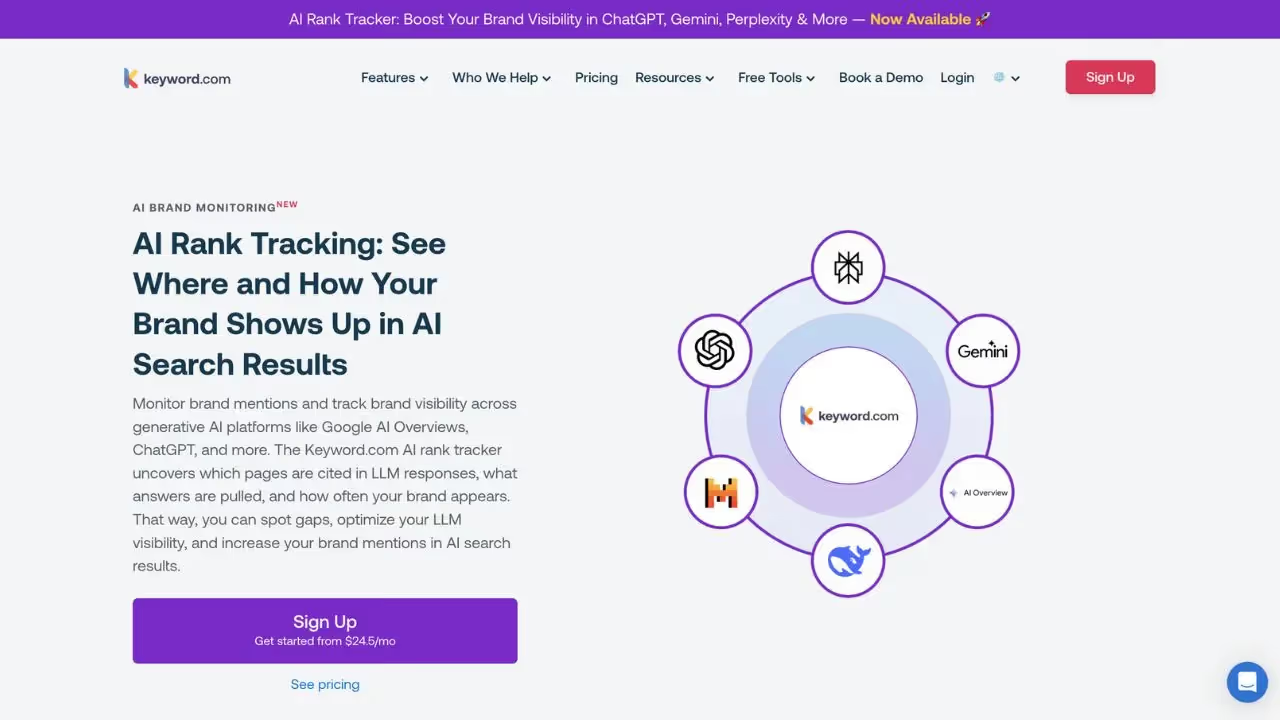
Keyword.com is an AI Rank Tracker that combines traditional keyword tracking with modern AI visibility monitoring. It tracks rankings, reveals opportunities, and guides actions with features including AI citation tracking, visibility scoring, SEO article generation, and search intent analysis.
For teams that need keyword research alongside AI mention tracking and a unified dashboard, Keyword.com bridges the gap between traditional rank tracking and AI search optimization with an affiliate program for agencies.
Lorelight is an AI visibility monitoring platform that helps brands understand and optimize their visibility in AI-generated results, turning data into actionable insights. It offers AI citation tracking, AI visibility scoring, and a unified dashboard for tracking brand presence across generative search engines.
For teams looking for AI mention tracking with a centralized dashboard, Lorelight provides a free trial and an intuitive interface that makes AI search monitoring accessible for teams at any stage of their GEO journey.

Keyword.com is a tool that helps users monitor mentions and improve their SEO. It offers features such as keyword tracking, sentiment analysis, and customizable reports.
Yes, Keyword.com has a free version with limited features. To unlock advanced options, you need to upgrade to a paid subscription.
You can cancel your subscription directly from your account settings. Go to the Billing section, click on 'cancel subscription', and your access will end at the next due date.
<p>Lorelight is a monitoring and analysis tool for AI-related mentions and your brand. Its main function is to monitor what is said on the web and on generative platforms and to transform these mentions into actionable insights for SEO and reputation. Its key features include automatic mention monitoring, sentiment and topic analysis, sharing of voice of the market (SOV), customizable reports and exports, as well as real-time alerts.</p>
Yes, Lorelight offers a free trial and/or a free version with limited features. To access advanced options (custom reports, integrations and advanced alerts), you need to switch to a paid subscription.
You can cancel your subscription directly from your account settings. Go to the Billing section, click cancel subscription, and your access will end at the next due date.













































.svg)
.svg)


