
Preferences
Privacy is important to us, so you have the option of disabling certain types of storage that may not be necessary for the basic functioning of the website. Blocking categories may impact your experience on the website. More information

Privacy is important to us, so you have the option of disabling certain types of storage that may not be necessary for the basic functioning of the website. Blocking categories may impact your experience on the website. More information

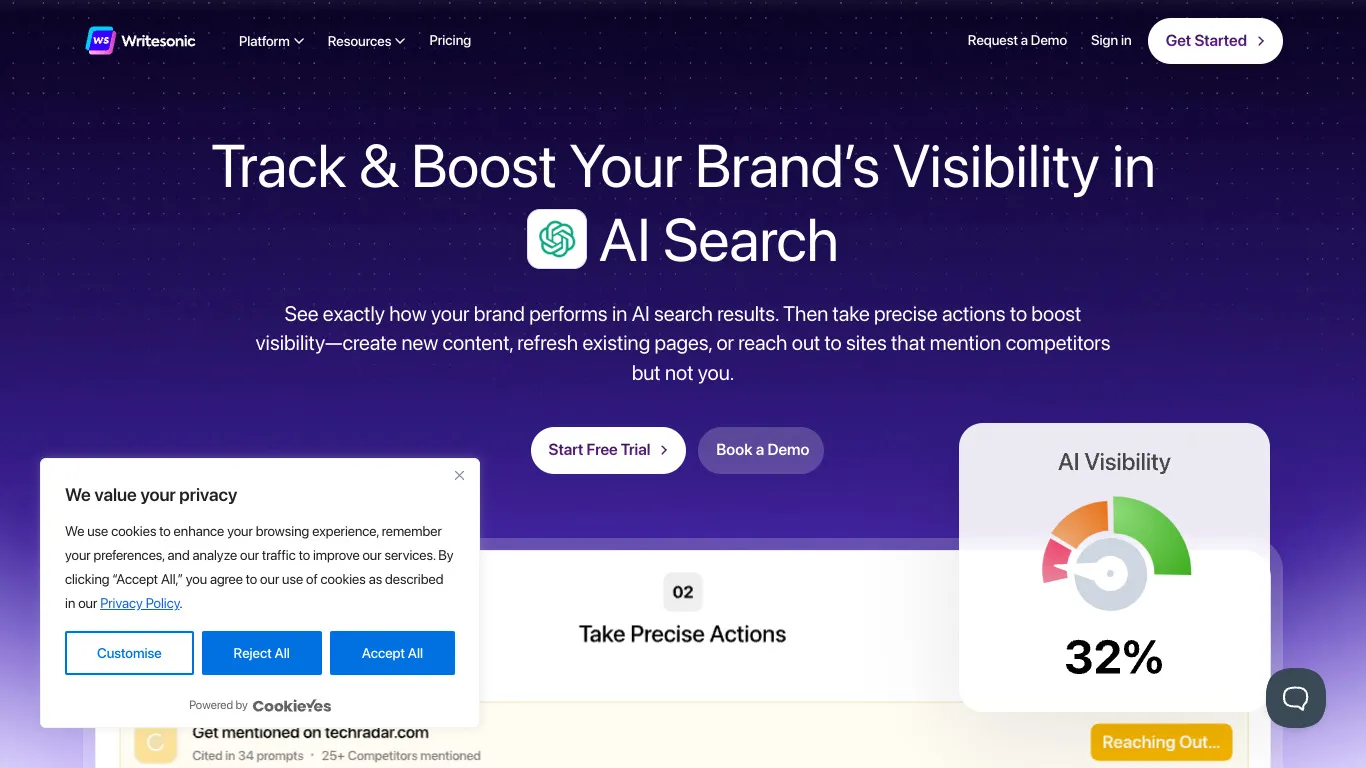












Writesonic is an AI writing and GEO optimization platform designed for content marketers, agencies, and SEO teams. It combines AI-powered content generation with trending niche identification, competitive espionage, and tools to optimize articles for both traditional search engines and AI-generated results.
For teams that need Blog Article Generation alongside SEO Competitor Spy features and Keyword Research, Writesonic provides an AI-first content platform that covers ideation, creation, and optimization in one workflow.
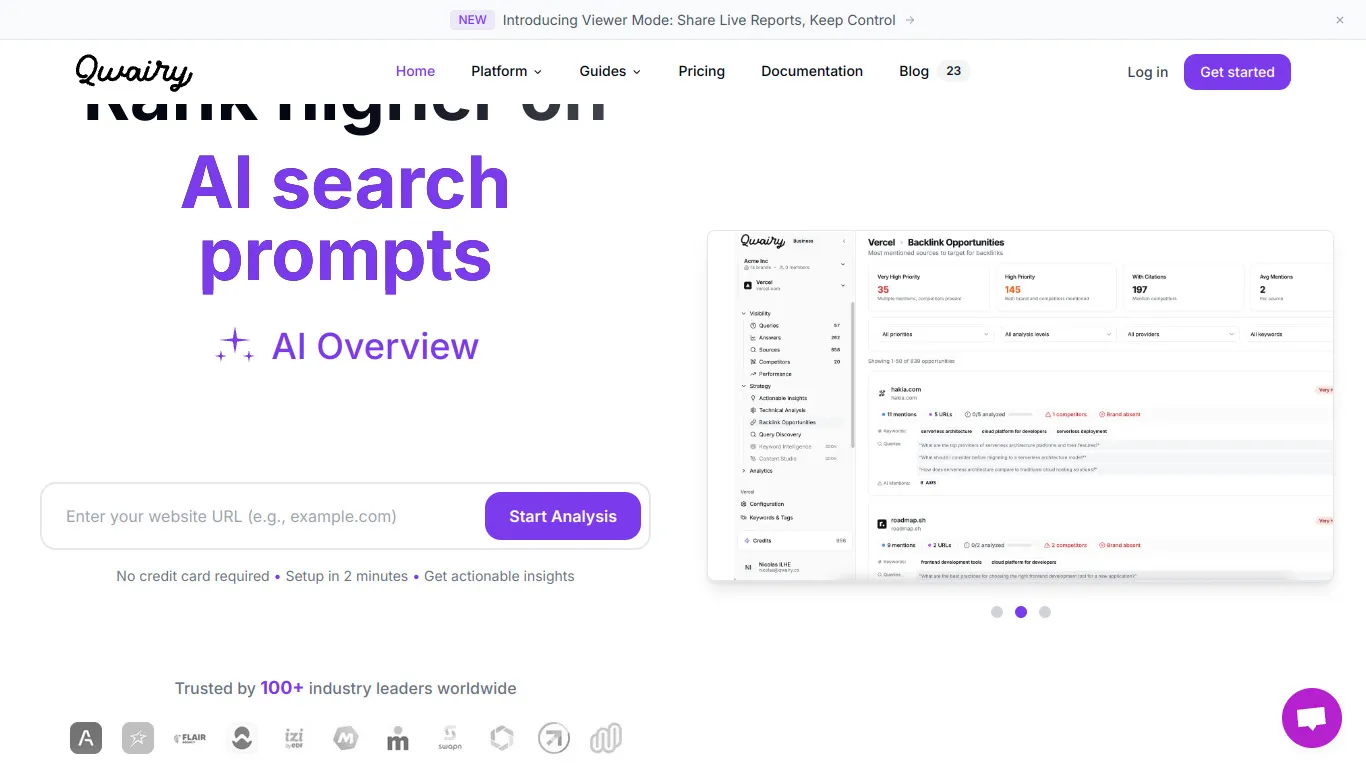
Qwairy is an AI search optimization platform that helps brands optimize visibility in AI-generated responses and improve understanding of search behaviors. It offers AI citation tracking, cited source detection, competitive espionage, and a unified dashboard for monitoring how AI models interact with your content.
For teams seeking AI mention tracking alongside competitive intelligence, Qwairy provides a free trial and focused tools for understanding how AI search engines discover and reference your brand's content.


Writesonic is an AI writing tool that helps users quickly create content. It offers features such as SEO-optimized text generation, varied tones and templates for articles, sales pages and emails.
Yes, Writesonic has a free version with limited credits. To unlock advanced options and increase content volume, you need to switch to a paid subscription.
You can cancel your subscription directly from your account settings. Go to the billing section, click 'cancel subscription', and your access will end at the next renewal date.
Qwairy is a tool that helps users track their brand mentions in AI-generated responses. It offers real-time monitoring, sentiment analysis and detailed reports to optimize your online presence.
Yes, Qwairy offers a free version with limited features. To access advanced features such as in-depth analysis and unrestricted reports, you need to upgrade to a paid subscription.
To cancel, open your account settings, go to the Billing section and click on 'Cancel subscription'. Access will end at the next due date and you will receive a confirmation.















.webp)
.webp)










.svg)
.svg)


