
Writesonic vs Quno : which one to choose for your GEO ?
Updated :
30/11/25

Writesonic







Quno
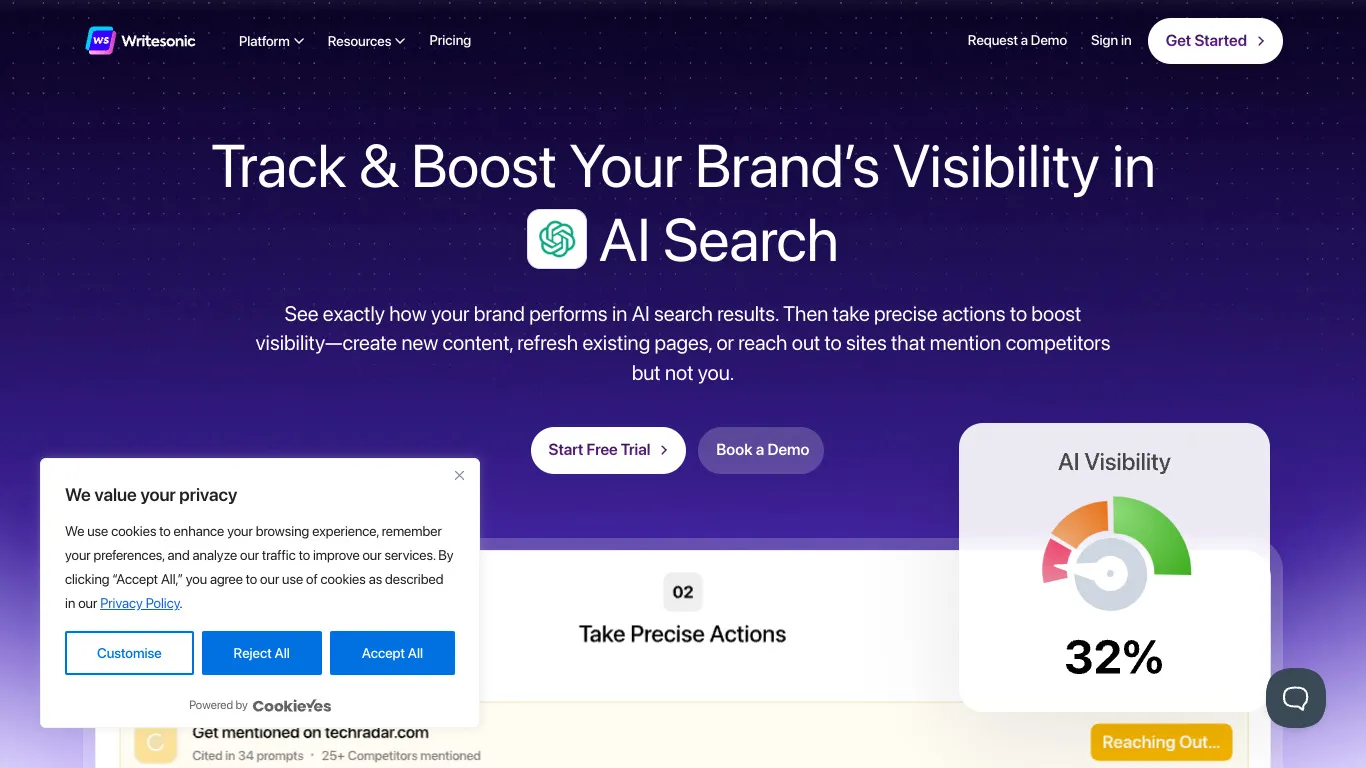
Writesonic is an AI writing and GEO optimization platform designed for content marketers, agencies, and SEO teams. It combines AI-powered content generation with trending niche identification, competitive espionage, and tools to optimize articles for both traditional search engines and AI-generated results.
For teams that need Blog Article Generation alongside SEO Competitor Spy features and Keyword Research, Writesonic provides an AI-first content platform that covers ideation, creation, and optimization in one workflow.
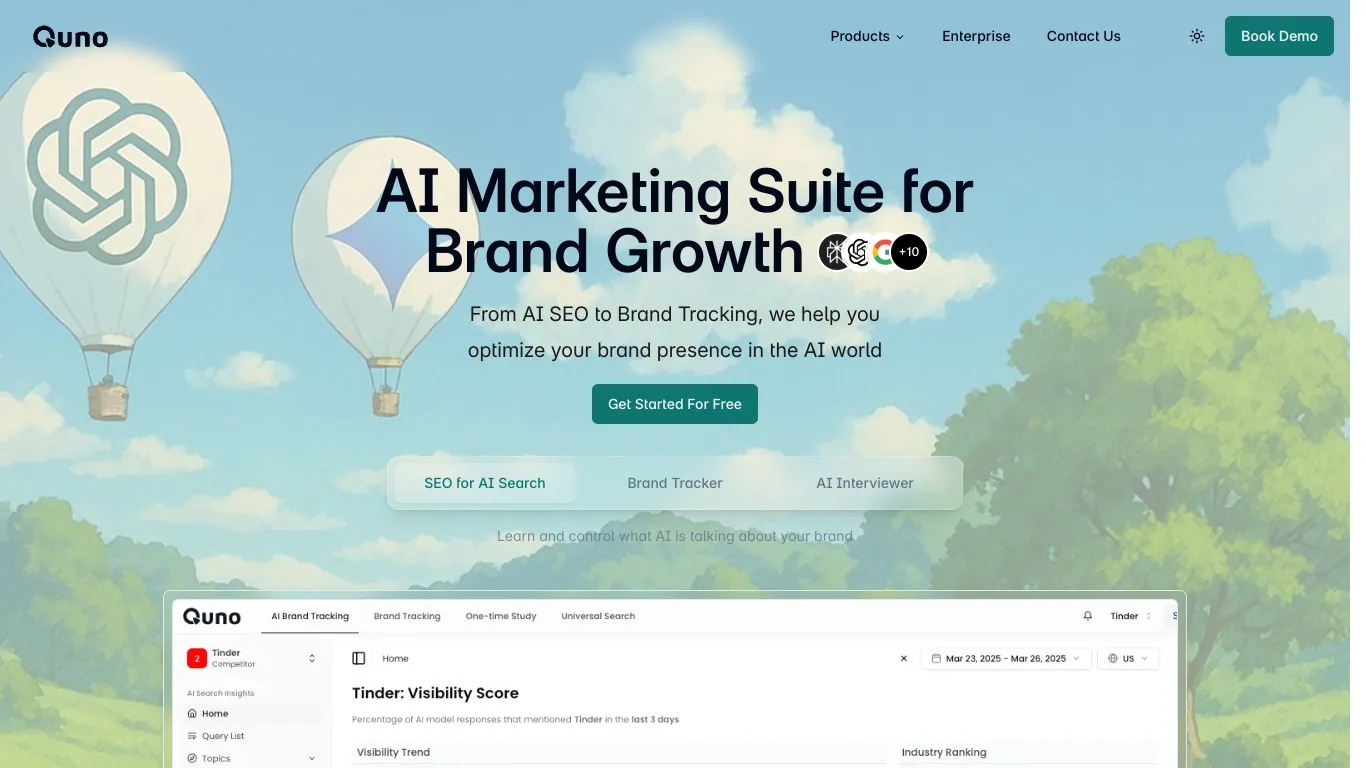
Quno is an AI-powered content strategy platform designed to sustainably optimize visibility and guide content strategy by analyzing the search landscape. It offers AI citation tracking, AI visibility scoring, SEO article generation, search intent analysis, and an automatic agent mode for intelligent content automation.
For teams that need AI-powered article generation alongside AI mention tracking and competitive analysis, Quno provides a comprehensive content strategy platform with smart automation for sustainable SEO growth.

Writesonic is an AI writing tool that helps users quickly create content. It offers features such as SEO-optimized text generation, varied tones and templates for articles, sales pages and emails.
Yes, Writesonic has a free version with limited credits. To unlock advanced options and increase content volume, you need to switch to a paid subscription.
You can cancel your subscription directly from your account settings. Go to the billing section, click 'cancel subscription', and your access will end at the next renewal date.
Quno is a tool that helps users track and analyze their brand mentions on AI and LLM platforms, with alerts and insights. It offers features such as real-time mentions tracking, personalized alerts, and insight reports.
Yes, Quno has a free version with limited features. To unlock advanced options, you need to switch to a paid subscription.
You can cancel your subscription directly from your account settings. Go to the Billing section, click on 'cancel subscription', and your access will end at the next due date.























.svg)
.svg)


