
Preferences
Privacy is important to us, so you have the option of disabling certain types of storage that may not be necessary for the basic functioning of the website. Blocking categories may impact your experience on the website. More information

Privacy is important to us, so you have the option of disabling certain types of storage that may not be necessary for the basic functioning of the website. Blocking categories may impact your experience on the website. More information









.webp)
.webp)










HubSpot AEO Grader is a dedicated AI engine optimization tool by HubSpot that reveals how your brand is represented in AI-generated responses and offers actionable recommendations to improve your positioning. It features AI citation tracking, AI visibility scoring, and a unified dashboard integrated into the broader HubSpot ecosystem.
For marketing teams already using HubSpot who need AI mention tracking and GEO/SEO auditing, the AEO Grader provides a seamless extension of their existing workflow with an affiliate program for agencies.
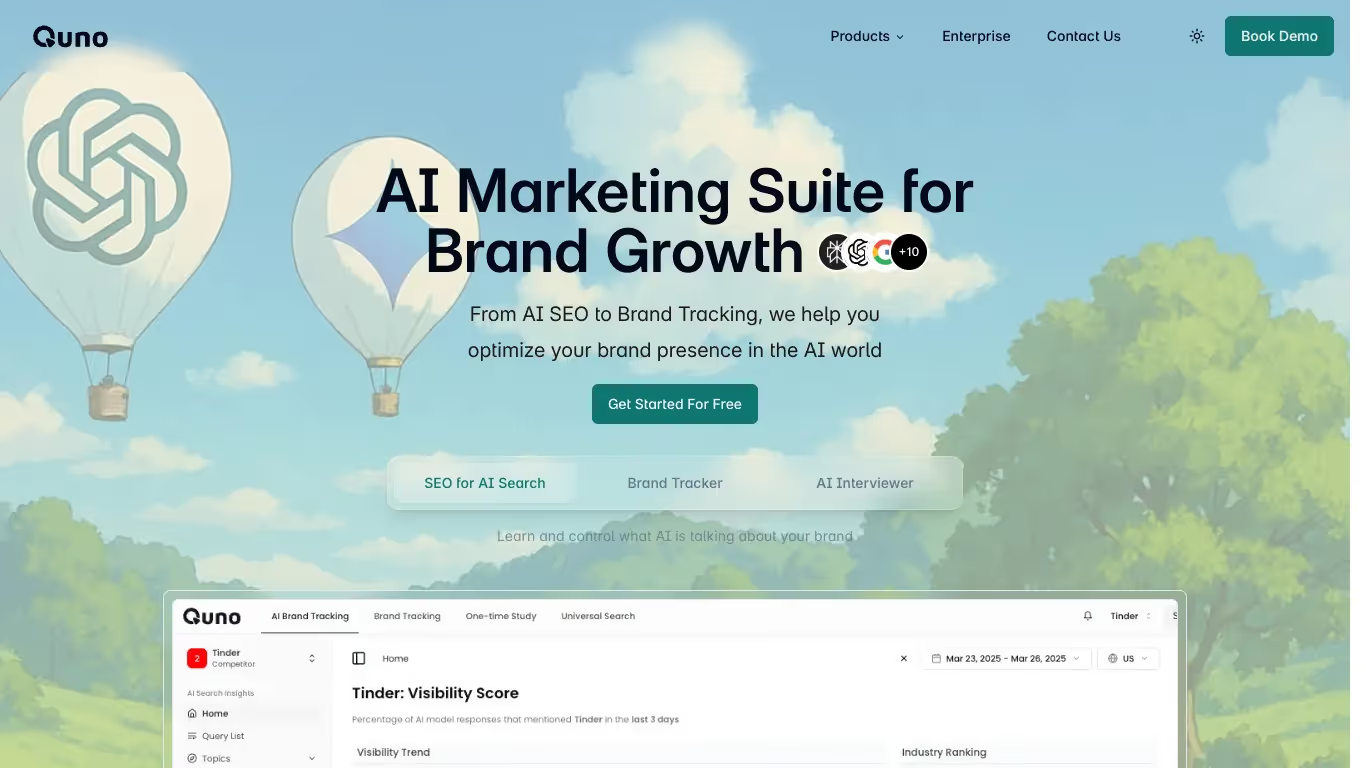
Quno is an AI-powered content strategy platform designed to sustainably optimize visibility and guide content strategy by analyzing the search landscape. It offers AI citation tracking, AI visibility scoring, SEO article generation, search intent analysis, and an automatic agent mode for intelligent content automation.
For teams that need AI-powered article generation alongside AI mention tracking and competitive analysis, Quno provides a comprehensive content strategy platform with smart automation for sustainable SEO growth.

HubSpot AEO Grader is an AI-focused SEO evaluation tool that measures the visibility and AI impact of your content. It provides an overall assessment, insights on the sentiment around your brand, and recommendations to optimize content and information architecture.
Yes, HubSpot AEO Grader offers a free version with basic features. To access advanced analyses and detailed reports, a paid plan is required.
You can cancel your subscription from your account settings. Go to the Billing or Subscription section, click 'cancel subscription', and your access will end at the next due date.
Quno is a tool that helps users track and analyze their brand mentions on AI and LLM platforms, with alerts and insights. It offers features such as real-time mentions tracking, personalized alerts, and insight reports.
Yes, Quno has a free version with limited features. To unlock advanced options, you need to switch to a paid subscription.
You can cancel your subscription directly from your account settings. Go to the Billing section, click on 'cancel subscription', and your access will end at the next due date.


























































.svg)
.svg)


