
העדפות
הפרטיות חשובה לנו, ולכן יש לך אפשרות להשבית סוגים מסוימים של אחסון שייתכן שאינם נחוצים לתפקוד הבסיסי של האתר. חסימת קטגוריות עלולה להשפיע על חווית השימוש שלך באתר. מידע נוסף

הפרטיות חשובה לנו, ולכן יש לך אפשרות להשבית סוגים מסוימים של אחסון שייתכן שאינם נחוצים לתפקוד הבסיסי של האתר. חסימת קטגוריות עלולה להשפיע על חווית השימוש שלך באתר. מידע נוסף








.webp)
.webp)










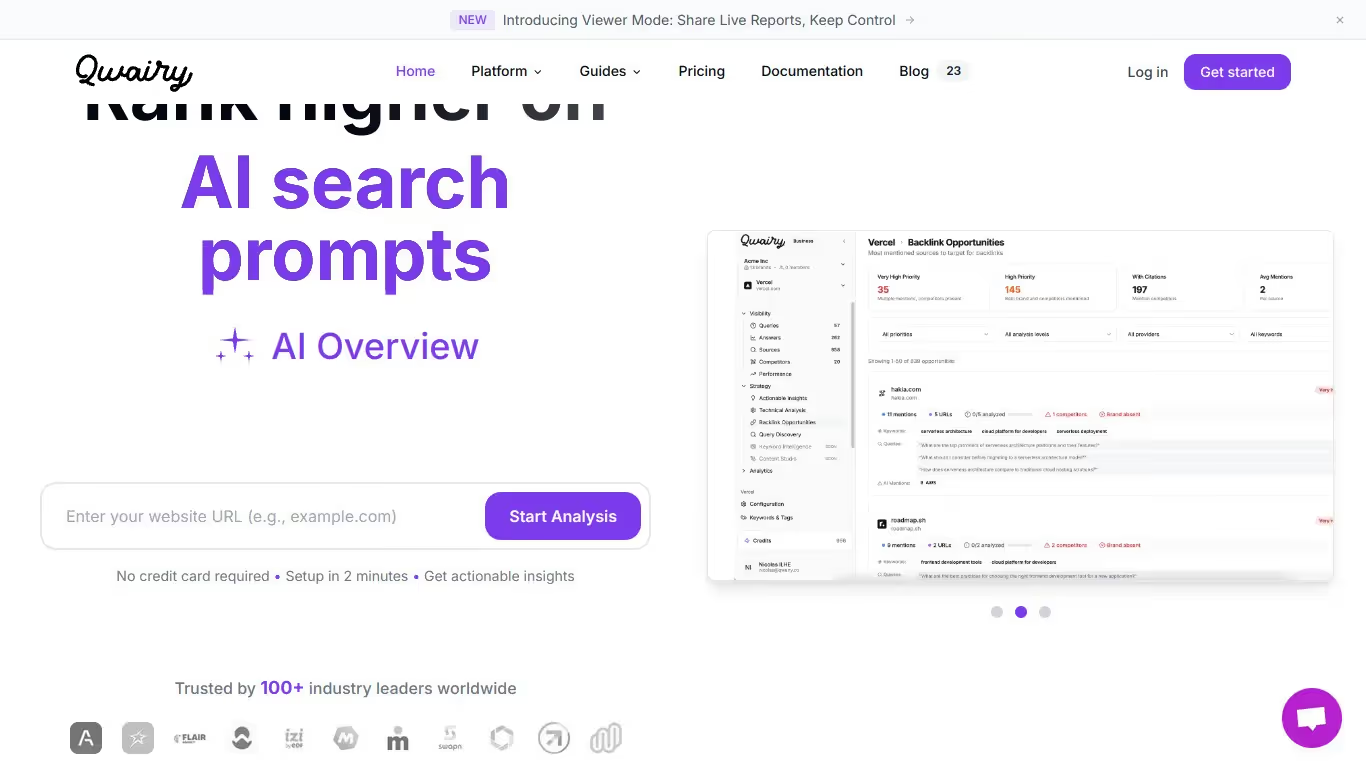
Qwairy היא פלטפורמת מחקר וניתוח מבוססת AI המסייעת לחברות להבין כיצד הן מופיעות בתוצאות חיפוש גנרטיביות. היא מציעה כלים לניתוח שאילתות AI, ניטור נראות והערכה של התשובות שנוצרו על ידי מודלי שפה.
אם אתם מחפשים פתרון המשלב Keyword Query Fan-out ומעקב אחר אזכורי AI, Qwairy מציעה גישה מוכוונת להבנת שאילתות ותשובות AI. הפלטפורמה שימושית במיוחד לצוותים הרוצים להבין כיצד מנועים גנרטיביים מפרשים ומשיבים על שאלות הקשורות לתחומם.
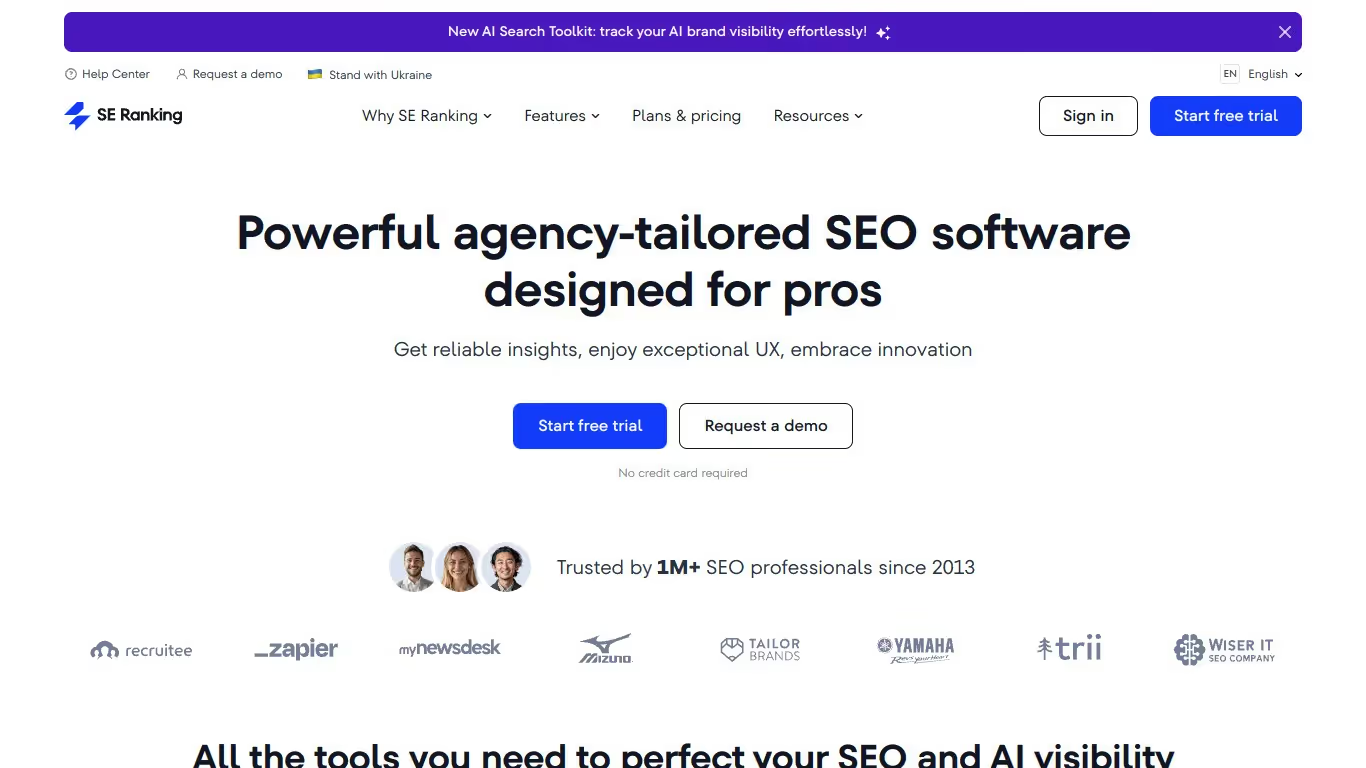
SE Ranking היא פלטפורמת SEO מקיפה הכול-באחד המסייעת לצוותים לנטר, להבין ולייעל נוכחות מקוונת. היא מציעה את אחת ממערכות התכונות הרחבות ביותר הזמינות, כולל מעקב אחר ציטוטי AI, ביקורות SEO אוטומטיות, ניקוד נראות ב-AI, ציוני דירוג בגוגל, זיהוי מקורות מצוטטים, ניתוח כוונת חיפוש וגילוי נישות מגמתיות.
לצוותים הזקוקים למחקר מילות מפתח לצד מעקב אחר אזכורים ב-AI ומעקב סמכות דומיין, SE Ranking מספקת תקופת ניסיון חינם ופלטפורמה עשירת תכונות המגשרת בין SEO מסורתי לאופטימיזציית חיפוש AI בתמחור תחרותי.

Qwairy הוא כלי שמסייע למשתמשים לעקוב אחר אזכורי מותג בתשובות שנוצרו על ידי AI. הוא מציע ניטור בזמן אמת, ניתוח סנטימנט ודוחות מפורטים לאופטימיזציה של הנוכחות המקוונת שלכם.
כן, Qwairy מציעה גרסה חינמית עם תכונות מוגבלות. כדי לגשת לתכונות מתקדמות כמו ניתוח מעמיק ודוחות ללא הגבלה, יש לעבור למנוי בתשלום.
כדי לבטל, פתחו את הגדרות החשבון, עברו לקטע החיוב, ולחצו על 'בטל מנוי'. הגישה שלכם תסתיים במועד החידוש הבא ותקבלו אישור.
SE Ranking הוא כלי המסייע למשתמשים לשפר את הנראות שלהם ברשת באמצעות ניהול SEO. הוא מציע תכונות כמו מעקב מיקומים, מחקר מילות מפתח וביקורת אתר.
כן, SE Ranking מציעה תקופת ניסיון חינם ותוכניות בתשלום לגישה לכל התכונות. כדי לנצל את הכלי במלואו, עליכם להירשם למנוי.
אתם יכולים לבטל את המנוי שלכם ישירות מהגדרות החשבון. עברו לקטע המנוי או החיוב, לחצו על "בטל מנוי", והגישה שלכם תסתיים בתאריך החידוש הבא.























































.svg)
.svg)


