
التفضيلات
خصوصيتك مهمة بالنسبة لنا، لذلك لديك خيار تعطيل أنواع معينة من التخزين التي قد لا تكون ضرورية للوظائف الأساسية للموقع. قد يؤثر حظر الفئات على تجربتك في الموقع. مزيد من المعلومات

خصوصيتك مهمة بالنسبة لنا، لذلك لديك خيار تعطيل أنواع معينة من التخزين التي قد لا تكون ضرورية للوظائف الأساسية للموقع. قد يؤثر حظر الفئات على تجربتك في الموقع. مزيد من المعلومات
Make your Decap CMS site visible to Google and AI search. Structure config.yml collections, Markdown front matter, JSON-LD, and llms.txt so ChatGPT, Perplexity, Claude, and Gemini cite the pages your static site generator builds.
.webp)
.webp)





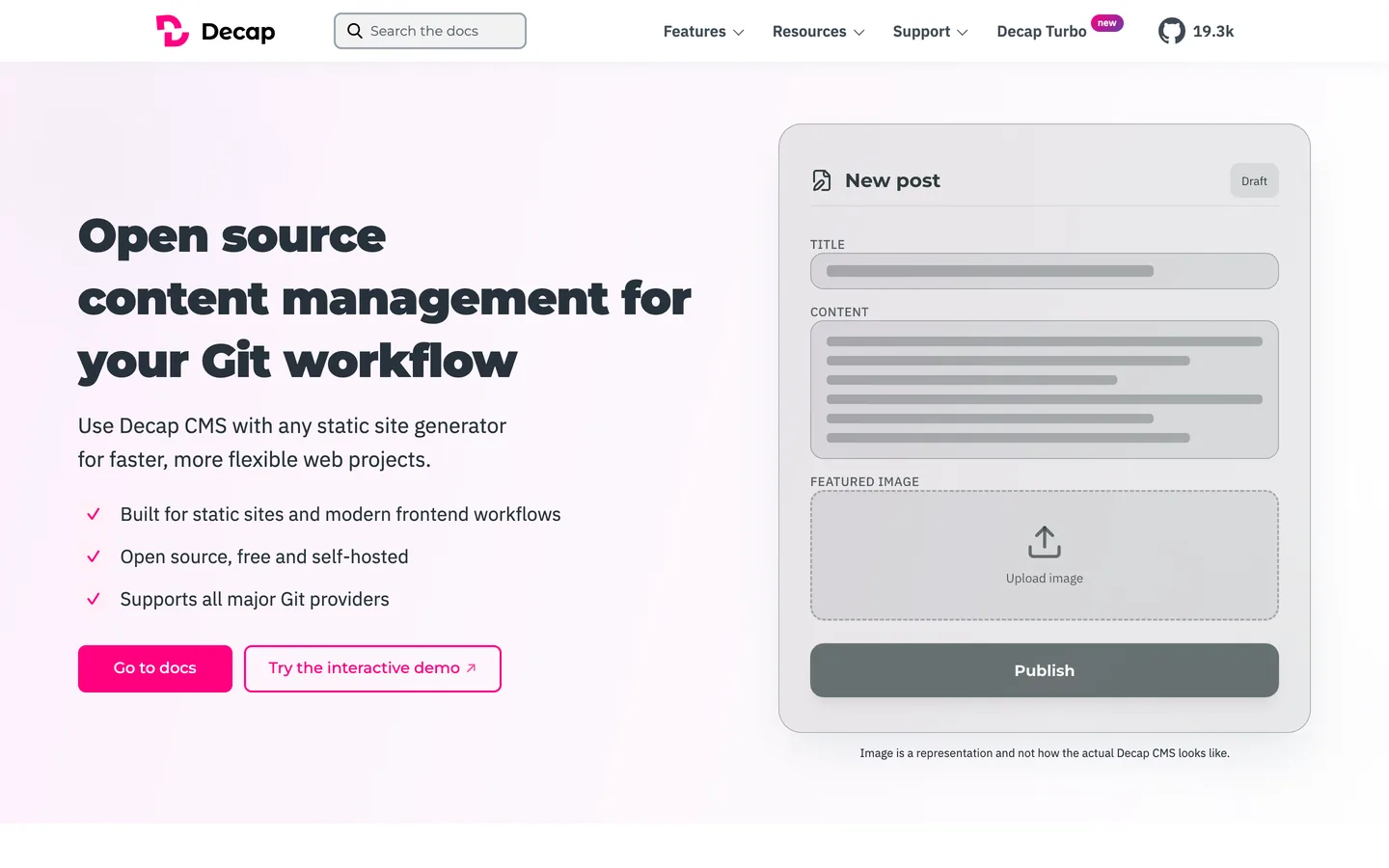



Want your Decap CMS site to surface inside AI answers, not only classic search results? Decap CMS (formerly Netlify CMS) is a Git-based, open-source headless CMS: editors work in a friendly admin UI, and every change is committed as a Markdown file to your repository, then built into static pages by a generator like Hugo, Astro, Eleventy, Next.js, or Gatsby. That architecture is a strong foundation for generative engine optimization (GEO). Start with a baseline geo seo audit and track every gain in a living geo seo dashboard. This guide shows how to structure, render, and annotate a Decap CMS project so Google and assistants like ChatGPT, Perplexity, Claude, and Gemini understand, trust, and cite your pages.
Classic SEO still drives traffic, and now assistants summarize the web and surface a short list of cited sources. Generative Engine Optimization is the practice of becoming one of those sources. Decap CMS gives you a real advantage: because content lives as plain Markdown with structured front matter and your generator emits static HTML, the pages you publish are lightweight, fast, and fully readable by crawlers without any client-side rendering step. Clean files plus static output let models map your topics, products, and expertise with confidence.
Begin with a benchmark. Ask the leading assistants the real questions your audience asks, then record whether you are cited, which URLs appear, and how competitors are framed. Follow brand citations with ai mention tracking, study the references you earn through ai cited backlinks, and run a baseline geo seo audit to map the entities already associated with your site.
In GEO, user intent arrives as prompts. Collect the exact wording people use in chat, voice, and agents, then group it by task: learn, compare, apply, and resolve. Expand coverage with the query fan-out tool and prioritize topics with keyword research. For each group, choose one canonical page to be cited, and make it concise, quotable, and supported by explicit evidence.
Decap CMS is configured through a single config.yml that declares collections and fields. Design collections for Articles, Guides, Products, FAQs, Authors, and a Glossary, and give each one explicit front matter fields: title, description, image, date, author, and tags. Map those fields to schema.org properties such as name, description, image, datePublished, and author. A clean, well-named content model keeps every Markdown file consistent, which is exactly what answer engines reward.
Decap CMS does not render your site; your static site generator does. Choose a generator that outputs complete server-rendered HTML, set descriptive templates for each collection, and confirm that titles, headings, and body copy appear in the raw page source. Static output means assistants and Google read the full content on first request, with no JavaScript hydration required, which is one of the format's biggest GEO strengths.
Expose front matter fields for the SEO title, meta description, and canonical URL, then render them in your template head. Keep URLs clean and keyword bearing through your generator's permalink settings. Add meta robots rules to keep thin or duplicate pages out of the index, and set Open Graph and Twitter tags from the same front matter so social previews match the page intent and the main copy.
Inject JSON-LD through a partial or layout component that reads your front matter. Use Article plus WebPage and BreadcrumbList for content pages, Product with offers for product pages, HowTo for tutorials, and FAQPage for question blocks. Add a site-wide Organization block with logo, contactPoint, foundingDate, and sameAs links to your verified profiles. Because the data comes straight from front matter, your structured data stays accurate on every build.
Open each article with a two sentence summary that resolves the query, then expand with a scannable outline. Add explicit question and answer blocks that mirror real prompts, and keep each answer between 50 and 120 words. For procedures, list materials, steps, and time required in HowTo format. Speed up production of these citable drafts with the blog article generator, then refine each Markdown file in the Decap CMS editor.
Most static generators produce a sitemap.xml; enable it and submit it in Google Search Console. In robots.txt, allow the directories that hold citable content and disallow build noise. Add an llms.txt file at the root to signal preferred crawl rules for AI agents, the priority URLs you want cited, and your reuse terms. Because Decap CMS commits to a Git repository, you can keep these files versioned alongside your content.
Build topic hubs that group related pages and define your canonical answers. Use breadcrumbs to express hierarchy and add contextual inline links with descriptive anchors, accelerated with a topical cluster generator. If other parts of your stack run elsewhere, apply the same principles on other headless tools like strapi, contentful, and the static-friendly ghost.
Enable the Decap CMS editorial workflow so drafts become pull requests your team reviews before merge. That review gate keeps quality high: consistent front matter, complete metadata, and clean Markdown on every page. Store images through the Git backend or a media library, give each asset descriptive alt text, and keep file names readable. Versioned content means you can audit and roll back any change, which protects the trust signals models look for.
GEO still rests on authority. Earn citations from credible publications, original research, and the communities your audience trusts. Publish under named authors with real bios, show credentials, and keep an About page that states who you are and why you are reliable, which strengthens E-E-A-T. Track progress with a domain authority tracker and study rival coverage with seo competitor spy.
Decap CMS has no public content API, and publishing means committing a Markdown file through your Git provider, so Sorank connects through a Make.com webhook bridge: each article Sorank generates is sent to a Make.com scenario, and Make commits the Markdown file to your repository using a generic HTTP module against the GitHub or GitLab API, which triggers your build. There is no native connector and no dedicated Make.com app, so validate the create-file call on your live repository first, and fall back to Sorank's self-hosted blog if your configuration restricts it. Produce optimized drafts fast with the blog article generator.
Track which prompts trigger your brand, which pages get cited, and where competitors win the answer. Compare positions with keyword research, watch your standing on a geo leaderboard, and attribute conversions from assistants with tagged landing pages and unique UTMs.
Decap CMS gives you clean, versioned content and a fast static front end; GEO gives you the strategy to get cited. When your collections carry structured front matter, your generator emits complete HTML, and your pages carry JSON-LD and citable answers, assistants quote you with confidence. Set up your config.yml model, static templates, JSON-LD, and an editorial review gate, then let Sorank drive audits, content, and links.

Decap CMS performs well for GEO because it is Git-based and headless: editors save Markdown with structured front matter, and a static site generator like Hugo, Astro, or Eleventy renders complete HTML. That static output is fast and fully readable by crawlers on first request, with no client-side rendering to slow assistants down. Model clean collections in config.yml, map front matter to schema.org properties, and render JSON-LD from those fields. Add a sitemap, clean canonical URLs, and an llms.txt file so assistants like ChatGPT, Perplexity, Claude, and Gemini can reach and cite your pages with confidence.
Write answer-first content mapped to real prompts. Open each Markdown article with a two-sentence summary, then a scannable outline, and keep paragraphs under 120 words. Use a strict heading hierarchy, explicit FAQ blocks with 50 to 120 word answers, and a clear facts section. Anchor every claim to a source and render JSON-LD (Article, FAQPage, HowTo, Organization) from your front matter through a layout partial. Build hubs that link related pages with descriptive anchors, and keep front matter complete on every entry, which signals the topical depth that models recognize as authoritative and quote.
Decap CMS has no public content API, and publishing means committing a Markdown file through your Git provider, so Sorank connects through a Make.com webhook bridge rather than a native connector. Each article Sorank generates is sent to a Make.com scenario, and Make commits the file to your repository with a generic HTTP module against the GitHub or GitLab API, which triggers your build. There is no dedicated Make.com app, so validate the create-file call on your live repository first, and fall back to Sorank's self-hosted blog if your setup restricts it. Beyond publishing, Sorank runs GEO and SEO audits, tracks AI mentions across ChatGPT, Perplexity, and Gemini, monitors competitors, and suggests optimizations from one dashboard.









.svg)
.svg)


