
Xfunnel vs Tryconvert which one to choose for your GEO ?
Updated :
30/11/25

Xfunnel







Tryconvert
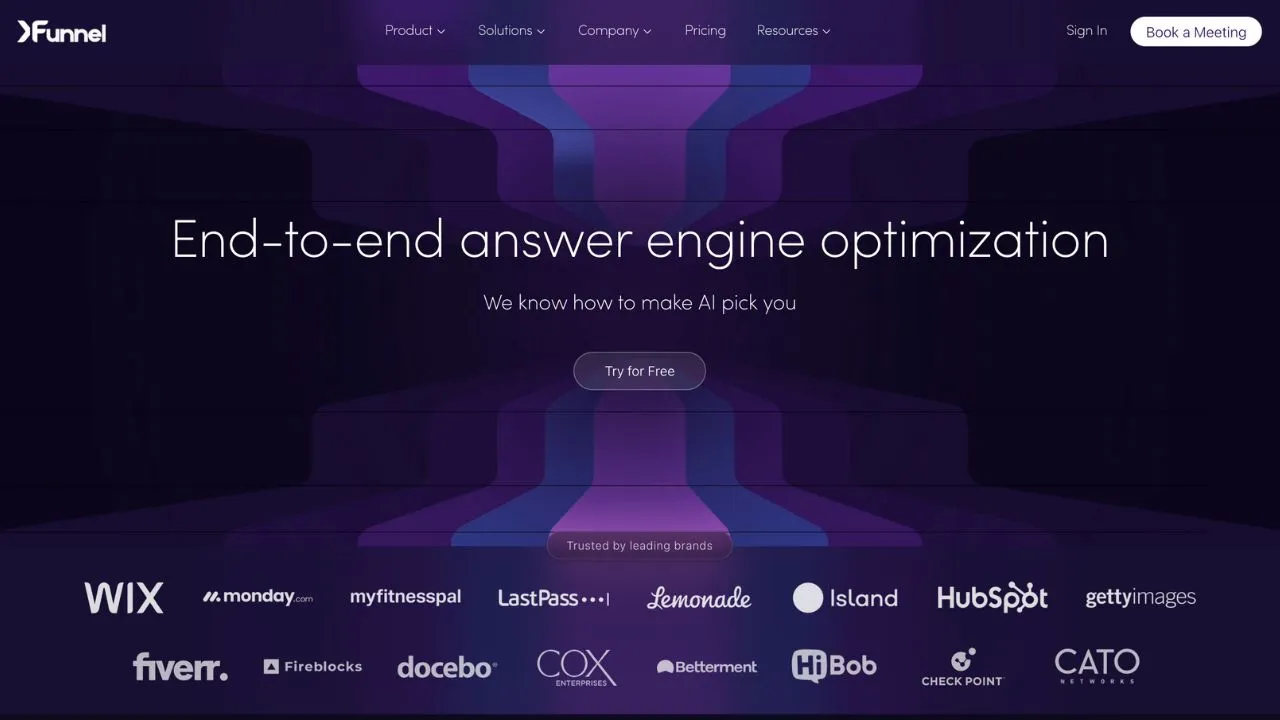
Xfunnel is an AI visibility analytics platform designed for brands, marketers, and SEO teams looking to track their presence across AI-powered search engines. It features cited source detection, a unified dashboard, and performance metrics that reveal how AI models reference and recommend content.
For teams that need AI Cited Backlinks tracking and a comprehensive GEO/SEO Dashboard with AI Mention Tracking, Xfunnel provides a centralized platform for monitoring and optimizing AI search visibility. A free trial is available.
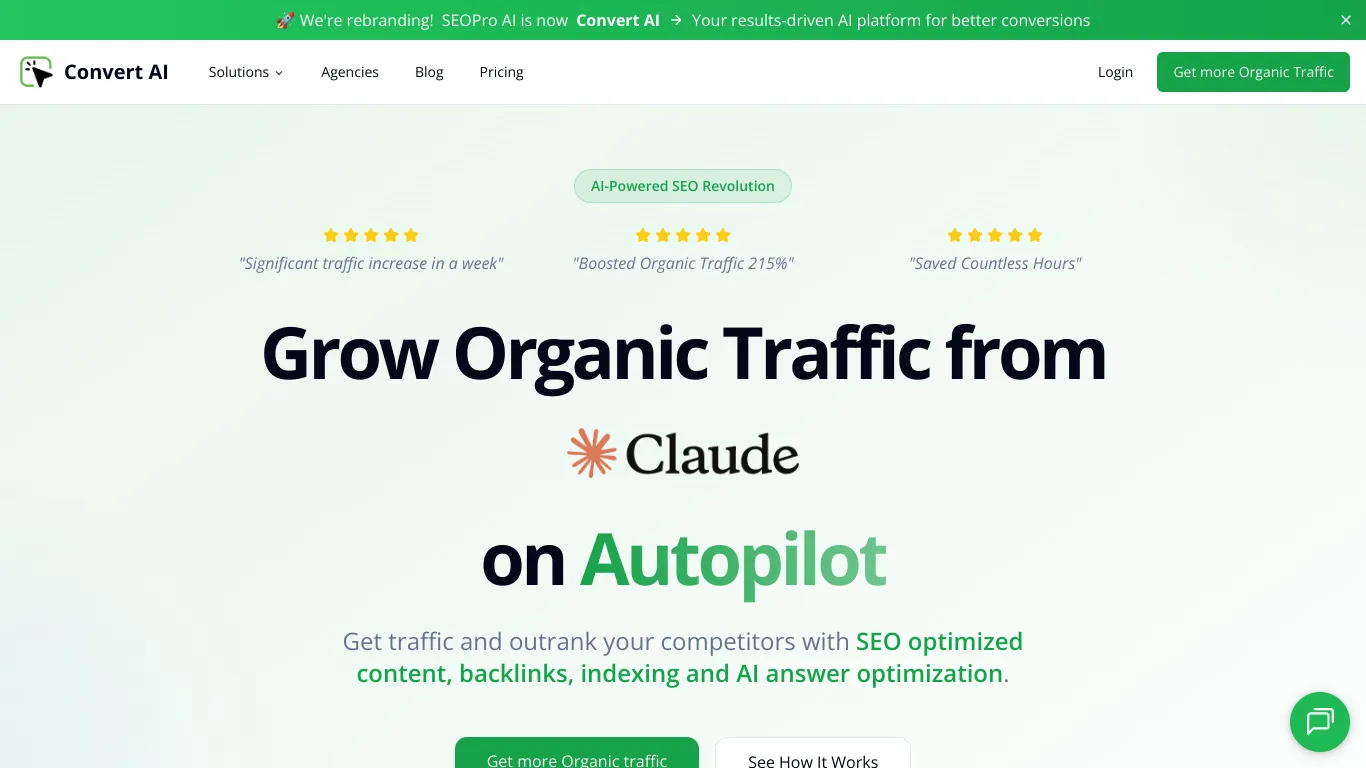
Tryconvert is an AI-powered SEO platform designed for marketers and agencies seeking to combine traditional search optimization with AI visibility insights. It offers an AI visibility score, SEO article generation, agent mode for automated tasks, and competitive espionage features to monitor rivals.
For teams looking for SEO Competitor Spy capabilities alongside Blog Article Generation and GEO/SEO Dashboard analytics, Tryconvert provides a unified platform that bridges conventional SEO and AI search optimization.

Xfunnel is a tool that helps teams track AI mentions and optimize their brand's SEO. It offers sentiment analyses, visibility reports, and multi-platform indicators for AI engines and SERPs.
Yes, Xfunnel offers a free version with limited features. To access advanced options and full reports, you must upgrade to a paid subscription.
You can cancel your subscription directly from your account settings. Go to the Billing section, click 'cancel subscription', and your access will end at the next renewal.
Tryconvert is a tool that helps users track online mentions and analyze the impact of their marketing campaigns. It offers features such as real-time mention monitoring, sentiment analysis, and customizable reports.
Yes, Tryconvert has a free version with limited features. To access advanced options, you need to upgrade to a paid subscription.
You can cancel your subscription directly from your account settings. Go to the billing section, click 'cancel subscription', and your access will end at the next renewal date.



















































.svg)
.svg)


