
Xfunnel vs Goodie AI which one to choose for your GEO ?
Updated :
30/11/25

Xfunnel







Goodie AI
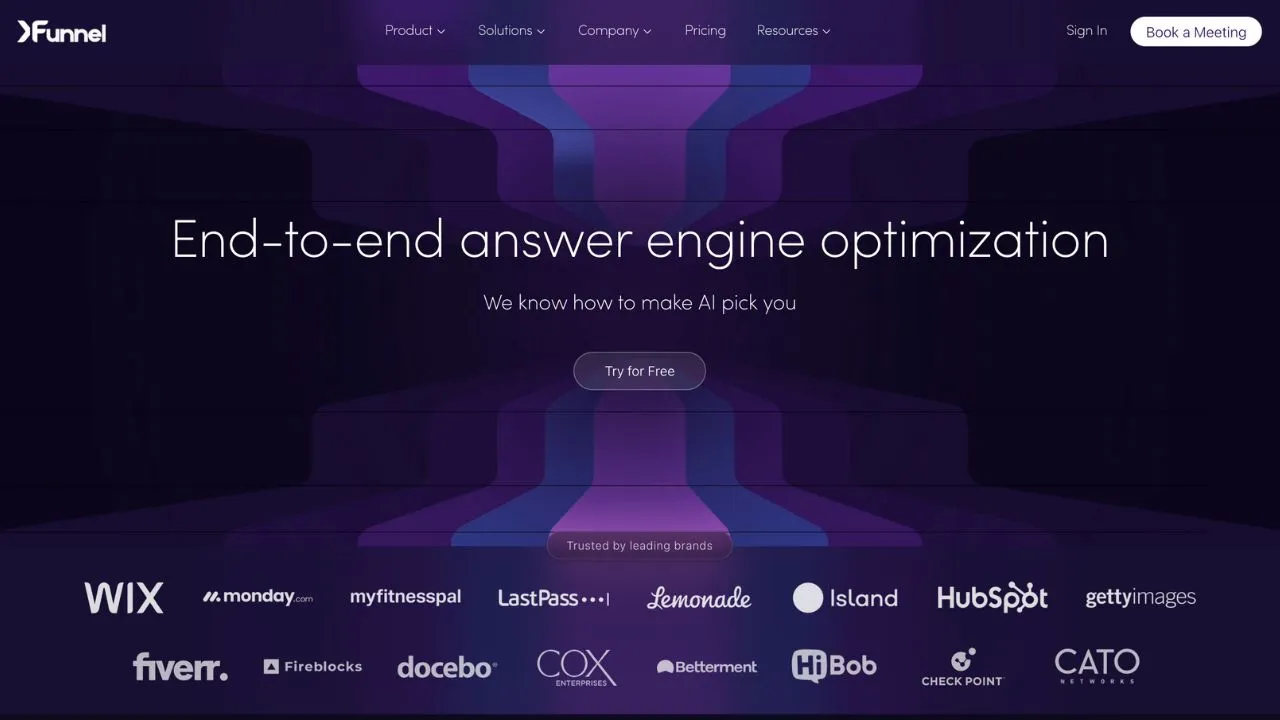
Xfunnel is an AI visibility analytics platform designed for brands, marketers, and SEO teams looking to track their presence across AI-powered search engines. It features cited source detection, a unified dashboard, and performance metrics that reveal how AI models reference and recommend content.
For teams that need AI Cited Backlinks tracking and a comprehensive GEO/SEO Dashboard with AI Mention Tracking, Xfunnel provides a centralized platform for monitoring and optimizing AI search visibility. A free trial is available.
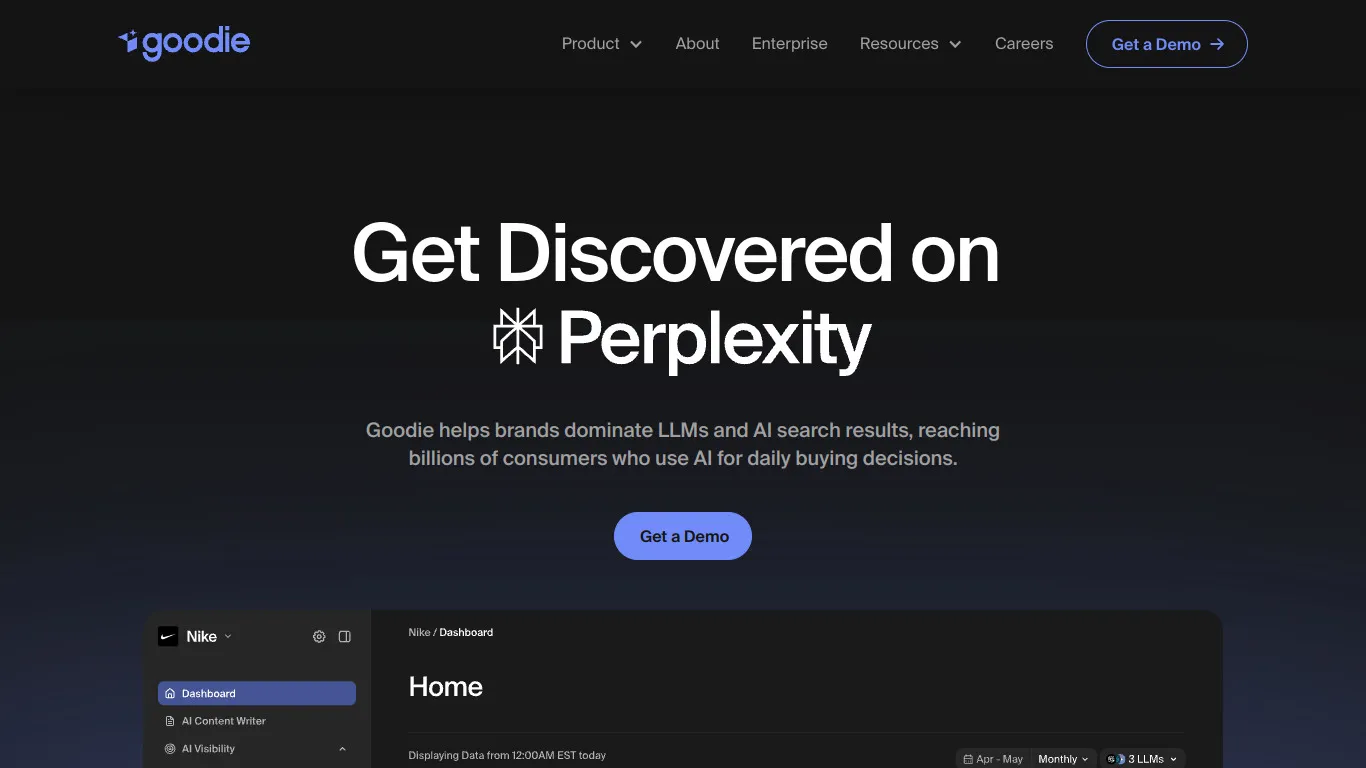
Goodie AI is an AI content optimization platform that addresses the limits of traditional SEO in a world where search results are increasingly built within AI-generated responses. It focuses on SEO article generation to help brands create content that performs well in both traditional and generative search environments.
For teams looking for AI-powered content generation and keyword query fan-out, Goodie AI offers a forward-thinking approach to content creation that prioritizes visibility in AI-driven search results.

Xfunnel is a tool that helps teams track AI mentions and optimize their brand's SEO. It offers sentiment analyses, visibility reports, and multi-platform indicators for AI engines and SERPs.
Yes, Xfunnel offers a free version with limited features. To access advanced options and full reports, you must upgrade to a paid subscription.
You can cancel your subscription directly from your account settings. Go to the Billing section, click 'cancel subscription', and your access will end at the next renewal.
<p id=\"\">Goodie AI is an AI mention tracking tool that helps businesses monitor their online visibility and optimize SEO. It offers features such as real-time mention tracking, sentiment analysis, and comparative reports with competitors.</p>
<p id=\"\">Yes, Goodie AI has a free version with limited features. To unlock advanced options, you need to switch to a paid subscription.</p>
<p id=\"\">You can cancel your subscription directly from your account settings. Go to the Billing section, click on “cancel subscription”, and your access will end at the next renewal date.</p>



















































.svg)
.svg)


