Preferences
Privacy is important to us, so you have the option of disabling certain types of storage that may not be necessary for the basic functioning of the website. Blocking categories may impact your experience on the website. More information

Privacy is important to us, so you have the option of disabling certain types of storage that may not be necessary for the basic functioning of the website. Blocking categories may impact your experience on the website. More information
















SEO Writing (seowriting.ai) is an AI writing tool that generates SEO articles in one click from a title or keyword. It analyses the current search results in real time, writes long-form posts in more than 50 languages with AI images, and publishes them to WordPress or Shopify, including bulk runs of up to 100 articles. It targets bloggers, Amazon affiliate sites, agencies and small businesses, with extras such as Amazon product lists, a humanizer, brand voices, landing pages and a WordPress MCP server.
Pricing in October 2026: a free plan with 3 articles, then Starter at $19 per month (50 articles), Professional at $79 (250 articles) and Professional Plus 1 at $159 (500 articles), or $14, $59 and $119 per month billed annually.
Pros: low cost per article, bulk generation and scheduling to WordPress, affiliate-focused templates, 50+ languages. Cons: you supply the topics and keywords, no tracking of rankings or AI answers, no backlink feature, publishing limited to WordPress and Shopify.
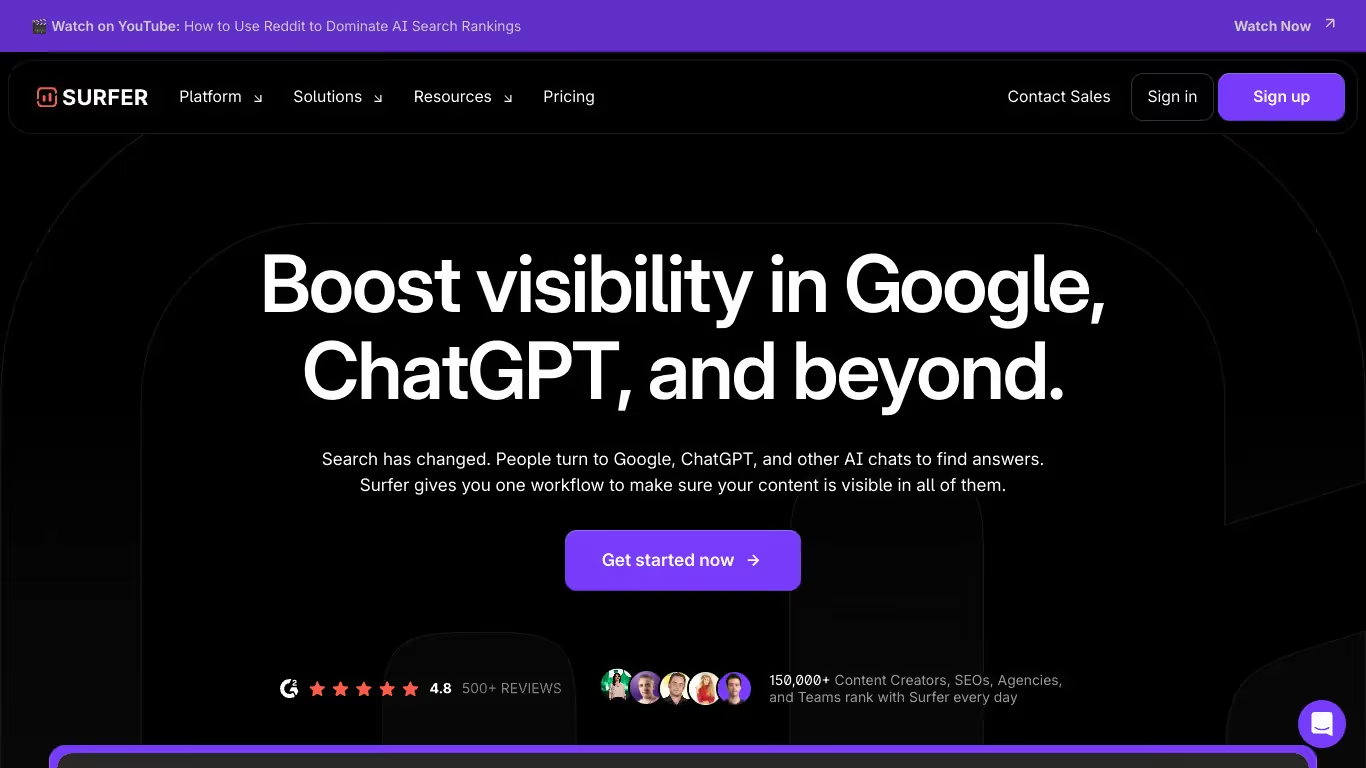
SurferSEO is a content optimization platform designed for content teams, SEO specialists, and agencies. It uses data-driven analysis to guide on-page SEO improvements, combining automated auditing, content scoring, and AI-powered article generation to help pages rank higher in search results.
For teams that need Blog Article Generation alongside Audit GEO/SEO Reports and Keyword Research, SurferSEO offers a focused content workflow that bridges writing and optimization. A free trial is available to get started.

SEO Writing (seowriting.ai) is an AI writing tool that generates SEO-optimized articles in one click from a title, using real-time SERP analysis. It can create up to 100 articles in bulk and publish them to WordPress or Shopify, with affiliate templates and support for more than 50 languages.
In October 2026, SEO Writing has a free plan with 3 articles, then Starter at $19 per month for 50 articles, Professional at $79 for 250 articles and Professional Plus 1 at $159 for 500 articles. Annual billing lowers these to $14, $59 and $119 per month.
Yes. SEO Writing publishes or schedules articles directly on WordPress, offers a Shopify app and provides a WordPress MCP server, unlimited from the Starter plan, to generate content from an AI assistant. It does not track how your brand appears in AI answers, which Sorank does every week on ChatGPT, Claude and Gemini.
SurferSEO is a tool that helps users optimize their content and ranking. It offers features such as SERP analysis, the Content Editor, and page audits.
Yes, SurferSEO has a free version with limited features. To unlock advanced options, you must upgrade to a paid subscription.
You can cancel your subscription directly from your account settings. Go to the Billing section, click on \"cancel subscription\", and your access will end at the next due date.
THEY TRIED SORANK BEFORE YOU
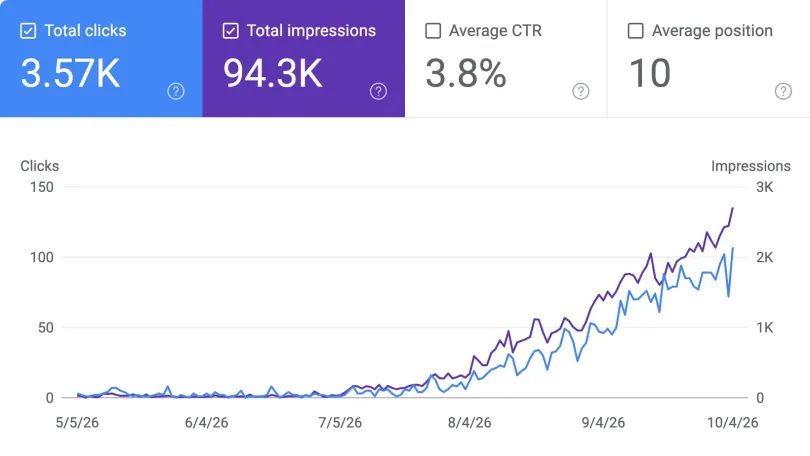
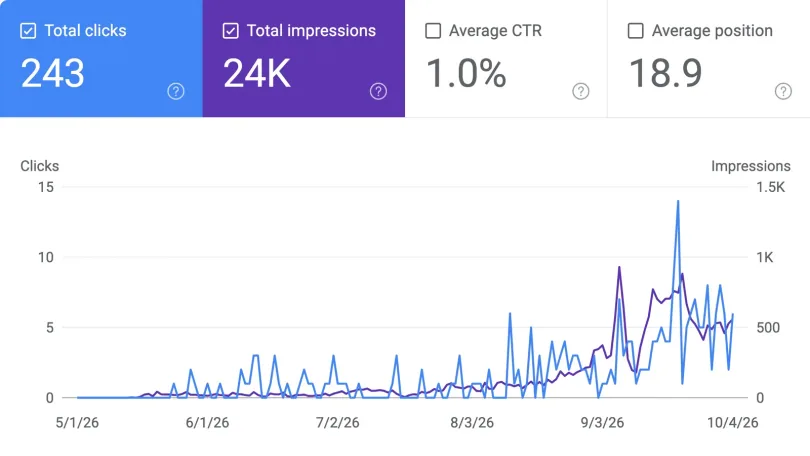
 “I tested Sorank on a real client site and it's insane. It does everything an agency would bill you $1500 a month for. It's going into production on that client now.”
 Guillaume Guersanguersanguillaume.com“We are an Ads agency and we wanted to get our SEO back on track once and for all. Sorank gave us a clear view of our site, helped us prioritize optimizations, and properly structure our content. The tool is easy to use, well designed for a team, and very practical for centralizing tracking without having to juggle multiple platforms. A very solid foundation to start fresh with our SEO.”
 Gaspard MadouiAds Agency
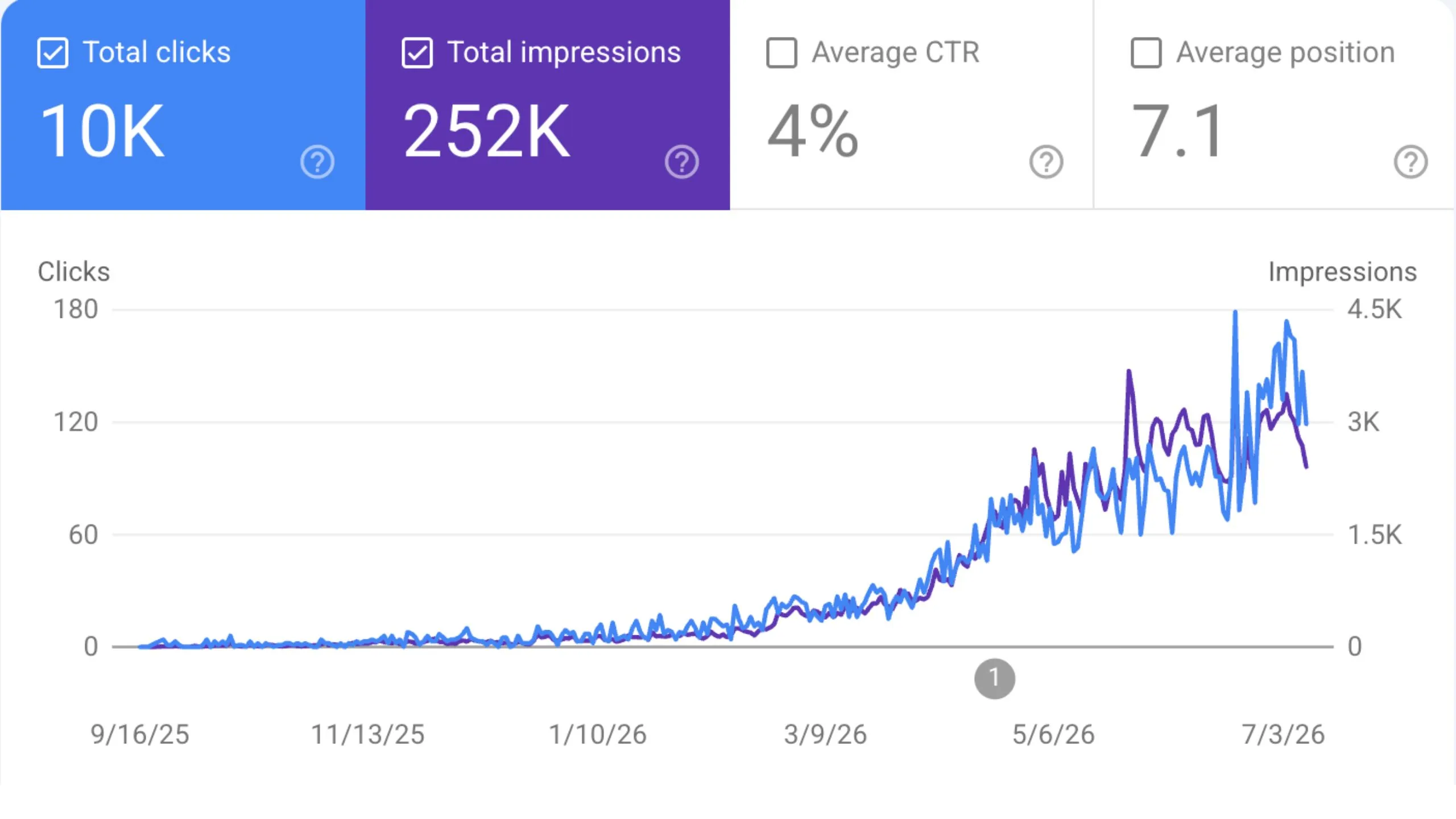
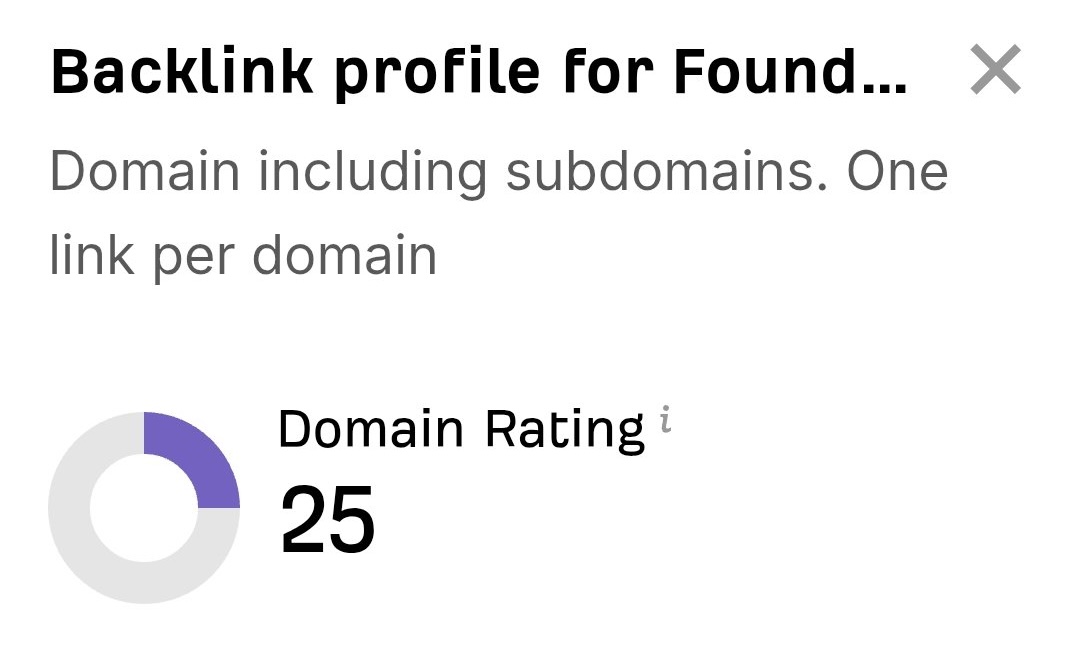 “I just let the Sorank software do its thing, and now my DR is 25 and my page is ranking higher.”
 Lucas FlandrePodcast Host“I specialized in GEO thanks to Sorank. The GEO Leaderboard allows me to show my clients their position vs competitors on ChatGPT. It’s a real commercial differentiator.”
 MélanieSEO Freelance“Great service, works well for our website and helps us understand how to improve it to rank better on Google and elsewhere. Congrats, keep going, I recommend it.”
 Hugo T.E-commerce merchant