
העדפות
הפרטיות חשובה לנו, ולכן יש לך אפשרות להשבית סוגים מסוימים של אחסון שייתכן שאינם נחוצים לתפקוד הבסיסי של האתר. חסימת קטגוריות עלולה להשפיע על חווית השימוש שלך באתר. מידע נוסף

הפרטיות חשובה לנו, ולכן יש לך אפשרות להשבית סוגים מסוימים של אחסון שייתכן שאינם נחוצים לתפקוד הבסיסי של האתר. חסימת קטגוריות עלולה להשפיע על חווית השימוש שלך באתר. מידע נוסף









.webp)
.webp)










Peec AI היא פלטפורמת SEO מבוססת AI ההופכת את אופטימיזציית החיפוש למהירה, מדויקת וקריאה יותר. היא מציעה מעקב אחר ציטוטי AI, ניקוד נראות ב-AI, זיהוי מקורות מצוטטים וריגול תחרותי דרך לוח בקרה מאוחד המתוכנן לתובנות מהירות ובנות-פעולה.
עבור צוותים המחפשים מעקב אחר אזכורי AI עם מודיעין תחרותי, Peec AI מספקת ניסיון חינמי וזרימת עבודה יעילה המסייעת למותגים למדוד את ביצועי החיפוש שלהם ב-AI מול מתחרים על פני פלטפורמות מרובות.
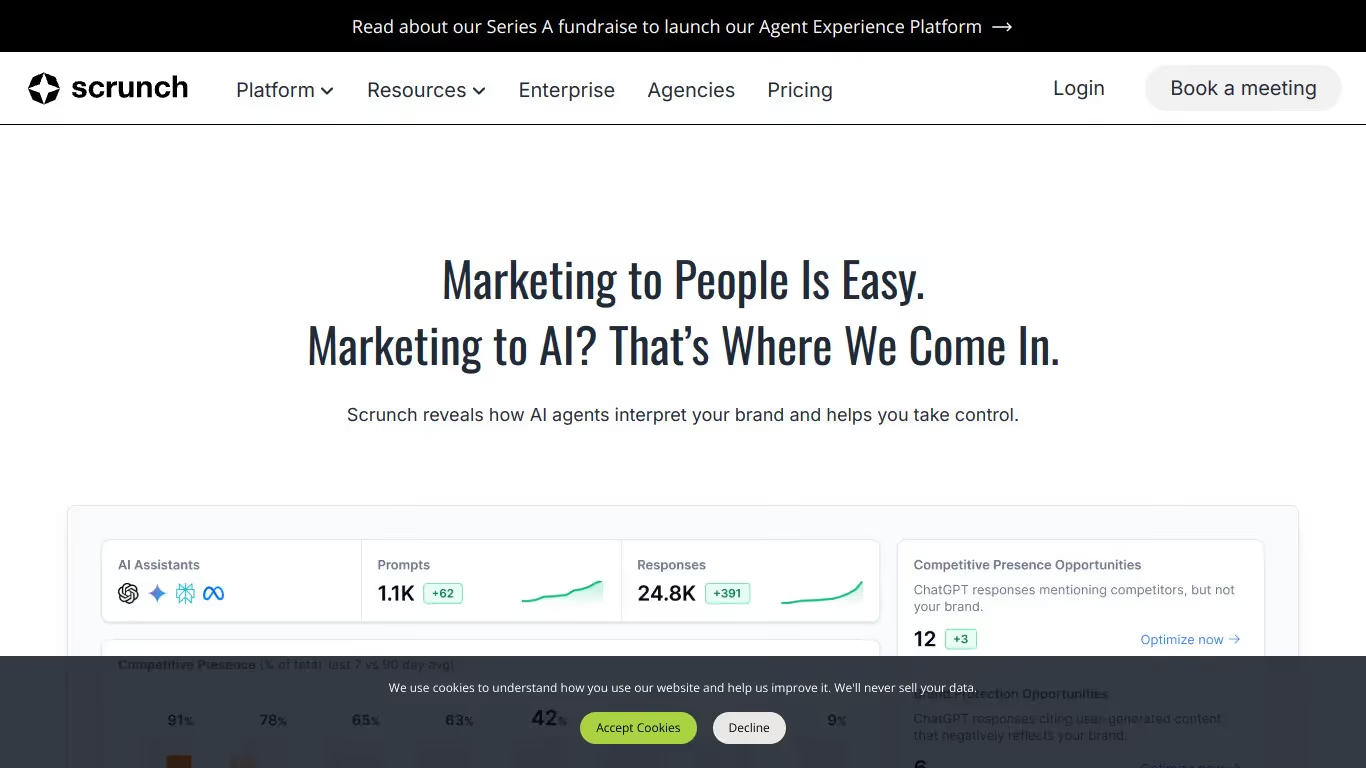
Scrunch AI היא פלטפורמת אנליטיקה לנראות ב-AI המיועדת למותגים ולצוותי שיווק שרוצים להבין ולייעל את הנוכחות שלהם בתוצאות חיפוש גנרטיביות. היא מציעה כלים לניתוח כמותי של ציטוטים, מעקב אחר נראות והשוואת ביצועים תחרותית על פני פלטפורמות AI.
לצוותים הזקוקים למעקב אחר אזכורים ב-AI, לוח בקרה GEO/SEO, וקישורים נכנסים המצוטטים ב-AI, Scrunch AI מציעה גישה קפדנית ומבוססת נתונים לנראות בחיפוש הגנרטיבי. הפלטפורמה אידיאלית לצוותים מוכווני נתונים הזקוקים למדדים מדויקים על נוכחותם במערכת האקולוגית של ה-AI.

Peec AI היא כלי המסייע למשתמשים לנטר אזכורי מותג בפלטפורמות AI בזמן אמת. היא מציעה תכונות כגון מעקב אחר אזכורים בזמן אמת, ניתוח נראות ודוחות SEO הניתנים להתאמה אישית.
כן, ל-Peec AI יש גרסה חינמית עם תכונות מוגבלות. כדי לפתוח אפשרויות מתקדמות, עליכם לעבור למנוי בתשלום.
ניתן לבטל את המנוי ישירות מהגדרות החשבון שלכם. עברו למקטע החיוב, לחצו על ביטול המנוי, והגישה שלכם תסתיים בתאריך התשלום הבא.
Scrunch AI היא תוכנה למעקב אחר אזכורים ב-AI וניתוח נראות המותג שלכם בתשובות שנוצרו על ידי AI. היא מציעה תכונות כמו מעקב אזכורים בזמן אמת, ניתוח סנטימנט ודוחות מותאמים אישית.
כן, Scrunch AI מציעה גרסה חינמית עם תכונות מוגבלות. כדי לפתוח את האפשרויות המתקדמות וניתוח שלם יותר, עליכם לעבור למנוי בתשלום.
אתם יכולים לבטל את המנוי שלכם ל-Scrunch AI ישירות מהגדרות החשבון. עברו לקטע החיוב, לחצו על "בטל מנוי", והגישה שלכם תסתיים בתאריך החיוב הבא.























































.svg)
.svg)


