
التفضيلات
خصوصيتك مهمة بالنسبة لنا، لذلك لديك خيار تعطيل أنواع معينة من التخزين التي قد لا تكون ضرورية للوظائف الأساسية للموقع. قد يؤثر حظر الفئات على تجربتك في الموقع. مزيد من المعلومات

خصوصيتك مهمة بالنسبة لنا، لذلك لديك خيار تعطيل أنواع معينة من التخزين التي قد لا تكون ضرورية للوظائف الأساسية للموقع. قد يؤثر حظر الفئات على تجربتك في الموقع. مزيد من المعلومات







.webp)
.webp)










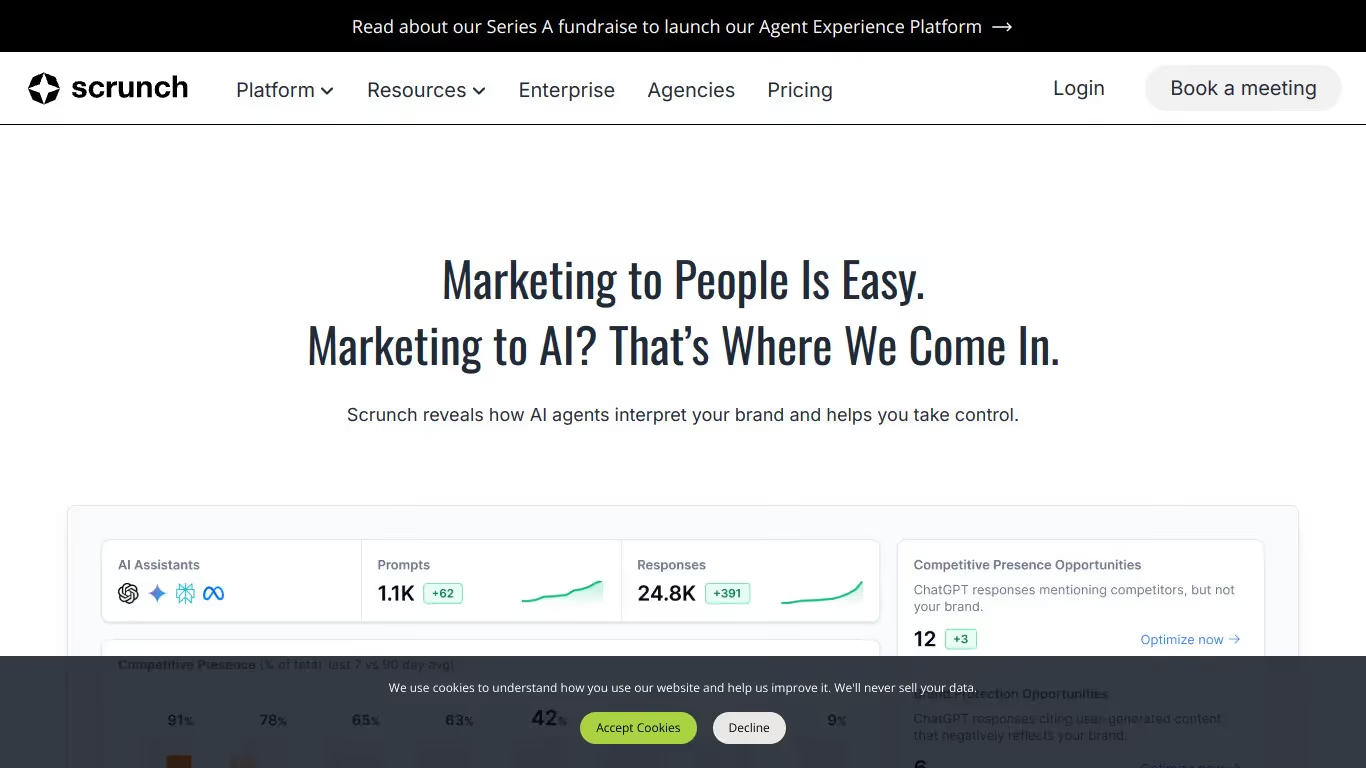
Scrunch AI منصة تحليلات لظهور الذكاء الاصطناعي صُممت للعلامات التجارية وفرق التسويق التي تريد فهم وتحسين حضورها في نتائج البحث التوليدي. تقدّم أدوات لتحليل الاستشهادات الكمي وتتبع الظهور والمقارنة التنافسية عبر منصات AI.
للفرق التي تحتاج إلى تتبع إشارات AI، ولوحة معلومات GEO/SEO، وروابط خلفية مُستشهد بها من AI، تقدّم Scrunch AI نهجًا صارمًا معتمدًا على البيانات للظهور في البحث التوليدي. المنصة مثالية للفرق الموจّهة بالبيانات التي تحتاج مقاييس دقيقة عن حضورها في منظومة AI.
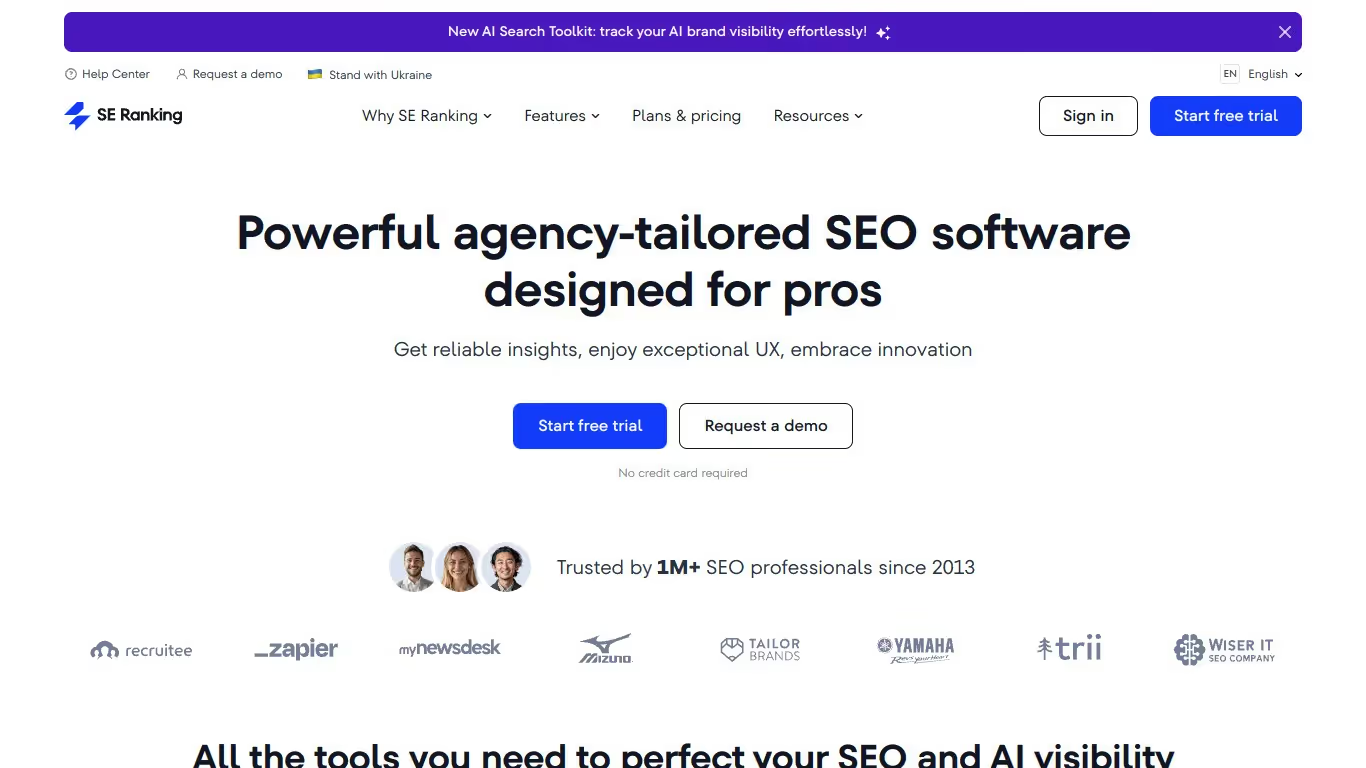
SE Ranking منصة SEO شاملة الكل في واحد تساعد الفرق على مراقبة الحضور على الإنترنت وفهمه وتحسينه. تقدّم واحدة من أوسع مجموعات الميزات المتاحة، تشمل تتبع استشهادات AI وعمليات تدقيق SEO الآلية وتسجيل ظهور AI ودرجات التصنيف في Google واكتشاف المصادر المُستشهد بها وتحليل نية البحث واكتشاف النيتشات الرائجة.
للفرق التي تحتاج إلى البحث عن الكلمات المفتاحية إلى جانب تتبع إشارات AI وتتبع سلطة النطاق، توفّر SE Ranking فترة تجريبية مجانية ومنصة غنية بالميزات تجسر بين SEO التقليدي وتحسين البحث بـ AI بتسعير تنافسي.

Scrunch AI برنامج لتتبع إشارات AI وتحليل ظهور علامتك في الإجابات المولّدة بـ AI. يقدّم ميزات مثل تتبع الإشارات في الوقت الفعلي وتحليل المشاعر والتقارير القابلة للتخصيص.
نعم، تقدّم Scrunch AI نسخة مجانية بميزات محدودة. لفتح الخيارات المتقدمة وتحليل أكثر اكتمالًا، تحتاج إلى الانتقال إلى اشتراك مدفوع.
يمكنك إلغاء اشتراكك في Scrunch AI مباشرةً من إعدادات حسابك. اذهب إلى قسم الفوترة، وانقر على "إلغاء الاشتراك"، وسينتهي وصولك في تاريخ الفوترة التالي.
SE Ranking أداة تساعد المستخدمين على تحسين ظهورهم على الويب عبر إدارة SEO. تقدّم ميزات مثل تتبع المواقع والبحث عن الكلمات المفتاحية وتدقيق الموقع.
نعم، تقدّم SE Ranking فترة تجريبية مجانية وخططًا مدفوعة للوصول إلى جميع الميزات. للاستفادة الكاملة من الأداة، تحتاج إلى الاشتراك.
يمكنك إلغاء اشتراكك مباشرةً من إعدادات حسابك. اذهب إلى قسم الاشتراك أو الفوترة، وانقر على "إلغاء الاشتراك"، وسينتهي وصولك في تاريخ التجديد التالي.























































.svg)
.svg)


