
التفضيلات
خصوصيتك مهمة بالنسبة لنا، لذلك لديك خيار تعطيل أنواع معينة من التخزين التي قد لا تكون ضرورية للوظائف الأساسية للموقع. قد يؤثر حظر الفئات على تجربتك في الموقع. مزيد من المعلومات

خصوصيتك مهمة بالنسبة لنا، لذلك لديك خيار تعطيل أنواع معينة من التخزين التي قد لا تكون ضرورية للوظائف الأساسية للموقع. قد يؤثر حظر الفئات على تجربتك في الموقع. مزيد من المعلومات







.webp)
.webp)










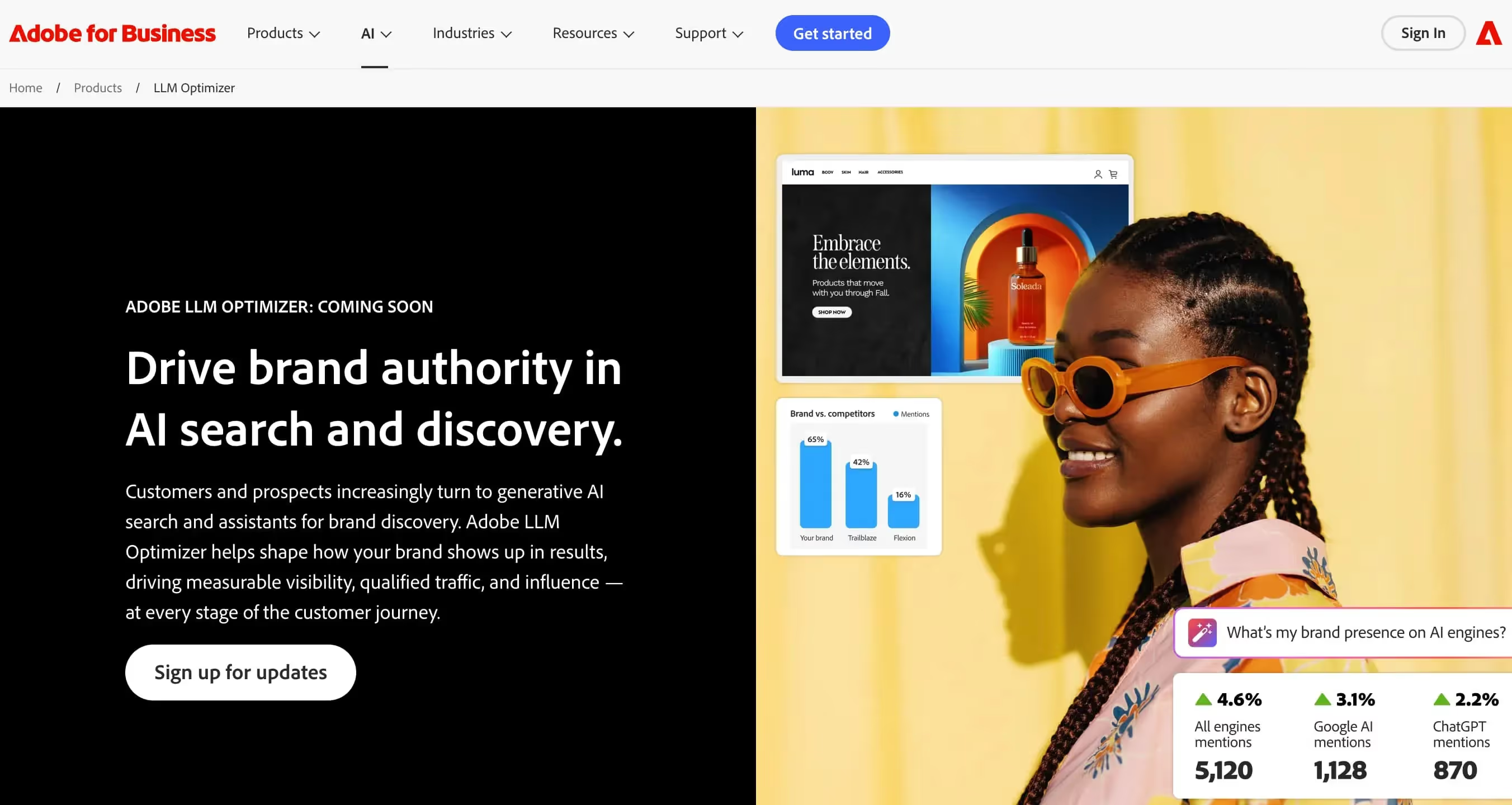
Adobe LLM Optimizer هو حل تحسين LLM على مستوى المؤسسة من Adobe، مصمم لتشكيل حضور علامتك التجارية في نتائج AI المولدة ومساعدي البحث. يستفيد من خبرة Adobe العميقة في التجربة الرقمية لمساعدة المنظمات الكبيرة على التحكم في كيفية تمثيل نماذج AI لمنتجاتها وخدماتها.
للمؤسسات التي تبحث عن أدوات مقارنة لـتتبع إشارات AI وkeyword query fan-out، يقدم Adobe LLM Optimizer حلاً موثوقاً وقابلاً للتوسع مدعوماً من قبل واحدة من منصات التجربة الرقمية الرائدة في العالم.
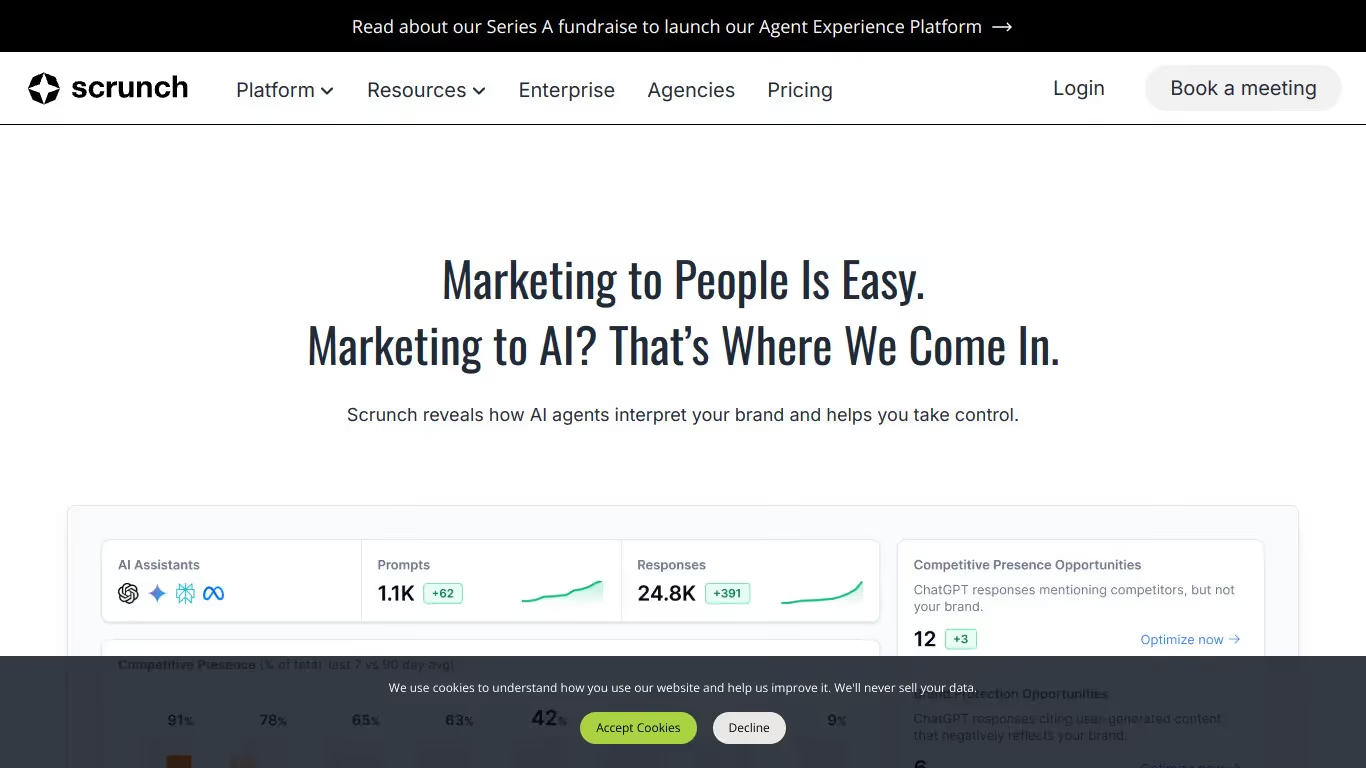
Scrunch AI منصة تحليلات لظهور الذكاء الاصطناعي صُممت للعلامات التجارية وفرق التسويق التي تريد فهم وتحسين حضورها في نتائج البحث التوليدي. تقدّم أدوات لتحليل الاستشهادات الكمي وتتبع الظهور والمقارنة التنافسية عبر منصات AI.
للفرق التي تحتاج إلى تتبع إشارات AI، ولوحة معلومات GEO/SEO، وروابط خلفية مُستشهد بها من AI، تقدّم Scrunch AI نهجًا صارمًا معتمدًا على البيانات للظهور في البحث التوليدي. المنصة مثالية للفرق الموจّهة بالبيانات التي تحتاج مقاييس دقيقة عن حضورها في منظومة AI.

Adobe LLM Optimizer أداة تساعد في تحسين التفاعلات مع نماذج اللغة التوليدية. تشمل ميزاتها إدارة المطالب، ومعايرة معاملات التوليد، وتقييم المخرجات لتحسين الدقة والامتثال.
نعم، يقدم Adobe LLM Optimizer عادة فترة تجريبية مجانية أو وصولاً محدوداً. للوصول إلى الميزات المتقدمة، يجب عليك الاشتراك في خطة مدفوعة.
يمكنك الإلغاء عبر إعدادات حسابك، في قسم الاشتراكات أو الفوترة. انقر على 'إلغاء الاشتراك' وسينتهي وصولك في تاريخ الاستحقاق التالي.
Scrunch AI برنامج لتتبع إشارات AI وتحليل ظهور علامتك في الإجابات المولّدة بـ AI. يقدّم ميزات مثل تتبع الإشارات في الوقت الفعلي وتحليل المشاعر والتقارير القابلة للتخصيص.
نعم، تقدّم Scrunch AI نسخة مجانية بميزات محدودة. لفتح الخيارات المتقدمة وتحليل أكثر اكتمالًا، تحتاج إلى الانتقال إلى اشتراك مدفوع.
يمكنك إلغاء اشتراكك في Scrunch AI مباشرةً من إعدادات حسابك. اذهب إلى قسم الفوترة، وانقر على "إلغاء الاشتراك"، وسينتهي وصولك في تاريخ الفوترة التالي.























































.svg)
.svg)


