
التفضيلات
خصوصيتك مهمة بالنسبة لنا، لذلك لديك خيار تعطيل أنواع معينة من التخزين التي قد لا تكون ضرورية للوظائف الأساسية للموقع. قد يؤثر حظر الفئات على تجربتك في الموقع. مزيد من المعلومات

خصوصيتك مهمة بالنسبة لنا، لذلك لديك خيار تعطيل أنواع معينة من التخزين التي قد لا تكون ضرورية للوظائف الأساسية للموقع. قد يؤثر حظر الفئات على تجربتك في الموقع. مزيد من المعلومات







.webp)
.webp)










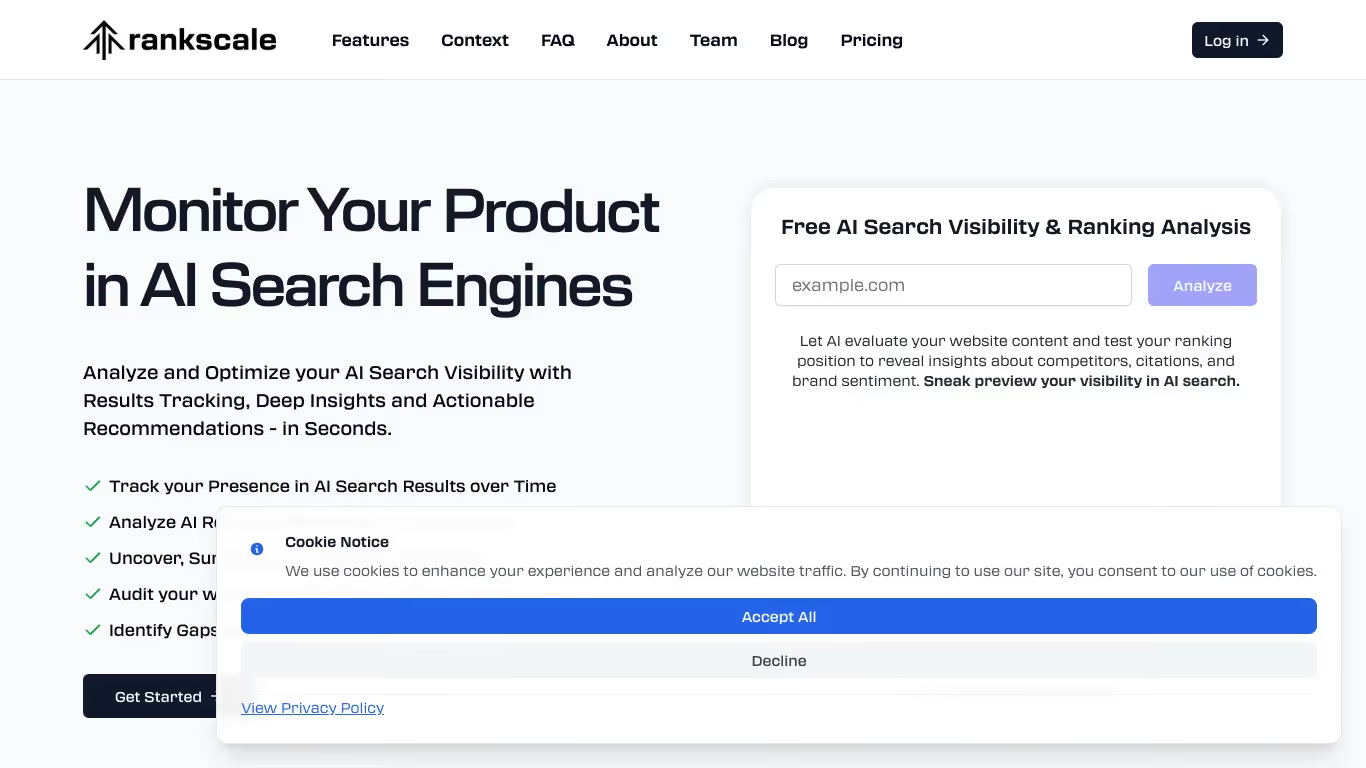
Rankscale منصة تتبع تصنيفات GEO صُممت لفرق التسويق وSEO التي تريد مراقبة تموضعها في البحث التقليدي والتوليدي. تقدّم أدوات لتتبع التصنيفات والتحليل التنافسي وتحسين المحتوى لتعزيز الظهور في محركات AI.
للفرق التي تحتاج إلى لوحة معلومات GEO/SEO، وتتبع إشارات AI، ولوحة صدارة GEO، تقدّم Rankscale رؤية موحّدة لأداء البحث. المنصة مثالية للفرق التي تريد تتبع المواقع في المحركات الكلاسيكية ومنصات AI التوليدية معًا.
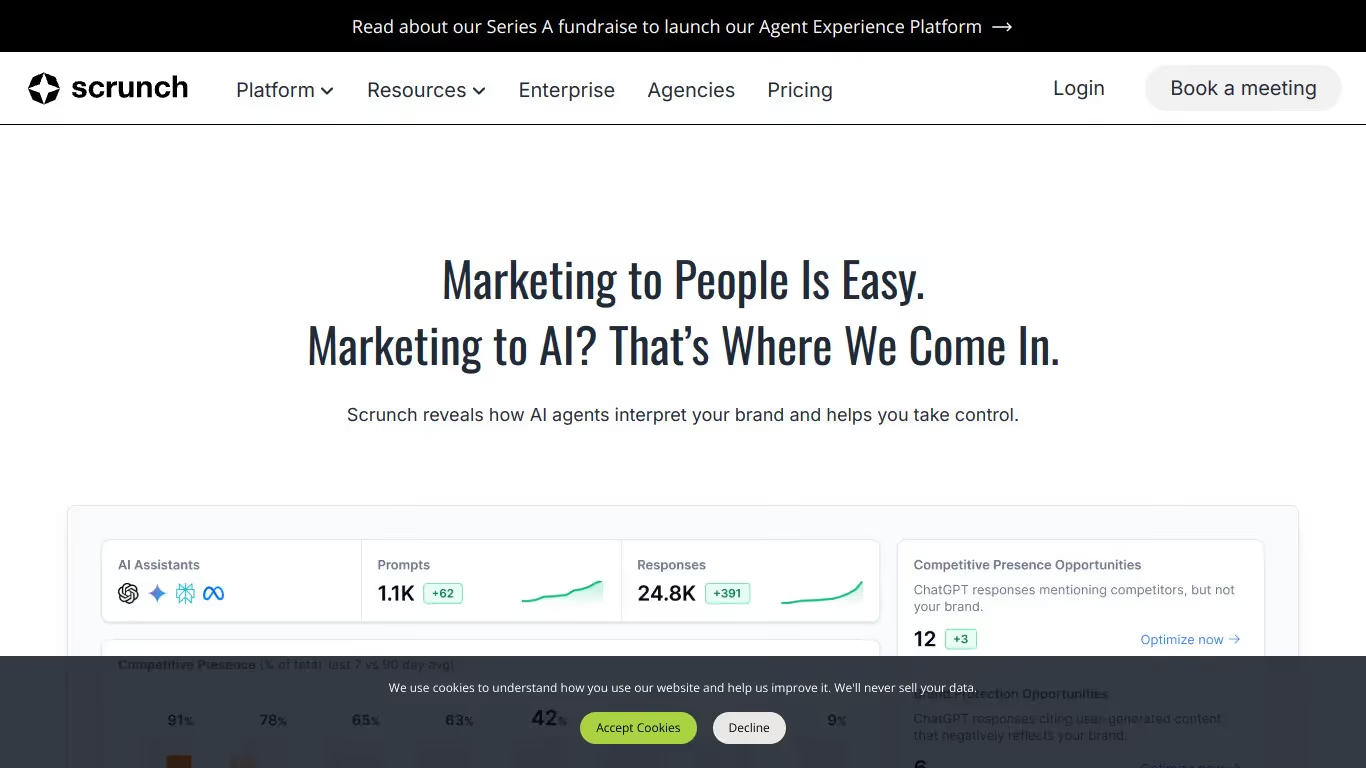
Scrunch AI منصة تحليلات لظهور الذكاء الاصطناعي صُممت للعلامات التجارية وفرق التسويق التي تريد فهم وتحسين حضورها في نتائج البحث التوليدي. تقدّم أدوات لتحليل الاستشهادات الكمي وتتبع الظهور والمقارنة التنافسية عبر منصات AI.
للفرق التي تحتاج إلى تتبع إشارات AI، ولوحة معلومات GEO/SEO، وروابط خلفية مُستشهد بها من AI، تقدّم Scrunch AI نهجًا صارمًا معتمدًا على البيانات للظهور في البحث التوليدي. المنصة مثالية للفرق الموจّهة بالبيانات التي تحتاج مقاييس دقيقة عن حضورها في منظومة AI.

Rankscale أداة تساعد المستخدمين على تتبع إشارات علامتهم في الإجابات المولّدة بـ AI. تقدّم ميزات مثل المراقبة في الوقت الفعلي وتحليل المشاعر والتقارير القابلة للتخصيص.
نعم، لدى Rankscale نسخة مجانية بميزات محدودة. لفتح الخيارات المتقدمة، تحتاج إلى الانتقال إلى اشتراك مدفوع.
يمكنك إلغاء اشتراكك مباشرةً من إعدادات حسابك. اذهب إلى قسم الفوترة، وانقر على "إلغاء الاشتراك"، وسينتهي وصولك في تاريخ التجديد التالي.
Scrunch AI برنامج لتتبع إشارات AI وتحليل ظهور علامتك في الإجابات المولّدة بـ AI. يقدّم ميزات مثل تتبع الإشارات في الوقت الفعلي وتحليل المشاعر والتقارير القابلة للتخصيص.
نعم، تقدّم Scrunch AI نسخة مجانية بميزات محدودة. لفتح الخيارات المتقدمة وتحليل أكثر اكتمالًا، تحتاج إلى الانتقال إلى اشتراك مدفوع.
يمكنك إلغاء اشتراكك في Scrunch AI مباشرةً من إعدادات حسابك. اذهب إلى قسم الفوترة، وانقر على "إلغاء الاشتراك"، وسينتهي وصولك في تاريخ الفوترة التالي.























































.svg)
.svg)


