
העדפות
הפרטיות חשובה לנו, ולכן יש לך אפשרות להשבית סוגים מסוימים של אחסון שייתכן שאינם נחוצים לתפקוד הבסיסי של האתר. חסימת קטגוריות עלולה להשפיע על חווית השימוש שלך באתר. מידע נוסף

הפרטיות חשובה לנו, ולכן יש לך אפשרות להשבית סוגים מסוימים של אחסון שייתכן שאינם נחוצים לתפקוד הבסיסי של האתר. חסימת קטגוריות עלולה להשפיע על חווית השימוש שלך באתר. מידע נוסף








.webp)
.webp)










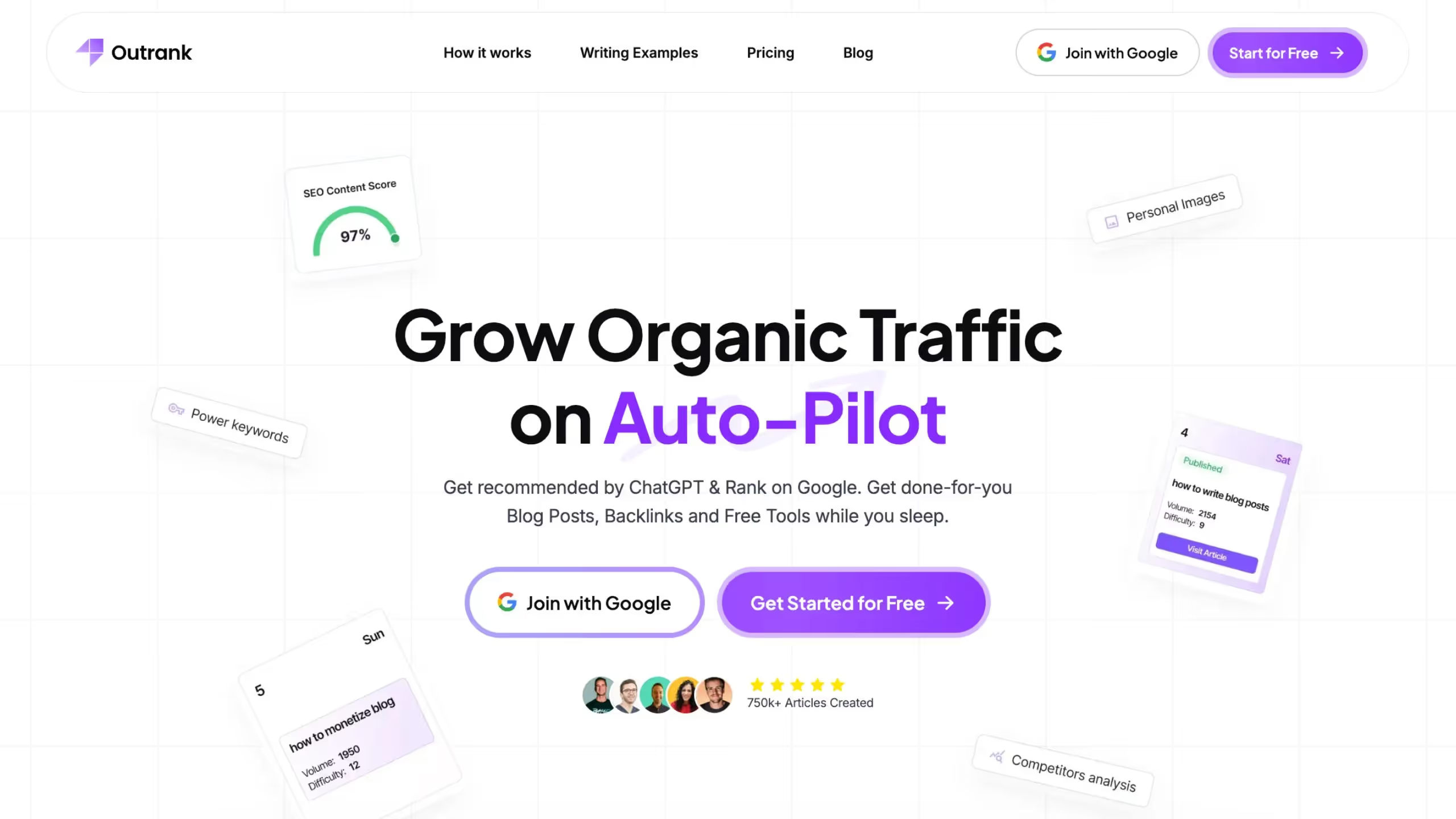
Outrank היא פלטפורמת אוטומציה של תוכן SEO ו-backlinks בשבילכם שמטפלת במחקר מילות מפתח, ביצירת מאמרים ובפרסום על טייס אוטומטי. היא מייצרת מדי יום מאמרים ארוכים מותאמי SEO וכוללת רשת החלפת backlinks אוטומטית לבניית סמכות דומיין.
עם תמיכה ביותר מ-150 שפות ואינטגרציה עם WordPress, Webflow, Shopify, Notion ו-Wix, Outrank בנויה עבור בוני אתרי נישה, סוכנויות ועסקים שרוצים תפוקת תוכן עקבית ב-99 דולר לחודש בלי לשכור כותבים או מומחי SEO.
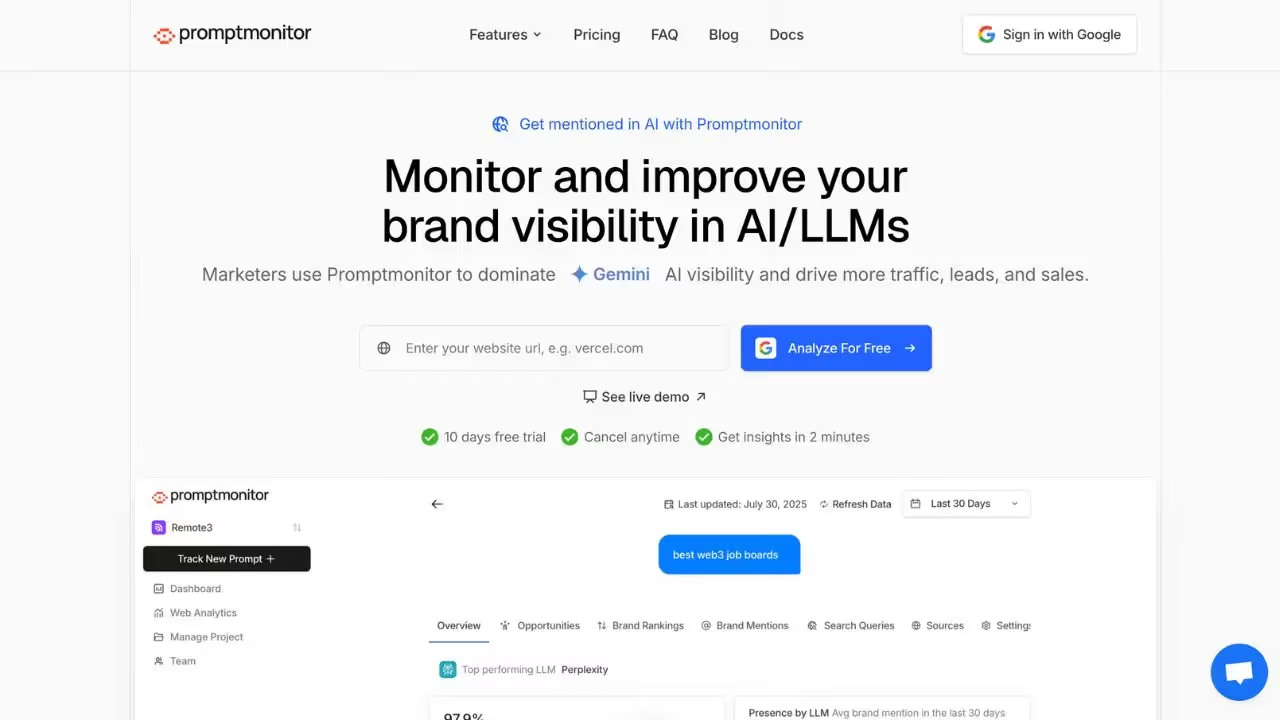
PromptMonitor היא פלטפורמת מעקב אחר פרומפטים ותשובות AI שתוכננה עבור צוותי שיווק ו-SEO הרוצים להבין כיצד מודלי AI מגיבים לשאילתות על המותג שלהם. היא מציעה כלים לניטור פרומפטים, ניתוח תשובות ומעקב אחר שינויים באופן שבו מודלי AI מציגים מידע על המותג שלכם.
עבור צוותים הזקוקים למעקב אחר אזכורי AI ולביקורות GEO/SEO, PromptMonitor מציעה תצוגה מפורטת של האופן שבו תשובות AI מתפתחות לאורך זמן. הפלטפורמה אידיאלית לצוותים הרוצים שליטה גרנולרית באופן שבו המותג שלהם מיוצג בתשובות גנרטיביות.

Outrank היא פלטפורמת אוטומציית תוכן SEO מבוססת AI שמטפלת במחקר מילות מפתח, בכתיבת מאמרים ובפרסום אוטומטי כדי להגדיל תנועה אורגנית. היא גם כוללת רשת החלפת backlinks אוטומטית.
כן, Outrank כוללת החלפת backlinks אוטומטית שבה ה-AI מציב באופן טבעי קישורים לאתר שלכם בתוכן של משתמשים אחרים. זה בונה סמכות דומיין ללא פנייה ידנית.
Outrank משתלבת עם WordPress, Webflow, Shopify, Notion, Wix, Framer ו-Ghost. היא גם מספקת webhooks וגישת API לאינטגרציות מותאמות אישית.
PromptMonitor הוא כלי העוזר למשתמשים לעקוב אחר אזכורי AI ולייעל את ה-SEO שלהם. הוא מציע תכונות כגון מעקב בזמן אמת אחר מקורות מצוטטים, ניתוח נראות AI בכל המודלים הגדולים ודוחות ניתנים לפעולה עם המלצות תוכן.
כן, ל-PromptMonitor יש גרסה חינמית עם תכונות מוגבלות. כדי לפתוח את האפשרויות המתקדמות, עליכם לעבור למנוי בתשלום.
תוכלו לבטל את המנוי שלכם ישירות מהגדרות החשבון שלכם. עברו לקטע החיוב, לחצו על 'ביטול מנוי', והגישה שלכם תסתיים במועד החיוב הבא.























































.svg)
.svg)


