
העדפות
הפרטיות חשובה לנו, ולכן יש לך אפשרות להשבית סוגים מסוימים של אחסון שייתכן שאינם נחוצים לתפקוד הבסיסי של האתר. חסימת קטגוריות עלולה להשפיע על חווית השימוש שלך באתר. מידע נוסף

הפרטיות חשובה לנו, ולכן יש לך אפשרות להשבית סוגים מסוימים של אחסון שייתכן שאינם נחוצים לתפקוד הבסיסי של האתר. חסימת קטגוריות עלולה להשפיע על חווית השימוש שלך באתר. מידע נוסף







.webp)
.webp)










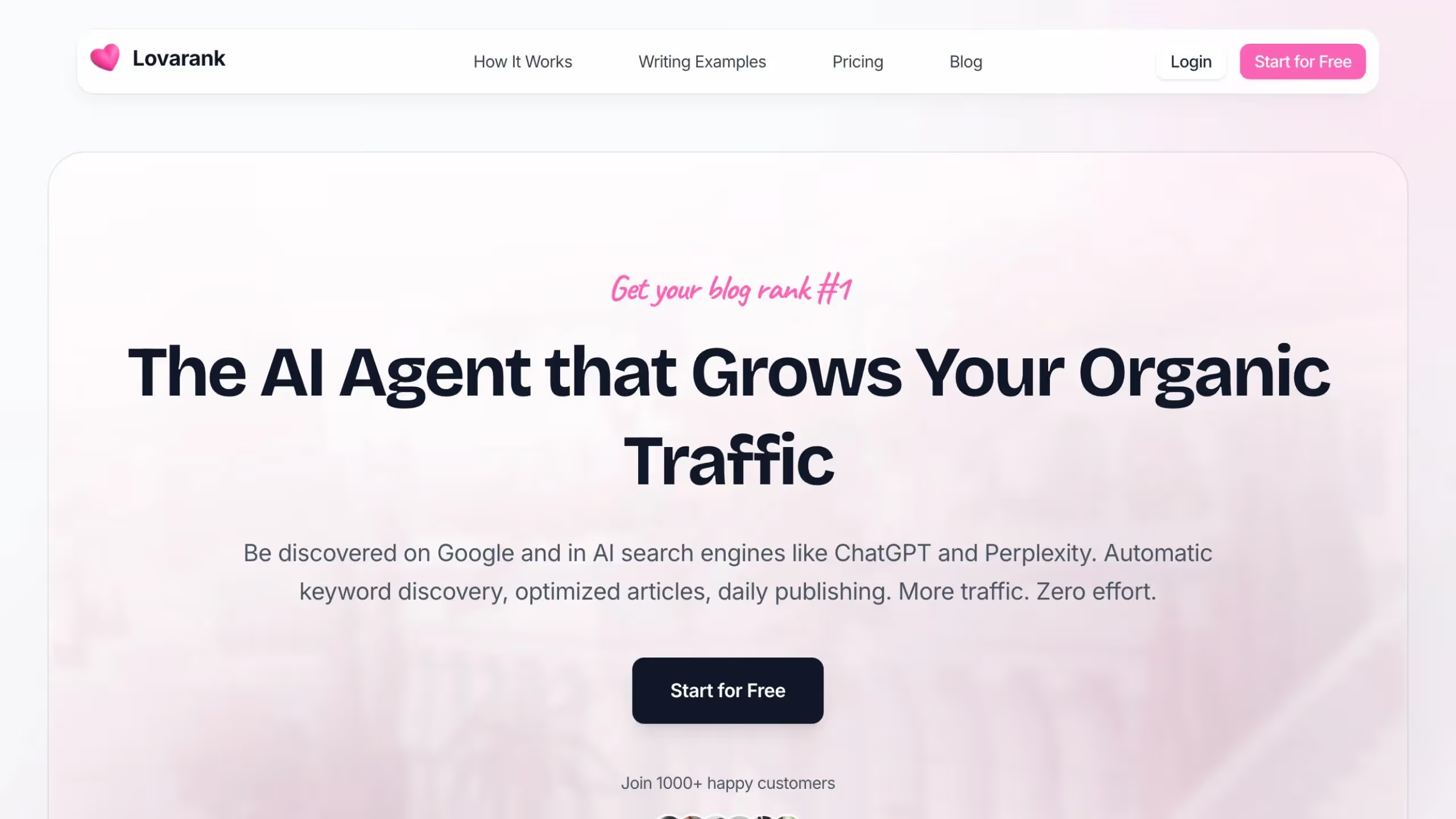
Lovarank היא פלטפורמת אוטומציית SEO מבוססת AI שמנהלת את כל תהליך הצמיחה האורגנית באופן אוטונומי. מגילוי מילות מפתח ועד יצירת תוכן, אופטימיזציה טכנית ובניית קישורים אוטומטית, היא פועלת כצוות SEO וירטואלי שעובד מסביב לשעון.
מותאמת הן למנועי חיפוש מסורתיים והן לעוזרי AI כמו ChatGPT ו-Perplexity, Lovarank משתלבת באופן טבעי עם WordPress, Webflow ו-Framer. היא מכוונת למייסדים ולעסקים קטנים המחפשים תוצאות SEO ברמה ארגונית ללא תג המחיר של סוכנות.
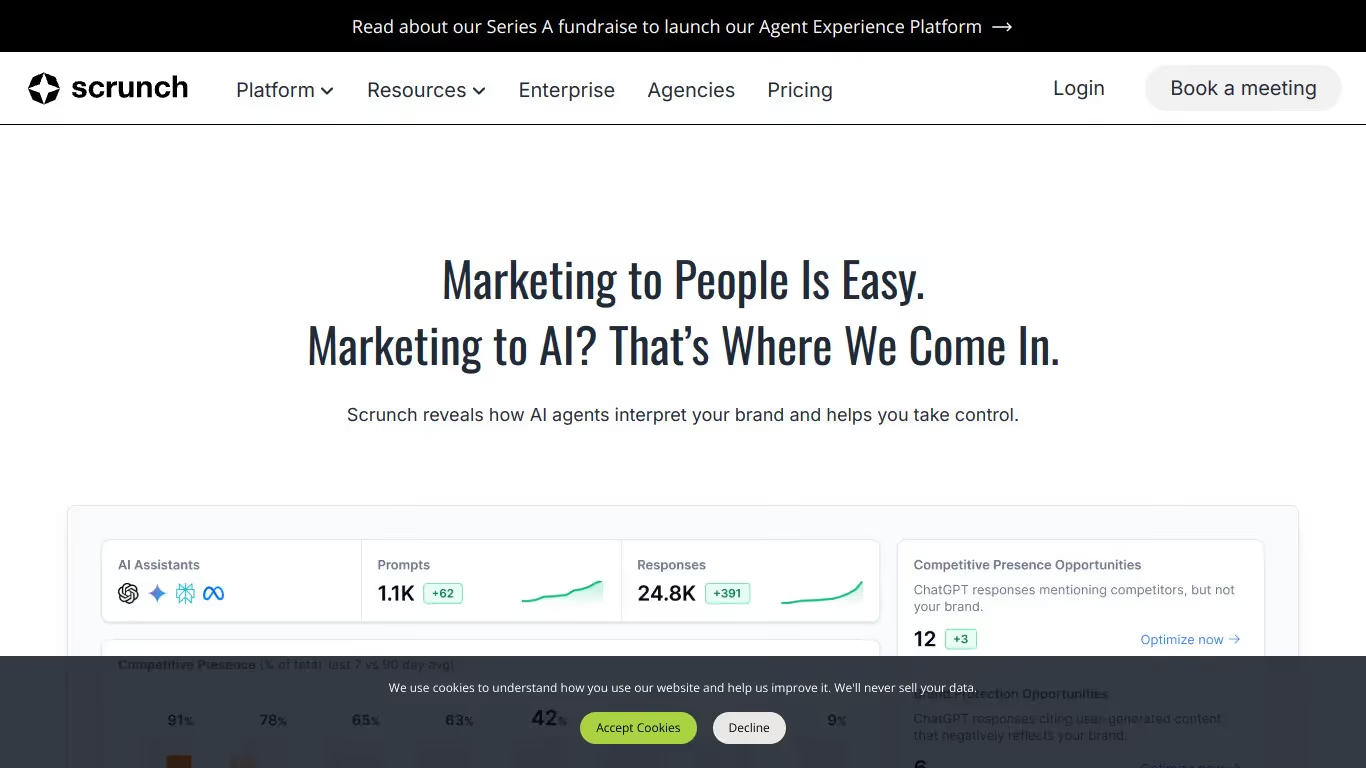
Scrunch AI היא פלטפורמת אנליטיקה לנראות ב-AI המיועדת למותגים ולצוותי שיווק שרוצים להבין ולייעל את הנוכחות שלהם בתוצאות חיפוש גנרטיביות. היא מציעה כלים לניתוח כמותי של ציטוטים, מעקב אחר נראות והשוואת ביצועים תחרותית על פני פלטפורמות AI.
לצוותים הזקוקים למעקב אחר אזכורים ב-AI, לוח בקרה GEO/SEO, וקישורים נכנסים המצוטטים ב-AI, Scrunch AI מציעה גישה קפדנית ומבוססת נתונים לנראות בחיפוש הגנרטיבי. הפלטפורמה אידיאלית לצוותים מוכווני נתונים הזקוקים למדדים מדויקים על נוכחותם במערכת האקולוגית של ה-AI.

Lovarank היא פלטפורמת אוטומציית SEO מבוססת AI המנהלת מחקר מילות מפתח, יצירת תוכן, אופטימיזציה טכנית ובניית קישורים באופן אוטונומי כדי להגדיל את התנועה האורגנית שלכם.
לא, Lovarank מיועדת למשתמשים ללא מומחיות ב-SEO. ה-AI מטפל בכל העבודה הטכנית באופן אוטומטי, מגילוי מילות מפתח ועד פרסום תוכן ובניית קישורים.
Lovarank משתלבת עם WordPress, Webflow ו-Framer. התקנת התוסף אורכת דקות והתוכן מתפרסם באופן אוטומטי לאתר שלכם.
Scrunch AI היא תוכנה למעקב אחר אזכורים ב-AI וניתוח נראות המותג שלכם בתשובות שנוצרו על ידי AI. היא מציעה תכונות כמו מעקב אזכורים בזמן אמת, ניתוח סנטימנט ודוחות מותאמים אישית.
כן, Scrunch AI מציעה גרסה חינמית עם תכונות מוגבלות. כדי לפתוח את האפשרויות המתקדמות וניתוח שלם יותר, עליכם לעבור למנוי בתשלום.
אתם יכולים לבטל את המנוי שלכם ל-Scrunch AI ישירות מהגדרות החשבון. עברו לקטע החיוב, לחצו על "בטל מנוי", והגישה שלכם תסתיים בתאריך החיוב הבא.






















































.svg)
.svg)


