
التفضيلات
خصوصيتك مهمة بالنسبة لنا، لذلك لديك خيار تعطيل أنواع معينة من التخزين التي قد لا تكون ضرورية للوظائف الأساسية للموقع. قد يؤثر حظر الفئات على تجربتك في الموقع. مزيد من المعلومات

خصوصيتك مهمة بالنسبة لنا، لذلك لديك خيار تعطيل أنواع معينة من التخزين التي قد لا تكون ضرورية للوظائف الأساسية للموقع. قد يؤثر حظر الفئات على تجربتك في الموقع. مزيد من المعلومات
اجعل صفحات الهبوط والمدونة في Leadpages مرئية لمحرك Google وبحث الذكاء الاصطناعي. استخدم باني الصفحات و CMS المدونة الأصلي و JSON-LD و llms.txt حتى يستشهد ChatGPT و Perplexity و Claude و Gemini بمحتواك.
.webp)
.webp)





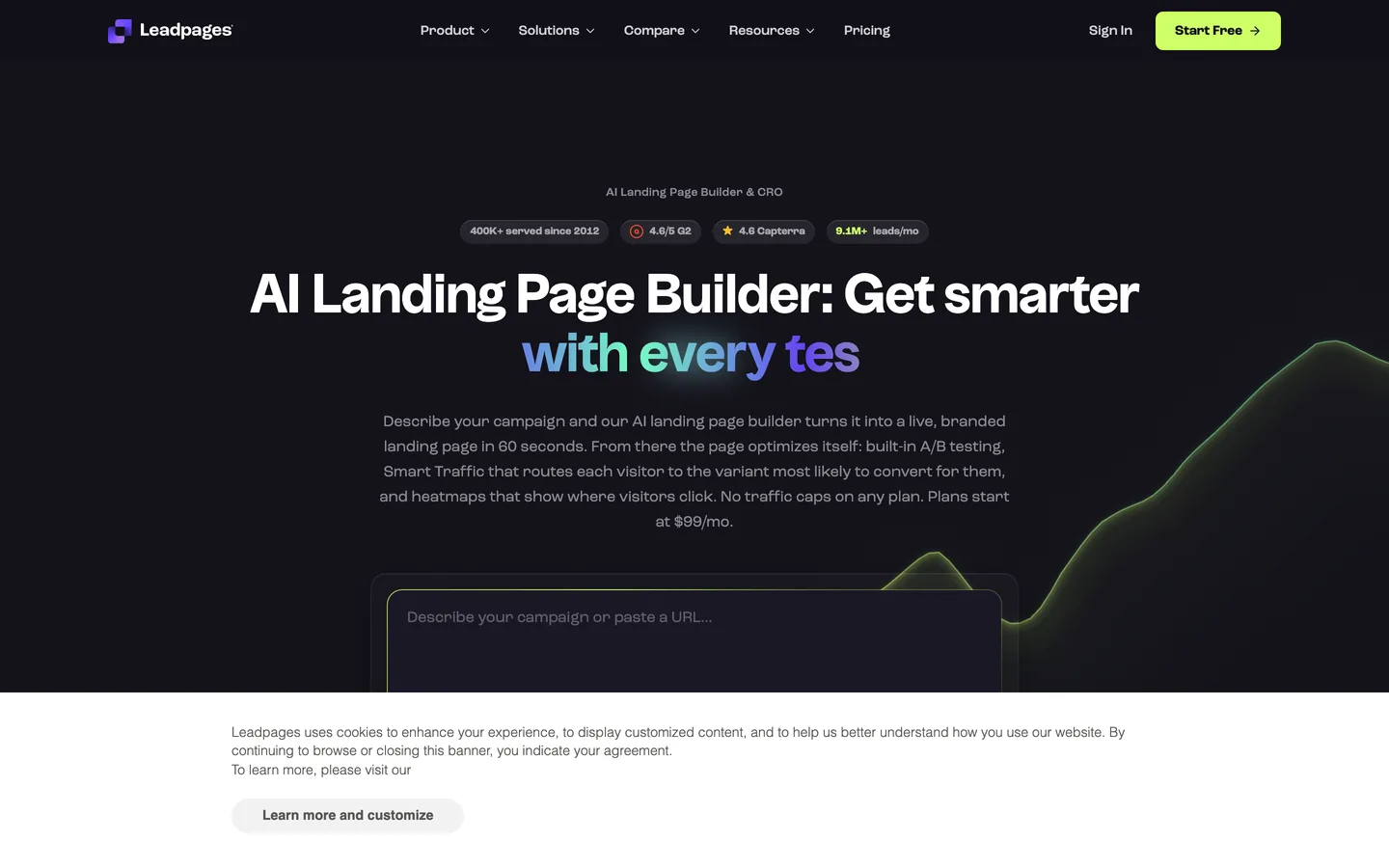



هل تريد أن يظهر موقع Leadpages الخاص بك داخل إجابات الذكاء الاصطناعي، وليس فقط في صفحات نتائج البحث الكلاسيكية؟ Leadpages مبني للتحويل: صفحات هبوط سريعة والتقاط للعملاء المحتملين و CMS مدونة أصلي يستضيف محتوى طويلاً. مع الهيكل الصحيح يصبح قاعدة موثوقة لـ generative engine optimization (GEO). ابدأ بـ geo seo audit أساسي وتتبع كل تقدم في geo seo dashboard حي. يوضح هذا الدليل كيفية بناء وتريندر وتوسيم Leadpages حتى يفهم Google والمساعدون مثل ChatGPT و Perplexity و Claude و Gemini صفحاتك ويثقوا بها ويستشهدوا بها.
ما زال SEO الكلاسيكي يقود حركة المرور، ويلخص مساعدو الذكاء الاصطناعي الآن الويب ويقدمون قائمة قصيرة من المصادر المستشهد بها. Generative Engine Optimization هي ممارسة أن تصبح أحد هذه المصادر. يمنحك Leadpages ميزة حقيقية في جانب التحويل: الصفحات تتحمل بسرعة، والنماذج تحوّل القراء إلى عملاء محتملين، والمدونة تغذي المساعدين بالمحتوى التفسيري الذي يقتبسونه. عندما تجيب صفحات الهبوط والمقالات الخاصة بك على أسئلة حقيقية بوضوح، يمكن للنماذج رفع ونسب صياغتك.
ابدأ بمعيار. اسأل المساعدين الرائدين الأسئلة الدقيقة التي يسألها العملاء المحتملون، ثم سجل ما إذا كنت مستشهداً بك، وأي عناوين URL لـ Leadpages تظهر، وكيف يُشار إلى المنافسين. تتبع إشارات العلامة التجارية مع ai mention tracking، راجع المصادر التي تكسبها عبر ai cited backlinks، وشغّل geo seo audit أساسي لرسم خريطة الكيانات المرتبطة بالفعل بعلامتك التجارية.
في GEO، تأخذ النية شكل prompts. اجمع الصياغة التي يستخدمها العملاء في الدردشة والصوت، ثم اجمعها حسب المهمة: التعلم، المقارنة، الاختيار، والتصرف. وسّع التغطية مع query fan-out tool وحدد أولويات المواضيع مع keyword research. لكل مجموعة، اختر صفحة قانونية واحدة، إما صفحة هبوط أو منشور مدونة، لتكون الإجابة المستشهد بها، واجعلها موجزة وقابلة للاقتباس ومدعومة بأدلة واضحة.
يفصل Leadpages مهمتين: صفحات الهبوط تلتقط وتحول، والمدونة تشرح وتكسب الاستشهادات. استخدم صفحات الهبوط للعروض ومغناطيسات العملاء ووجهات الحملات، واستخدم المدونة للأدلة والمقارنات والأسئلة المتكررة. أعط كل منشور مدونة موضوعاً مركزاً واحداً وعنواناً وصفياً و slug نظيفاً. يحافظ هذا التقسيم على أصول التحويل حادة أثناء بناء المكتبة التفسيرية التي يقتبسها المساعدون.
قوالب Leadpages محسّنة للتحويل ومتجاوبة مع الجوال، مما يساعد Core Web Vitals الخاصة بك من البداية. في الباني، احتفظ بـ H1 واحد واضح لكل صفحة، وبنية النص مع عناوين فرعية حقيقية، وقاوم تكديس الويدجتات الثقيلة التي تبطئ التريندر. استخدم الأقسام القياسية بدلاً من تضمين سكريبتات طرف ثالث كبيرة حتى يحلل Google وزواحف الذكاء الاصطناعي صفحة خفيفة ودلالية.
لكل صفحة هبوط ومنشور مدونة، عيّن حقول SEO التي يعرضها Leadpages: عنوان دقيق ووصف meta واضح و URL نظيف يتضمن الكيان الرئيسي. أضف وسم قانوني عندما يتداخل المحتوى، واحتفظ بصفحات الحملات الرقيقة أو المخصصة فقط للحملات خارج الفهرس مع إعداد robots المناسب. تأكد من أن عنوان وصورة Open Graph يتطابقان مع نية الصفحة والنسخ المرئي.
يتيح لك Leadpages إدراج كود مخصص عبر تحليلات الصفحة أو الموقع وأقسام head، لذلك أضف JSON-LD هناك. استخدم Article بالإضافة إلى WebPage و BreadcrumbList لمنشورات المدونة، FAQPage لكتل الأسئلة، و HowTo للأدلة خطوة بخطوة. أضف مخطط Organization لكامل الموقع مع logo و contactPoint و foundingDate وروابط sameAs إلى ملفاتك الشخصية الموثقة. تحقق من كل كتلة حتى يقرأ المساعدون غرفًا من الكيانات نظيفة.
أنشئ كتل أسئلة وأجوبة صريحة تعكس prompts حقيقية. احتفظ بكل إجابة بين 50 و 120 كلمة، اربط بـ URL الداخلي ذي الصلة، واستشهد بمصدر خارجي موثوق واحد. للإجراءات، اذكر المواد والخطوات المرتبة والوقت المطلوب في صيغة HowTo. هذه الكتل المدمجة والمستقلة هي بالضبط ما يرفعه المساعدون في ملخصاتهم.
احتفظ بـ sitemap نظيف لصفحاتك المنشورة وأرسله في Google Search Console. في robots، اسمح بالمجلدات التي تحتفظ بمحتوى قابل للاستشهاد واحظر الضوضاء مثل صفحات الشكر والمعاينات الداخلية. أضف ملف llms.txt في الجذر لذكر قواعد الزحف المفضلة لوكلاء الذكاء الاصطناعي وعناوين URL ذات الأولوية للاستشهاد بها وشروط إعادة الاستخدام الخاصة بك. إذا حددت خطتك الوصول إلى الملفات، استضف هذه الإشارات على النطاق الذي تربطه بـ Leadpages.
ابنِ مراكز موضوعية تجمع منشورات ذات صلة وتحدد إجاباتك القانونية، ثم اربط صفحات الهبوط بالمقالات التفسيرية التي تدعمها. استخدم مرابط وصفية وأضف مسارات التنقل للتعبير عن التسلسل الهرمي، مسرعة مع topical cluster generator. إذا كانت أجزاء أخرى من حزمتك تعمل في مكان آخر، طبّق نفس الدليل على unbounce و gohighlevel و wordpress.
ما زال GEO يعمل بالسلطة. اكسب الاستشهادات من منشورات موثوقة وشركاء ومجتمعات متخصصة. انشر تحت مؤلفين مسمّين، وأظهر شهادات حقيقية، واحتفظ بصفحة عنّا تعزز E-E-A-T. تتبع التقدم مع domain authority tracker وادرس من يستشهد به المساعدون اليوم مع seo competitor spy.
يكشف Leadpages عن API عام مع نقطة نهاية تنشئ منشورات مدونة، لذا تتصل Sorank عبر جسر webhook من Make.com: كل مقال تنشئه Sorank يُرسل إلى سيناريو Make.com عبر webhook، و Make ينشره في Leadpages باستخدام وحدة HTTP العامة في Make.com. لا يوجد تطبيق Make.com مخصص لـ Leadpages حتى الآن، ومسار webhook و HTTP يؤتمت النشر من طرف إلى طرف. أنتج مسودات محسّنة بسرعة مع blog article generator، ثم دع الجسر يدفعها مباشرة إلى مدونة Leadpages الخاصة بك.
تتبع أي prompts تحفز علامتك التجارية، وأي صفحات مستشهد بها، وأين يفوز المنافسون. شاهد ترتيبك على geo leaderboard، وانسب التحويلات من المساعدين مع صفحات هبوط موسومة و UTMs فريدة. نظراً لأن Leadpages يقدم تقارير عن تحويلات النماذج، يمكنك ربط الزيارات المدفوعة بالذكاء الاصطناعي بالعملاء المحتملين الحقيقيين وتحسين الصفحات التي تكسب الاستشهادات.
يمنحك Leadpages صفحات سريعة وجاهزة للتحويل ومدونة تغذي المساعدين؛ يمنحك GEO الاستراتيجية. عندما تكشف صفحات الهبوط والمقالات الخاصة بك عن كيانات واضحة وبيانات وصفية دقيقة وأدلة موثوقة، يستشهد بك المساعدون بثقة. أعدّ قوالب محسّنة للتحويل ومحتوى مدونة منظماً و JSON-LD وإجابات قابلة للاستشهاد، ثم دع Sorank يقود عمليات التدقيق والمحتوى والروابط.

يمكن أن يعمل Leadpages بشكل جيد لـ GEO لأنه يقرن صفحات هبوط سريعة ومحسّنة للتحويل مع CMS مدونة أصلي، والمدونة هي ما يقتبسه المساعدون. القوالب متجاوبة مع الجوال وخفيفة، مما يدعم Core Web Vitals والزحف الموثوق. تعيّن عناوين وأوصاف meta وعناوين URL نظيفة، ثم تضيف JSON-LD عبر أقسام head وكود التحليلات. انشر منشورات مدونة موجهة للإجابة، احتفظ بـ sitemap نظيف، وأضف ملف llms.txt حتى يتمكن المساعدون مثل ChatGPT و Perplexity و Claude و Gemini من الوصول إلى محتواك والاستشهاد به. كما يسمح لك التركيز على التحويل بربط الزيارات المدفوعة بالذكاء الاصطناعي بالعملاء المحتملين الحقيقيين.
اكتب محتوى موجهاً للإجابة أولاً ومربوطاً بـ prompts حقيقية. افتح كل منشور مدونة بملخص من جملتين، ثم مخطط قابل للمسح، واجعل الفقرات أقل من 120 كلمة. استخدم تسلسلاً هرمياً صارماً للعناوين، وكتل FAQ صريحة بإجابات من 50 إلى 120 كلمة، وقسم حقائق واضح. اربط كل ادعاء بمصدر وأضف JSON-LD (Article و FAQPage و HowTo و Organization) عبر head في Leadpages أو كود التحليلات. اربط صفحات الهبوط بالمقالات الداعمة بمرابط وصفية، واجمع المنشورات في مراكز موضوعية حتى تتعرف النماذج على العمق الموضوعي والكيانات المتسقة عبر موقعك.
يكشف Leadpages عن API عام مع نقطة نهاية تنشئ منشورات مدونة، لذا تتصل Sorank عبر جسر webhook من Make.com وليس عبر موصل أصلي. كل مقال تنشئه Sorank يُرسل إلى سيناريو Make.com عبر webhook، و Make ينشره في Leadpages باستخدام وحدة HTTP العامة في Make.com، نظراً لعدم وجود تطبيق Make.com مخصص حتى الآن. بالإضافة إلى النشر، تشغّل Sorank عمليات تدقيق GEO و SEO المخصصة لموقعك، وتتبع إشارات الذكاء الاصطناعي عبر ChatGPT و Perplexity و Gemini، وترصد المنافسين، وتقترح تحسينات المحتوى من لوحة تحكم واحدة، حتى تستمر مدونة Leadpages الخاصة بك في كسب الاستشهادات.









.svg)
.svg)


