
التفضيلات
خصوصيتك مهمة بالنسبة لنا، لذلك لديك خيار تعطيل أنواع معينة من التخزين التي قد لا تكون ضرورية للوظائف الأساسية للموقع. قد يؤثر حظر الفئات على تجربتك في الموقع. مزيد من المعلومات

خصوصيتك مهمة بالنسبة لنا، لذلك لديك خيار تعطيل أنواع معينة من التخزين التي قد لا تكون ضرورية للوظائف الأساسية للموقع. قد يؤثر حظر الفئات على تجربتك في الموقع. مزيد من المعلومات








.webp)
.webp)










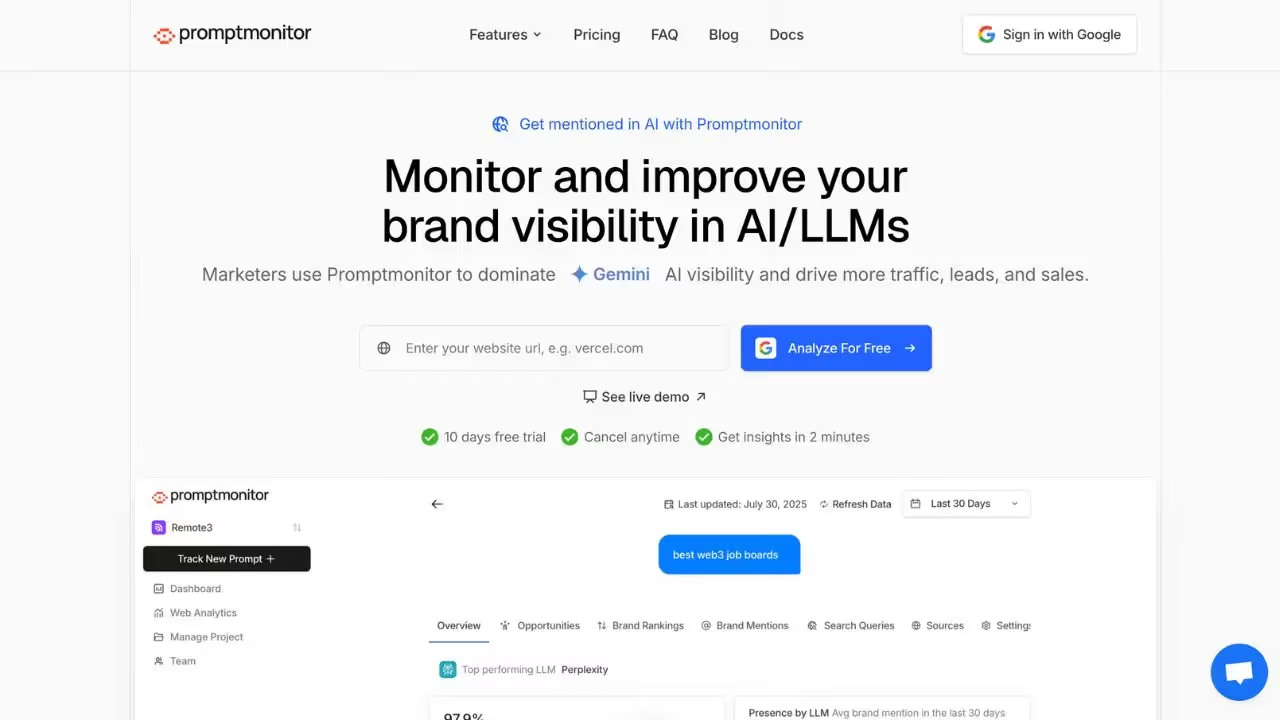
PromptMonitor هي منصة لتتبع مطالبات وإجابات AI مصممة لفرق التسويق والـ SEO التي تريد فهم كيفية استجابة نماذج AI للاستعلامات حول علامتها التجارية. تقدم أدوات لـمراقبة المطالبات، وتحليل الإجابات، وتتبع التغييرات في طريقة عرض نماذج AI للمعلومات حول علامتك التجارية.
بالنسبة للفرق التي تحتاج إلى تتبع إشارات AI وعمليات تدقيق GEO/SEO، تقدم PromptMonitor عرضاً مفصلاً لكيفية تطور إجابات AI بمرور الوقت. المنصة مثالية للفرق التي تريد تحكماً دقيقاً في كيفية تمثيل علامتها التجارية في الإجابات التوليدية.
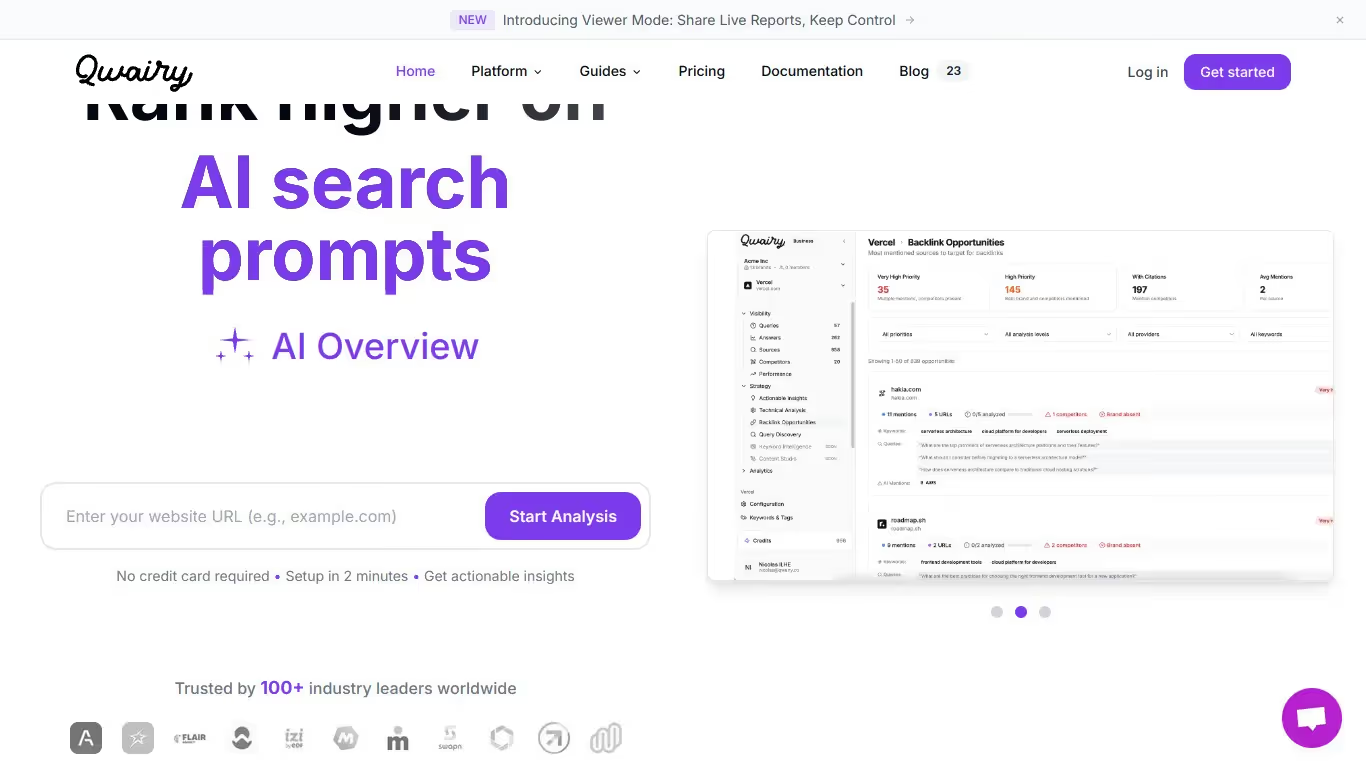
Qwairy هي منصة بحث وتحليل مدعومة بالـ AI تساعد الشركات على فهم كيف تظهر في نتائج البحث التوليدية. توفر أدوات لتحليل استعلامات AI، ومراقبة الظهور، وتقييم الإجابات المولدة بواسطة نماذج اللغة.
إذا كنت تبحث عن حل يجمع بين Keyword Query Fan-out وتتبع إشارات AI، تقدم Qwairy نهجًا موجهًا نحو فهم استعلامات وإجابات AI. المنصة مفيدة بشكل خاص للفرق التي تريد فهم كيف تفسر المحركات التوليدية الأسئلة المتعلقة بمجالها وتجيب عنها.

PromptMonitor أداة تساعد المستخدمين على تتبع إشارات AI وتحسين الـ SEO الخاص بهم. تقدم ميزات مثل التتبع في الوقت الفعلي للمصادر المستشهد بها، وتحليل ظهور AI عبر النماذج الكبرى، وتقارير قابلة للتنفيذ مع توصيات محتوى.
نعم، لدى PromptMonitor نسخة مجانية بميزات محدودة. لفتح الخيارات المتقدمة، تحتاج إلى الانتقال إلى اشتراك مدفوع.
يمكنك إلغاء اشتراكك مباشرة من إعدادات حسابك. انتقل إلى قسم الفوترة، وانقر على 'إلغاء الاشتراك'، وسينتهي وصولك في تاريخ الاستحقاق التالي.
Qwairy أداة تساعد المستخدمين على تتبع إشارات العلامة التجارية في الإجابات المولدة بواسطة AI. تقدم مراقبة فورية وتحليل المشاعر وتقارير مفصلة لتحسين وجودك عبر الإنترنت.
نعم، تقدم Qwairy إصدارًا مجانيًا بميزات محدودة. للوصول إلى الميزات المتقدمة مثل التحليل المتعمق والتقارير غير المحدودة، تحتاج إلى الانتقال إلى اشتراك مدفوع.
للإلغاء، افتح إعدادات حسابك، وانتقل إلى قسم الفوترة، وانقر على 'إلغاء الاشتراك'. سينتهي وصولك في تاريخ التجديد التالي وستتلقى تأكيدًا.























































.svg)
.svg)


