設定
当社はプライバシーを重視しており、ウェブサイトの基本機能に必要のない特定のストレージを無効にするオプションを提供しています。カテゴリーをブロックすると、ウェブサイトでの体験に影響が出る可能性があります。詳細はこちら

当社はプライバシーを重視しており、ウェブサイトの基本機能に必要のない特定のストレージを無効にするオプションを提供しています。カテゴリーをブロックすると、ウェブサイトでの体験に影響が出る可能性があります。詳細はこちら

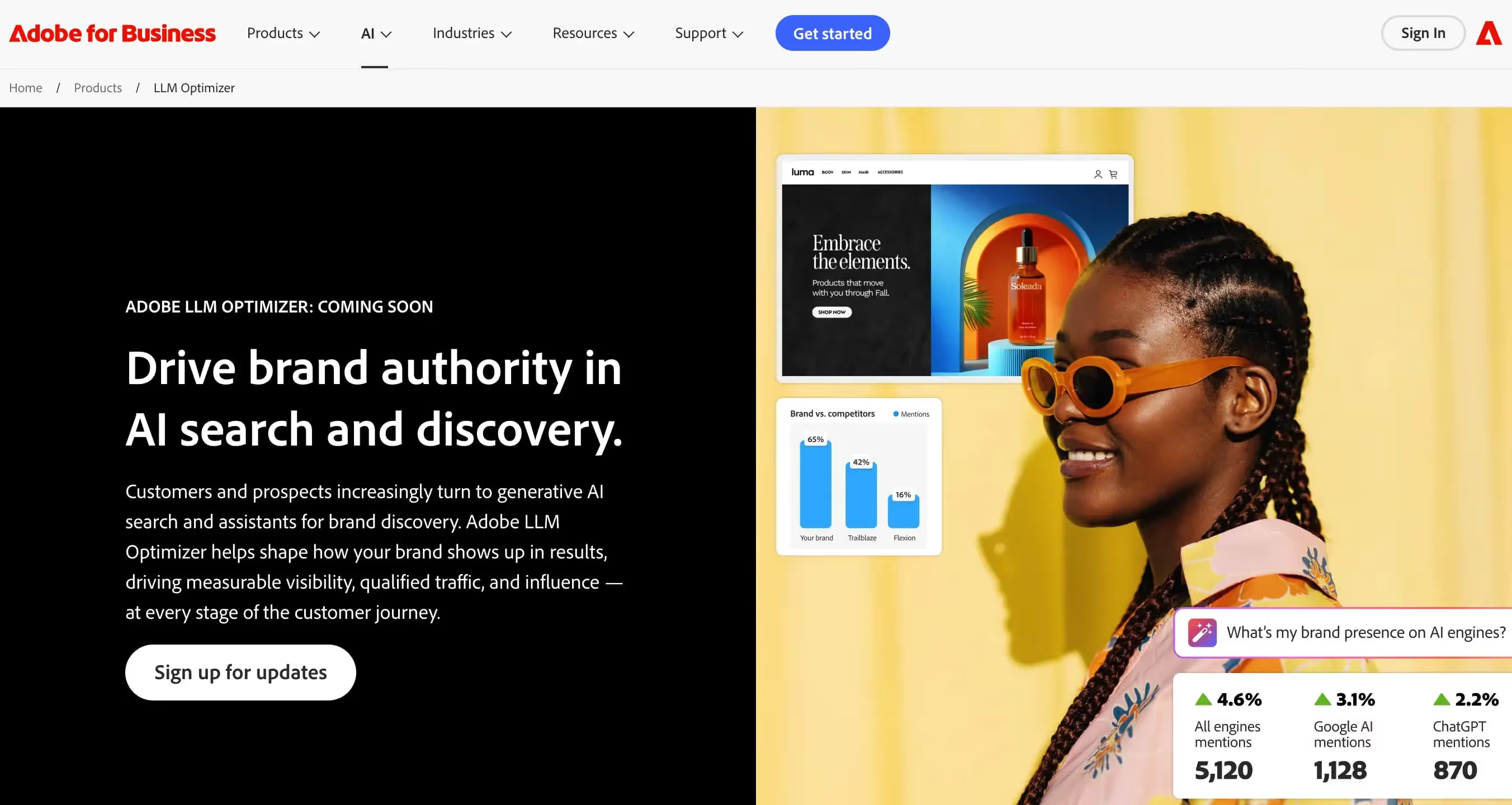












Adobe LLM Optimizerは、Adobeが提供するエンタープライズ向けのLLM最適化ソリューションで、AIが生成する検索結果や検索アシスタントにおけるブランドの存在感を形づくるために設計されています。デジタル体験の分野でAdobeが培ってきた深い専門知識を活かし、大規模な組織がAIモデルによる自社の製品やサービスの紹介のされ方をコントロールできるよう支援します。
AIメンション追跡やキーワードのクエリファンアウトに匹敵するツールを求める企業に向けて、Adobe LLM Optimizerは、世界有数のデジタル体験プラットフォームに支えられた、信頼性と拡張性の高いソリューションを提供します。
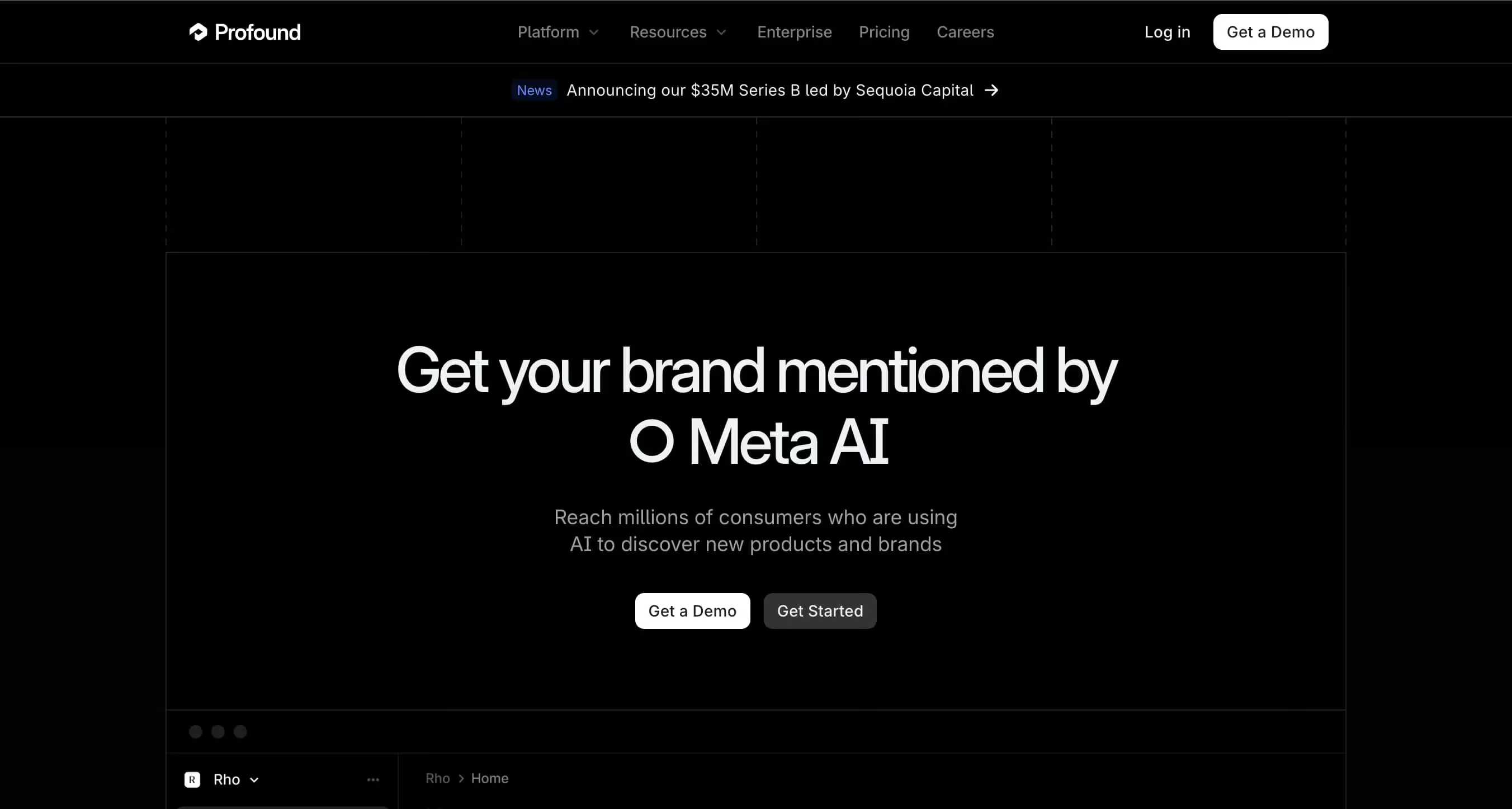
ProfoundはAI可視性最適化プラットフォームで、データとシグナルを具体的なアクションに変えることで、検索エンジンとAIアシスタントの両方で持続的な可視性を実現することを約束しています。AI引用トラッキング、AI可視性スコアリング、引用元の検出、SEO記事の生成を提供し、コンテンツとモニタリングのバランスの取れたアプローチを実現します。
AI言及トラッキングとコンテンツ生成の両方を求めるチームに向けて、ProfoundはAI可視性モニタリングとコンテンツ最適化のギャップを埋めるツールキットを提供し、ブランドがあらゆる検索チャネルで強い存在感を維持できるよう支援します。

Adobe LLM Optimizerは、生成AIの言語モデルとのやり取りを最適化するためのツールです。プロンプト管理、生成パラメーターの調整、出力の評価などの機能を備え、精度とコンプライアンスの向上に役立ちます。
はい、Adobe LLM Optimizerでは通常、無料トライアルまたは機能が制限されたアクセスを提供しています。高度な機能を利用するには、有料プランへの登録が必要です。
アカウント設定の「サブスクリプション」または「請求」セクションから解約できます。「サブスクリプションをキャンセル」をクリックすると、次回の支払期日にアクセスが終了します。
Profoundは、SEOとAIのためのAI/LLM可視性トラッキングプラットフォームです。監査、AIによるコンテンツ作成、被リンク管理、競合インテリジェンスなどの機能を、統合されたコックピットで提供しています。
はい、Profoundには機能が限定された無料版があります。高度なオプションを利用するには、有料プランへの切り替えが必要です。
サブスクリプションはアカウント設定から直接解約できます。「請求」セクションに移動し、「サブスクリプションを解約」をクリックすると、次回の支払期日にアクセスが終了します。
先行導入企業のご紹介
 “2年間、クライアントの100%がLinkedIn経由でした。毎日の投稿、コメント、DMでのフォローアップ…完全にアルゴリズム頼みでした。SEOに取り組むべきだとわかっていても、時間がかかる、技術的すぎる、自分の仕事ではないと、いつも後回しにしていました。Sorankでようやく一歩を踏み出しました。4か月で、何も投稿しなくても毎月15件のオーガニックリードを獲得しています。まだLinkedInと半々ではありませんが、自動で育つ2つ目のリード源ができたことで安心して眠れるようになりました。”
 Valentin Thomyコールドメール専門エージェンシー“Sorankは、クライアントに提供する成果を大きく変えてくれました。AIが実際に使っているキーワードを特定し、特定の競合が引用される理由を理解し、以前は完全に見落としていたチャンスを見つけられるようになりました。クライアントは、より早い順位上昇、AIの回答での可視性向上、そしてすべての施策のROIがより明確になったことを実感しています。”
 Benjamin Rouxovirank.com
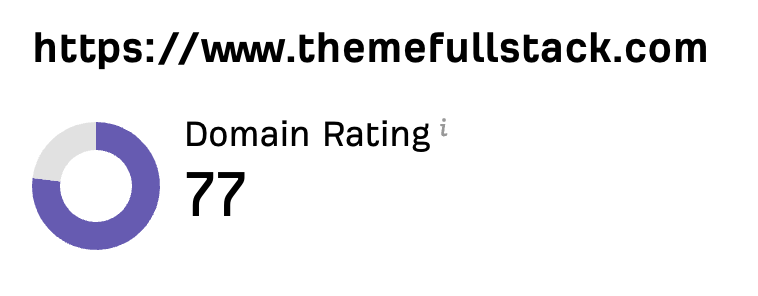 “私はマーケターではなく開発者です。私のShopifyテーマは口コミと広告だけで売れていました。Sorankのおかげで、SEOの組み立て方と上位表示される記事の書き方がようやくわかりました。監査で商品ページが遅すぎることも判明しました。2か月でオーガニックトラフィックは2倍になり、ShopifyテーマについてChatGPTで検索されたときの回答にも表示され始めています。しかも、週に約2時間の作業だけです。”
 Thème FullStackthemefullstack.com“Sorankのおかげで、私たちのSEOエージェンシーの働き方は大きく変わりました。すべてが一元化・自動化されたため、クライアント1社あたりにかける時間が大幅に減りました。以前は何時間もかかっていた作業が今では数分で終わり、ようやくビジネスの中で働くのではなく、ビジネスそのものに取り組めるようになりました。”
 Océane Bondismaison-leverage.com